
- Home
- AI Audio Editing
- AudioX
AudioX
Open Website-
Tool Introduction:Turn ideas into polished music and SFX fast with AI audio tools.
-
Inclusion Date:Nov 08, 2025
-
Social Media & Email:
Tool Information
What is AudioX AI
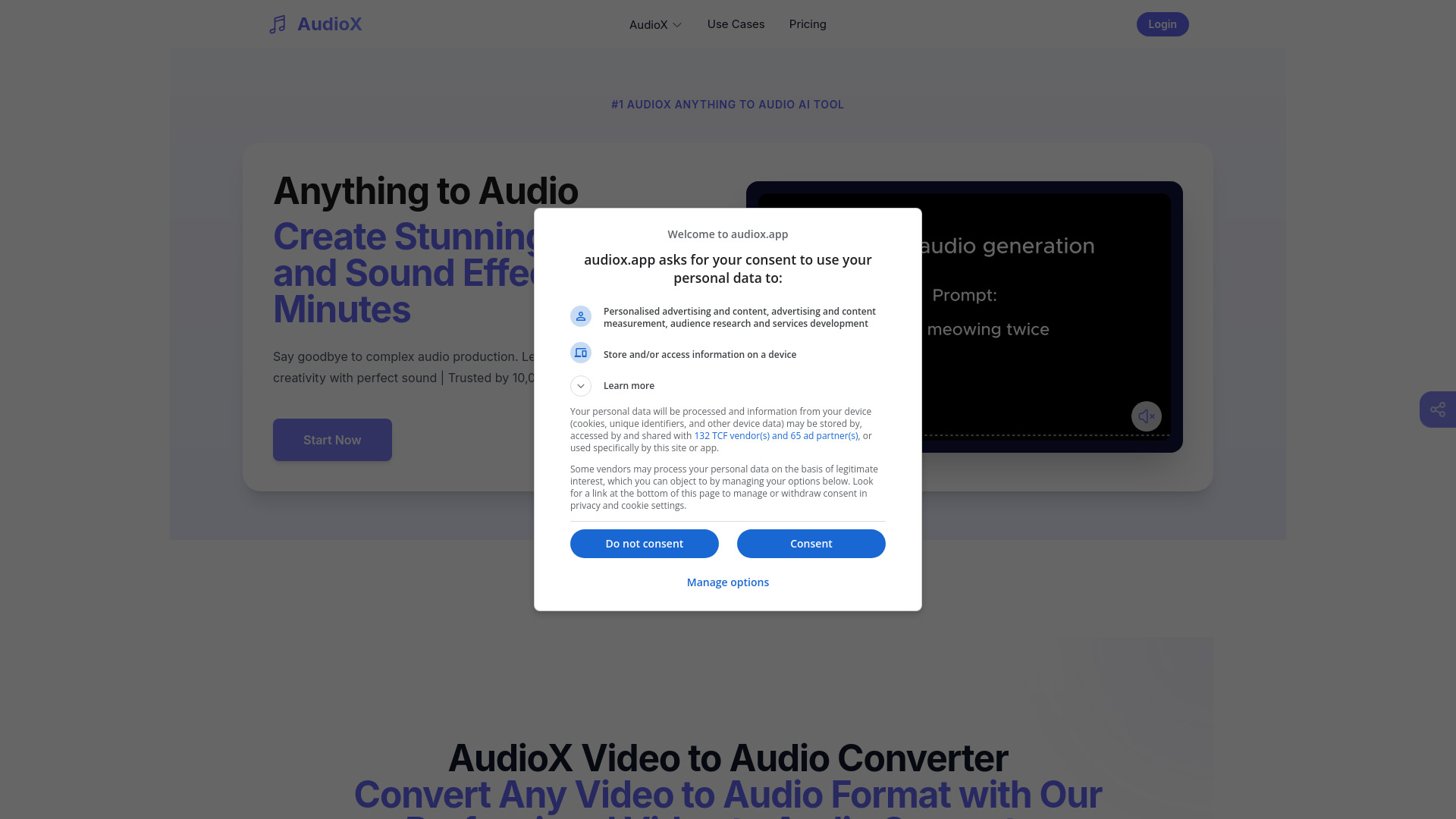
AudioX AI is a professional AI audio generation platform that turns ideas, prompts, and references into polished music and sound effects in minutes. Powered by advanced generative models, it helps creators compose melodies, build beats, and design ambient SFX without complex gear or deep music theory. With genre-aware presets, mood and tempo controls, and quick mastering, AudioX AI streamlines end-to-end creation for beginners and pros alike, delivering studio-ready tracks, loops, and sound beds for podcasts, videos, games, and more.
Main Features of AudioX AI
- Multi-mode generators: Create full songs, beats, loops, and a wide range of sound effects and atmospheres.
- Prompt-based workflow: Describe mood, style, instruments, or scenes; the AI music generator interprets your intent.
- Genre and style presets: Quickly explore pop, hip-hop, electronic, cinematic, ambient, and more with curated starting points.
- Fine-grained controls: Adjust BPM, energy, length, instrumentation emphasis, and intensity for precise results.
- Variations and remixing: Generate multiple takes, iterate, and refine without losing previous versions.
- Built-in mixing and mastering: One-click loudness, EQ polish, and balance for export-ready audio.
- Loop-friendly output: Produce seamless loops for background music, trailers, and game scenes.
- Project library: Save, favorite, and organize assets with easy version control.
- Flexible export: Download WAV or MP3 at suitable sample rates for web, video, or game engines.
- Clear usage options: Licensing paths for personal projects and commercial use cases.
Who Can Use AudioX AI
AudioX AI suits indie musicians, producers, video creators, podcasters, streamers, game developers, marketers, educators, and agencies seeking fast, high-quality audio. it's ideal for background scores, sound beds, intros/outros, ad jingles, ambient soundscapes, and quick SFX. Beginners benefit from presets and prompts, while experienced creators can prototype ideas, fill libraries, and accelerate production timelines.
How to Use AudioX AI
- Sign up and open the AudioX AI workspace.
- Select a generator: Music, Beat, or SFX.
- Enter a prompt or choose a preset; set mood, BPM, length, and instrumentation.
- Generate a preview and audition multiple variations.
- Refine by editing prompts, tweaking parameters, or remixing layers.
- Apply quick mastering to balance loudness and tone.
- Export your track or loop as WAV/MP3 for your DAW, video editor, or engine.
- Organize projects and review licensing for your intended use.
AudioX AI Use Cases
Creators use AudioX AI to craft YouTube and TikTok background music, podcast intros and stingers, cinematic trailers, ambient beds for meditation and fitness, and UI/foley SFX for apps and games. Marketers build ad jingles and brand motifs, educators produce course audio, and indie developers generate adaptive loops for in‑game environments and menus. Teams leverage it to prototype quickly, then export stems or loops for final mixing in a DAW.
AudioX AI Pricing
AudioX AI offers free tools and generators to get started. For expanded functionality—such as higher-quality exports, longer durations, priority rendering, and commercial licensing—paid options are typically available. For current plans, limits, and licensing details, visit the official AudioX AI pricing page.
Pros and Cons of AudioX AI
Pros:
- Fast idea-to-audio workflow with prompt-driven controls.
- Versatile generators for music, beats, loops, and SFX.
- Quality presets and one-click mastering for polished results.
- Loop-friendly exports suitable for video, games, and social content.
- Beginner-friendly UI with room for advanced parameter tuning.
Cons:
- Some results may require iteration to match a precise vision.
- Free tier may include length, quality, or credit limits.
- AI originality and licensing should be evaluated for certain commercial projects.
- Not a full DAW; deep manual editing still requires external tools.
FAQs about AudioX AI
-
Can I use AudioX AI outputs commercially?
Yes, commercial use is supported under the appropriate license or plan. Review the licensing terms before publishing.
-
What formats can I export?
You can export in common formats such as WAV and MP3 suitable for editing, streaming, and game engines.
-
Do I need music production experience?
No. Presets and prompt-based controls make it accessible to beginners while offering depth for pros.
-
How long does generation take?
Most previews render in seconds to a few minutes, depending on length, complexity, and server load.
-
Can I create seamless loops?
Yes. AudioX AI supports loop-friendly outputs for background music and interactive media.