
- Home
- AI Audio Editing
- SFX Engine
SFX Engine
Open Website-
Tool Introduction:Create custom AI sound effects for media, royalty‑free.
-
Inclusion Date:Nov 08, 2025
-
Social Media & Email:
Tool Information
What is SFX Engine AI
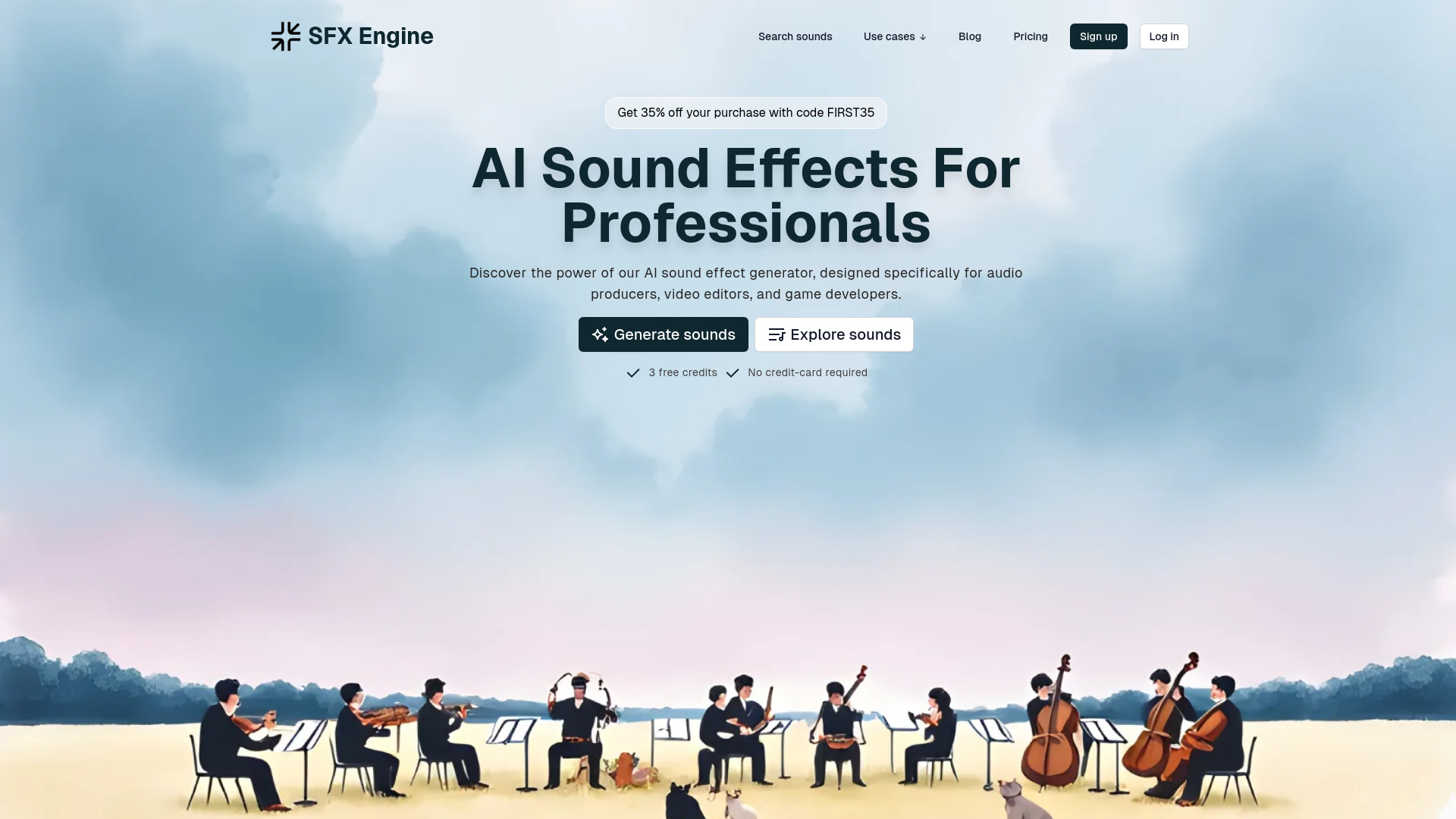
SFX Engine AI is an AI-powered sound effects generator that helps creators produce custom, royalty-free audio for videos, songs, video games, podcasts, and more. Designed for fast, practical sound design, it turns brief descriptions or category selections into polished effects such as whooshes, impacts, UI clicks, ambience, and Foley. With intuitive controls to refine length, intensity, texture, and style, you can quickly generate unique one-shots or loops ready for commercial use. It streamlines sound creation, reduces reliance on stock libraries, and speeds up your production workflow.
Main Features of SFX Engine AI
- AI sound effects generator: Create custom SFX from prompts or categories for rapid sound design.
- Parameter controls: Adjust duration, intensity, character, and mood to fit your scene or mix.
- One-shots and loops: Generate UI clicks, transitions, impacts, ambience beds, and loop-ready textures.
- Real-time preview: Audition results instantly and iterate until you get the sound you want.
- Variants and refinements: Produce multiple versions to explore different timbres and dynamics.
- Export-ready audio: Download in common formats suitable for DAWs and video editors.
- Royalty-free licensing: Each effect is cleared for commercial use, reducing licensing risk.
Who Can Use SFX Engine AI
SFX Engine AI is ideal for video editors, YouTubers, game developers, indie studios, podcasters, musicians, and marketing teams who need quick, tailored sound effects. Educators, eLearning producers, and app developers can also use it to build UI sounds, alerts, and instructional cues without hiring a full-time sound designer.
How to Use SFX Engine AI
- Open the tool and choose a category or enter a short text prompt describing the sound you need.
- Set key parameters such as length, intensity, and style (e.g., sci‑fi, cinematic, organic, digital).
- Generate and preview the result; refine your prompt or settings to narrow in on the desired tone.
- Create a few variants to compare different textures and dynamics.
- Export the selected sound in a standard audio format for your DAW, video editor, or game engine.
SFX Engine AI Use Cases
Common applications include cinematic whooshes and risers for trailers, UI clicks and notifications for apps, ambient loops for open-world game environments, Foley-style effects for short films, podcast stingers and transitions, product video sound branding, and quick placeholder SFX for prototyping levels and scenes.
Pros and Cons of SFX Engine AI
Pros:
- Generates custom, royalty-free sound effects fast.
- Simple workflow with prompt and parameter controls.
- Covers a wide range of categories from UI to ambience and Foley.
- Loop-ready and one-shot outputs for flexible use.
- Export in formats compatible with major editors and DAWs.
Cons:
- May require iterative refinement to match a very specific brief.
- Not a full DAW—detailed mixing and processing still happen in external tools.
- Generated results can vary, so quality control and selection are important.
FAQs about SFX Engine AI
-
Is the audio truly royalty-free for commercial projects?
Yes. Sounds created with SFX Engine AI are royalty-free and ready for commercial use. Review the license for any project-specific terms.
-
Can I use the effects in games, apps, and monetized videos?
Yes. The output is suitable for game audio, app UI, podcasts, and monetized video content.
-
Do I need sound design experience to get good results?
No. The tool is designed for non-audio specialists, with straightforward prompts and refinements.
-
Are loopable sounds supported?
Yes. You can generate short loops and long ambience beds by adjusting duration and style settings.
-
Which formats can I export?
You can export in standard audio formats that work with popular DAWs and video editors.