
- Home
- AI App Builder
- Builder
Builder
Open Website-
Tool Introduction:AI design-to-code, visual editor, and headless CMS for teams.
-
Inclusion Date:Oct 21, 2025
-
Social Media & Email:


Tool Information
What is Builder AI
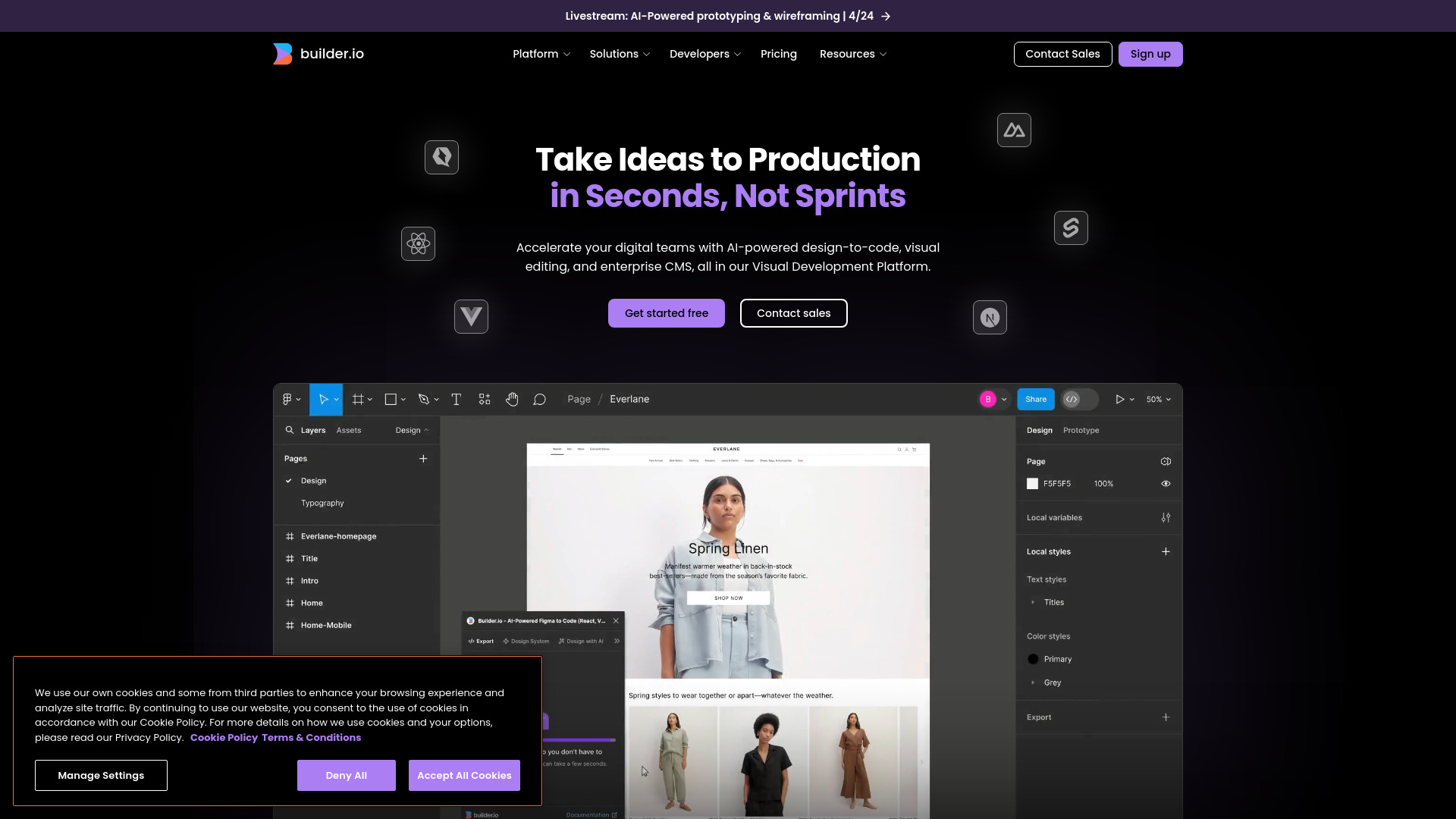
Builder AI is a visual development platform from Builder.io that blends an AI-powered design-to-code engine, a drag-and-drop visual editor, and an enterprise-grade headless CMS. It transforms design files into clean, reusable code, enables teams to leverage existing components, and lets non-technical users update content without touching code. With flexible integrations, it fits your existing tech stack and workflows, helping product, design, and marketing teams collaborate on rich, performant digital experiences at scale across websites and apps.
Builder AI Key Features
- AI design-to-code: Convert designs into clean, readable code mapped to your existing UI components to speed delivery.
- Visual editor: Drag-and-drop editing for content and layouts, so teams ship changes without engineering sprints.
- Enterprise headless CMS: Model, manage, and localize content centrally and deliver it anywhere via APIs.
- Component reusability: Reuse your design system and component library to maintain brand and code consistency.
- Tech stack integration: Connect to your current tools and pipelines to slot into established workflows.
- Experience optimization: Iterate content and layouts to improve engagement and performance.
- Collaboration & governance: Roles, workflows, and approvals to align designers, developers, and marketers.
Who Should Use Builder AI
Ideal for product teams, designers, front-end engineers, and content or growth marketers who need to ship interactive experiences quickly. Enterprises adopting headless architecture, teams standardizing on a component library, and organizations seeking no-code/low-code editing for non-technical stakeholders will benefit most.
How to Use Builder AI
- Connect Builder AI to your existing tech stack and repositories.
- Import a design and configure mapping to your UI components.
- Generate initial code with the AI design-to-code tool.
- Refine structure and styling in your codebase as needed.
- Use the visual editor to compose pages and bind data to content models.
- Set roles, approvals, and publishing workflows in the CMS.
- Preview, test, and optimize experiences before publishing.
- Deploy via your standard CI/CD pipeline and iterate continuously.
Builder AI Industry Use Cases
Ecommerce teams convert seasonal design concepts into production-ready pages, then let merchandisers update content visually. SaaS companies generate code from product marketing designs and manage documentation through the headless CMS. Media publishers assemble dynamic landing pages and optimize layouts for engagement while reusing their component library across properties.
Builder AI Pros and Cons
Pros:
- Accelerates front-end delivery with AI-assisted design-to-code.
- Empowers non-technical teams through a visual editor.
- Enterprise-grade headless CMS centralizes content.
- Integrates with existing component libraries and workflows.
- Improves consistency and governance across teams.
Cons:
- Initial setup and component mapping require engineering time.
- Generated code still benefits from developer review and refinement.
- Complex enterprise governance can add configuration overhead.
- Very custom interactions may exceed visual editor capabilities.
Builder AI Popular Questions
-
Does Builder AI replace developers?
No. It accelerates delivery by generating clean starting points and enabling visual editing, while engineers maintain architecture and quality.
-
Can it work with our existing components?
Yes. Builder AI maps generated code to your component library to preserve design systems and coding standards.
-
How does it integrate with our stack?
It connects to your workflows and delivers content via APIs, fitting into current repositories, CI/CD, and tooling.
-
Is it suitable for non-technical users?
Yes. The visual editor and CMS allow marketers and editors to update content and layouts without code.