
- Home
- AI Image Generator
- Sitebrew
Sitebrew
Open Website-
Tool Introduction:Design and publish sites in seconds; remix projects, share puzzles.
-
Inclusion Date:Nov 10, 2025
-
Social Media & Email:
Tool Information
What is Sitebrew AI
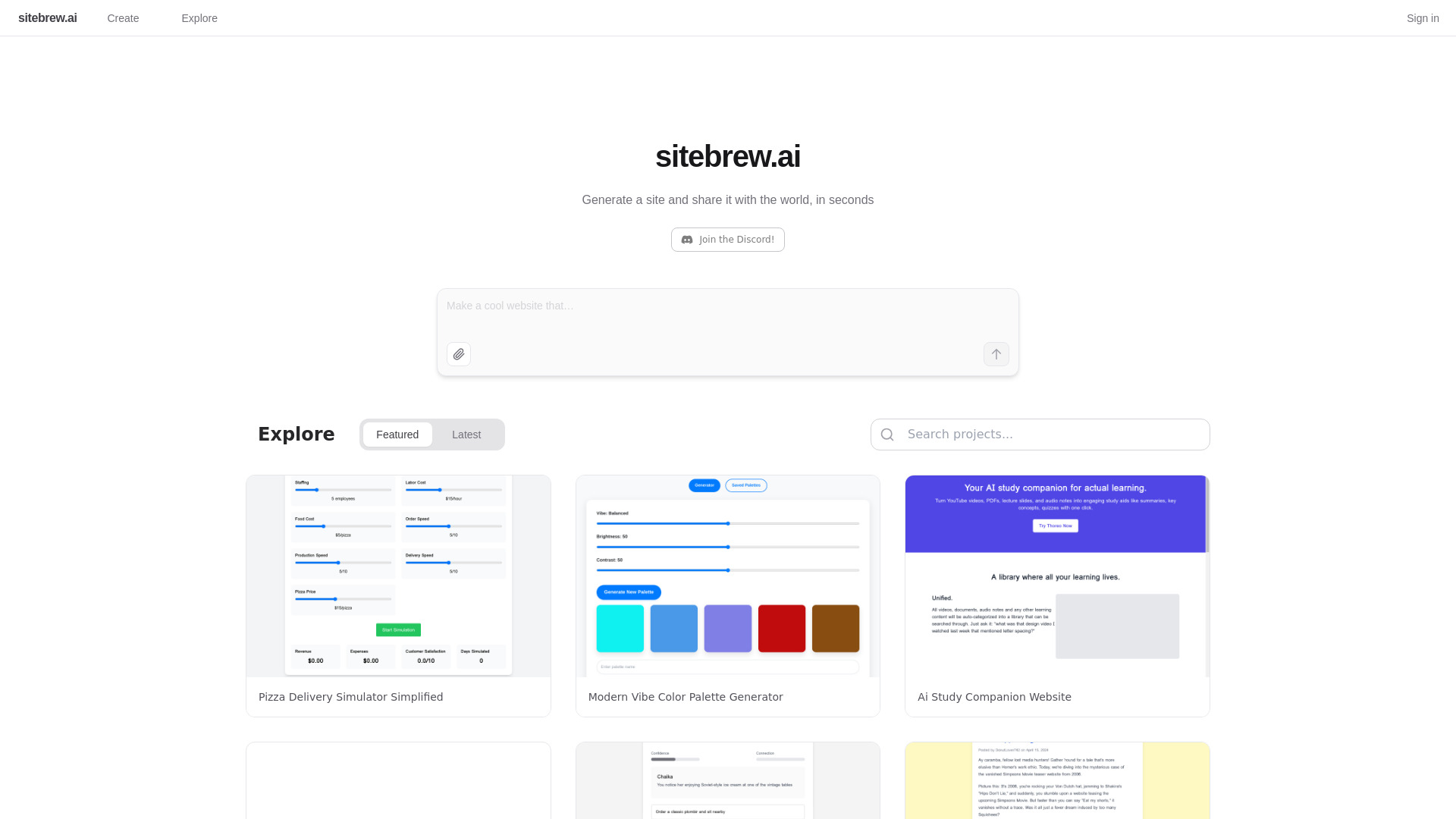
Sitebrew AI is a fast, no-code platform for designing and publishing websites in seconds. With an AI-assisted builder, you can create simple sites, interactive pages, and shareable projects without touching code. The platform also includes tools to generate puzzles and post them to a public gallery, letting others explore, play, and remix your creations. Focused on speed, simplicity, and community, Sitebrew AI is ideal for quick prototypes, microsites, and creative experiments you can publish and share instantly.
Main Features of Sitebrew AI
- AI website generator: Produce clean, ready-to-share pages from prompts for rapid site creation.
- Instant publishing: One-click share links make it easy to launch and distribute projects in seconds.
- Puzzle generator: Build and share interactive puzzles; publish them to a gallery for others to try.
- Remixable projects: Explore the community, fork existing work, and remix to learn or iterate faster.
- Templates and starters: Kick off websites or puzzles with prebuilt layouts and components.
- Live preview editing: See updates in real time as you tweak content, styles, and structure.
- Community gallery: Discover, showcase, and collaborate through shared projects and challenges.
- No-code workflow: Create functional pages without technical setup or deployment steps.
Who Can Use Sitebrew AI
Sitebrew AI suits creators and teams who need speed and simplicity: educators building classroom puzzles, students and hobbyists learning by remixing projects, marketers launching campaign microsites, indie makers prototyping ideas, event organizers crafting quick landing pages, and community managers hosting interactive challenges. Anyone who wants to publish lightweight, interactive web projects fast can benefit from this no-code website builder.
How to Use Sitebrew AI
- Sign up and open the dashboard.
- Click to start a new website or puzzle project.
- Choose a template or enter a prompt for the AI to generate a starting point.
- Edit text, media, and layout; use the puzzle tools to create interactive elements if needed.
- Preview changes live and refine content and styles.
- Publish with one click to get a shareable link.
- Share your project, or explore the gallery to remix existing projects.
- Iterate quickly based on feedback and create new versions or forks.
Sitebrew AI Use Cases
Educators design logic puzzles and post them for students to solve online. Creators launch personal portfolios or link-in-bio microsites in minutes. Marketers spin up interactive landing pages to test messaging. Hackathon teams prototype concepts and share them for community feedback. Community groups run remix challenges, inviting participants to fork and evolve a base project into diverse variations.
Pros and Cons of Sitebrew AI
Pros:
- Ultra-fast, no-code website creation and instant publishing.
- Built-in puzzle generator for interactive, shareable content.
- Community-driven remixing accelerates learning and iteration.
- Straightforward templates and live preview streamline setup.
Cons:
- May be less suitable for highly complex or custom web applications.
- Platform-centric workflow can limit advanced, self-hosted configurations.
- Design options may be simpler than full-featured, traditional site builders.
FAQs about Sitebrew AI
-
Is Sitebrew AI a no-code website builder?
Yes. It focuses on quick, no-code creation so you can publish websites and projects fast.
-
Can I remix existing projects?
Yes. You can explore the gallery, fork projects, and build your own variations.
-
Does it support puzzle creation?
It includes tools to generate puzzles and share them with the community.
-
How quickly can I publish?
Most projects can be generated and shared in seconds using instant publish links.
-
Do I need coding or design skills?
No. Templates and AI assistance help you create and refine pages without coding.