
- Home
- AI App Builder
- Codev
Codev
Open Website-
Tool Introduction:Generate full‑stack Next.js + Supabase apps from text; keep the code.
-
Inclusion Date:Nov 08, 2025
-
Social Media & Email:
Tool Information
What is Codev AI
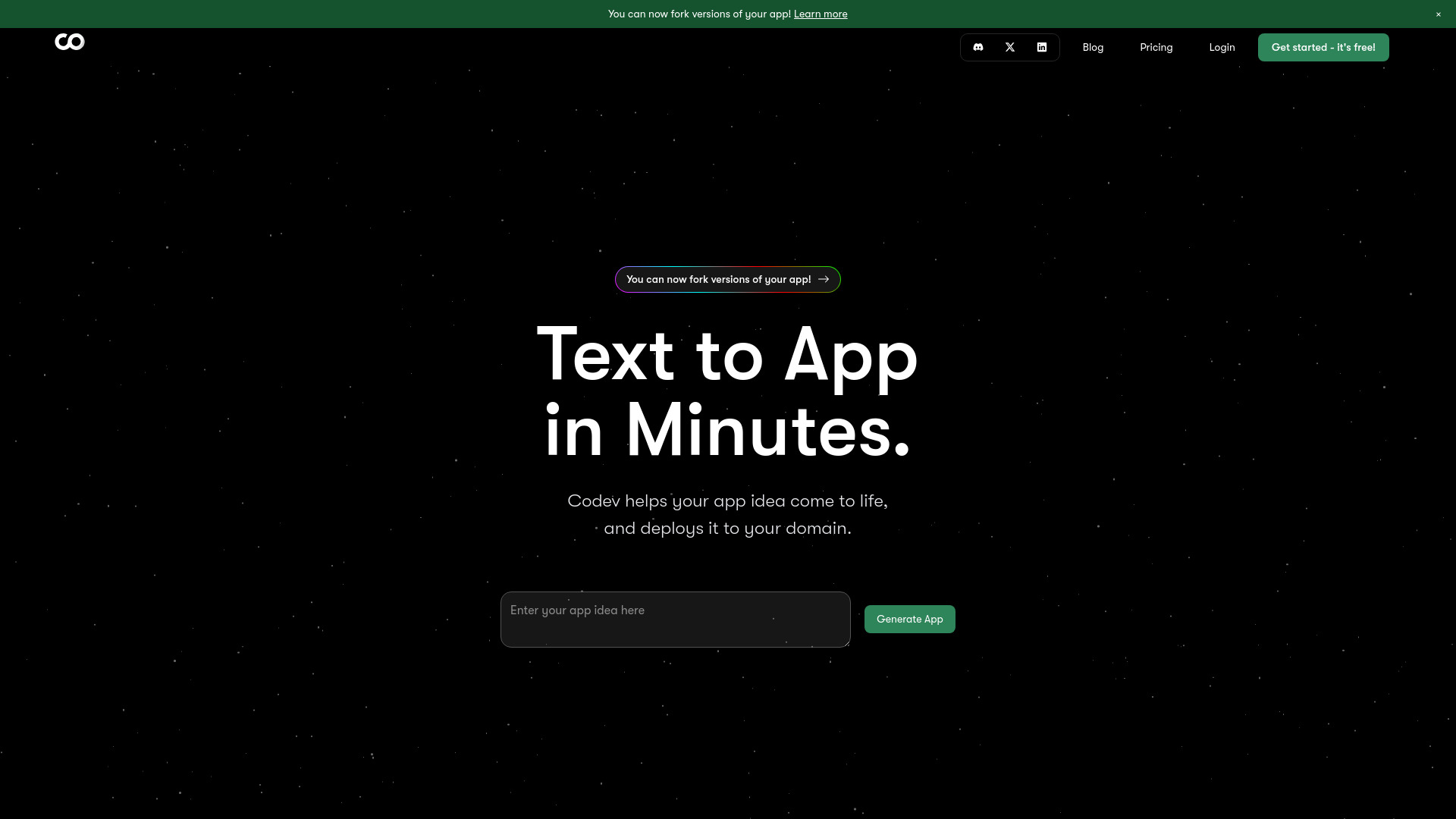
Codev AI is an AI-powered app generator that turns plain‑English descriptions into full‑stack web applications built with Next.js and Supabase. It accelerates prototyping and delivery by scaffolding pages, components, database structures, and server logic directly from your brief. Unlike no‑code tools, Codev produces clean, editable source code that you fully own, so you can modify, extend, and take it with you. Use it to validate ideas, ship MVPs, or build internal tools quickly without starting from scratch.
Main Features of Codev AI
- Text‑to‑app generation: Describe your idea in natural language and get a working full‑stack Next.js application.
- Built on Next.js + Supabase: Generates a modern React framework front end with a Supabase‑backed database and server logic.
- Editable, exportable code: Receive full source code ownership to customize locally and continue development anywhere.
- Structured data setup: Creates database tables and relationships aligned to your requirements using Supabase.
- API and CRUD scaffolding: Produces routes and core operations to speed up common app patterns.
- Iterative refinement: Adjust prompts and regenerate sections to align the app with your specifications.
- Developer‑friendly foundation: Clean project structure that fits standard workflows, reviews, and CI/CD.
Who Can Use Codev AI
Codev AI suits startup founders validating MVPs, product managers shaping prototypes, developers who want to skip boilerplate, and teams building internal tools. It also helps non‑technical users express requirements in plain English and receive production‑ready code that engineers can refine, extend, and deploy.
How to Use Codev AI
- Describe your application in natural language, including pages, data, and desired behaviors.
- Confirm stack options and any high‑level preferences for the Next.js front end and Supabase backend.
- Generate the project to create pages, components, database schema, and server/API logic.
- Preview the result and iterate by refining your description or adding new requirements.
- Export and download the full source code to your local environment.
- Customize the code in your IDE, connect to your Supabase project, and adjust configurations.
- Deploy using your preferred hosting and manage your database and environment variables.
Codev AI Use Cases
Teams use Codev AI to launch MVPs for marketplaces, dashboards, and SaaS concepts; build internal admin panels and CRUD apps; create customer portals and submission workflows; and stand up form‑driven apps like booking, inventory, or ticketing systems. It is effective for rapid prototyping, developer handoff, and reducing repetitive scaffolding work in full‑stack projects.
Pros and Cons of Codev AI
Pros:
- Rapid text‑to‑app generation saves weeks of scaffolding work.
- Full source code ownership with easy export and customization.
- Modern, scalable stack with Next.js and Supabase.
- Works for both non‑technical users and experienced developers.
- Supports iterative refinement to match evolving requirements.
Cons:
- Generated code may require review, testing, and refactoring.
- Focus on the Next.js + Supabase stack may limit alternative tech choices.
- Complex domain logic still needs custom implementation.
- Results depend on the clarity and detail of your prompts.
- Deployment, hosting, and Supabase configuration are managed separately.
FAQs about Codev AI
-
Do I own the code generated by Codev AI?
Yes. You have full access to the source code and can modify, export, and use it outside the platform.
-
What stack does Codev AI use?
Codev AI generates applications using Next.js for the front end and Supabase for the backend and data layer.
-
Do I need coding experience to use it?
No. Non‑developers can start with plain‑English prompts, while developers can further customize the codebase.
-
Can I continue development outside Codev AI?
Absolutely. Export the project and keep building in your preferred tools, repositories, and workflows.