
- Home
- AI Image Generator
- DeepSeek R1
DeepSeek R1
Open Website-
Tool Introduction:DeepSeek R1 AI: free, no-login access to open-source reasoning and code.
-
Inclusion Date:Nov 05, 2025
-
Social Media & Email:

Tool Information
What is DeepSeek R1 AI
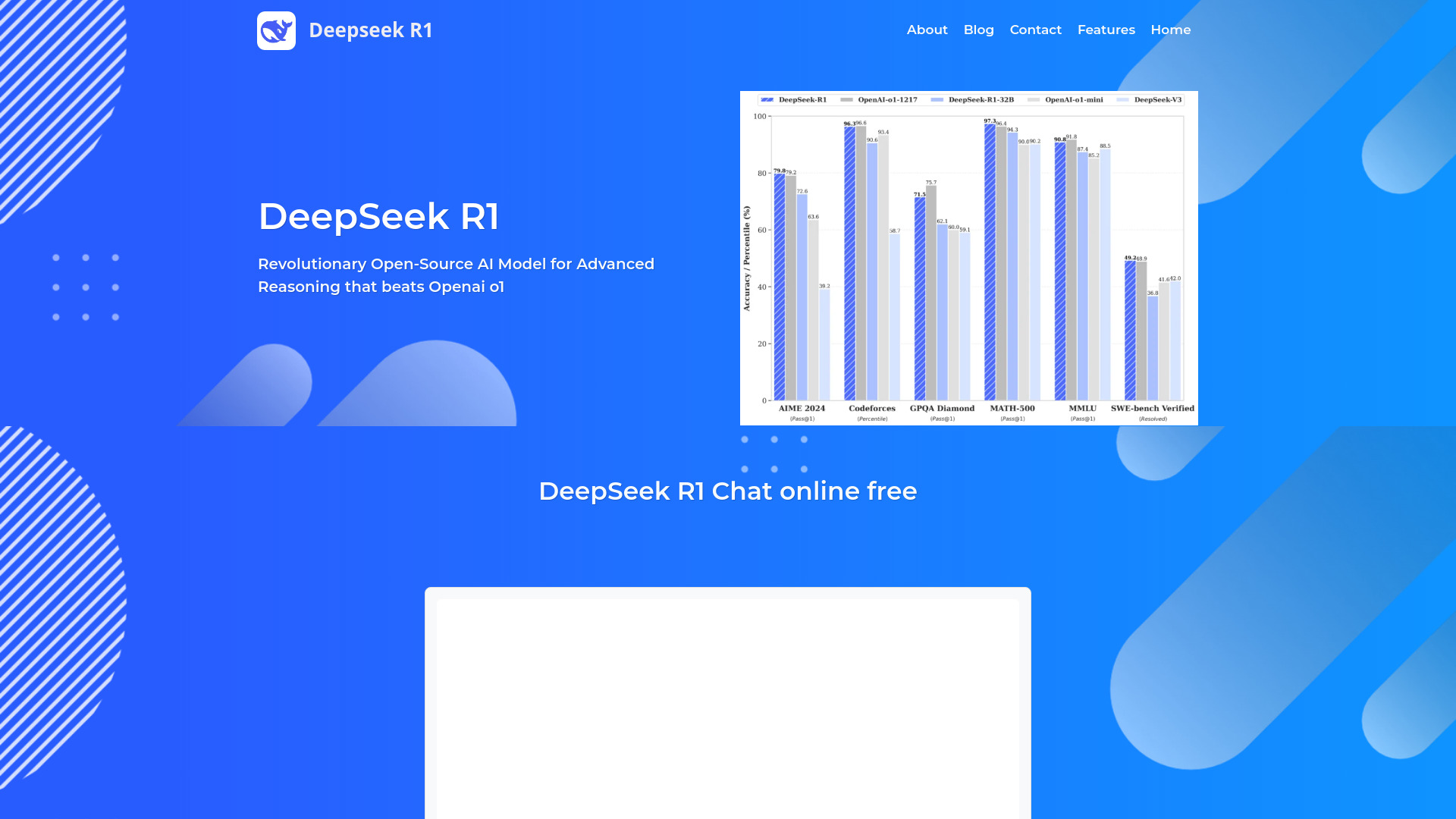
DeepSeek R1 AI is an open-source reasoning model available via DeepSeek R1 Online, a platform that offers free, no-login access for rapid experimentation. Built on a Mixture of Experts (MoE) architecture and refined with advanced reinforcement learning, it excels at complex problem-solving across mathematics, production-grade code generation, multilingual understanding, and general reasoning tasks. The platform also provides distilled variants to balance speed, cost, and accuracy, making it practical for prototyping, evaluation, and real-world deployment.
Main Features of DeepSeek R1 AI
- Advanced reasoning engine: Handles multi-step logic, math proofs, and systematic problem decomposition for reliable results.
- Mixture of Experts (MoE): Routes tasks to specialized experts to improve performance-efficiency on diverse workloads.
- Reinforcement learning tuned: Trained with RL techniques to enhance reasoning quality and solution robustness.
- Production-grade code generation: Writes, refactors, and explains code across major languages with testable outputs.
- Multilingual understanding: Processes prompts and generates responses in multiple languages for global use.
- Distilled model access: Choose lighter variants for faster inference, lower compute, or budget-constrained scenarios.
- No-login web access: Start immediately in the browser to prototype and compare prompts without setup overhead.
Who Can Use DeepSeek R1 AI
DeepSeek R1 AI suits software engineers, data scientists, researchers, and analysts who need dependable reasoning for coding, algorithm design, and quantitative analysis. It also helps educators and students with step-by-step math assistance, technical explanations, and study support. Product teams, operations, and customer support can use it to draft procedures, analyze complex queries, and automate knowledge tasks. Multilingual capabilities make it useful for global teams and cross-border projects.
How to Use DeepSeek R1 AI
- Open the DeepSeek R1 Online platform in your browser (no login required).
- Select the model variant: full R1 for highest reasoning quality or a distilled option for speed and cost efficiency.
- Set preferences such as output length, temperature, or formatting if available.
- Enter a clear prompt describing your problem (e.g., math proof, algorithm plan, code task, or multilingual query).
- Run the model and review the result; iterate by refining constraints or adding examples for better alignment.
- Export or copy the output; for code, validate with tests or linters before deploying.
DeepSeek R1 AI Use Cases
In software development, teams use DeepSeek R1 AI for feature scaffolding, unit test generation, and refactoring legacy code. In finance and analytics, it assists with quantitative modeling, data transformation logic, and scenario reasoning. Education providers leverage it for step-by-step math guidance and multilingual tutoring. Operations and support use it to draft SOPs, triage complex tickets, and summarize technical documentation. Research groups apply it to hypothesis framing, literature synthesis, and experimental planning.
DeepSeek R1 AI Pricing
The platform offers free, no-login access for immediate use, typically under fair-use or rate limits. Distilled models help reduce compute requirements for cost-sensitive workflows. API or hosted deployments, when used through third-party providers, may have separate billing; check the specific deployment’s terms for details.
Pros and Cons of DeepSeek R1 AI
Pros:
- Strong advanced reasoning for math, coding, and complex problem-solving.
- MoE architecture and RL training improve performance and reliability.
- Free, no-login browser access for rapid testing and evaluation.
- Distilled variants enable faster, more affordable inference.
- Multilingual understanding supports global teams and content.
- Open-source model fosters transparency and extensibility.
Cons:
- Full models can be compute-intensive, leading to higher latency on heavy tasks.
- Reasoning quality may vary; distilled models can trade accuracy for speed.
- Primarily focused on text; not designed for image or audio inputs.
- Context and rate limits depend on the specific deployment environment.
FAQs about DeepSeek R1 AI
-
Is DeepSeek R1 AI free to use?
Yes. DeepSeek R1 Online provides free, no-login access, typically with fair-use limits.
-
What’s the difference between R1 and distilled models?
Distilled models are smaller and faster, offering lower cost and latency with a modest trade-off in accuracy on complex tasks.
-
Does it support code generation?
Yes. It can generate, refactor, and explain code in multiple languages and is suitable for production workflows with proper testing.
-
Can it handle multilingual prompts?
Yes. The model can understand and respond in multiple languages for cross-border projects and content.
-
Is commercial use allowed?
DeepSeek R1 AI is open-source; review the applicable license and your deployment’s terms before commercial use.
-
Is there an API?
Some deployments offer API access. Check the specific provider or hosting environment for availability and pricing.