
- Home
- Prompt Engineering
- testRigor
testRigor
Open Website-
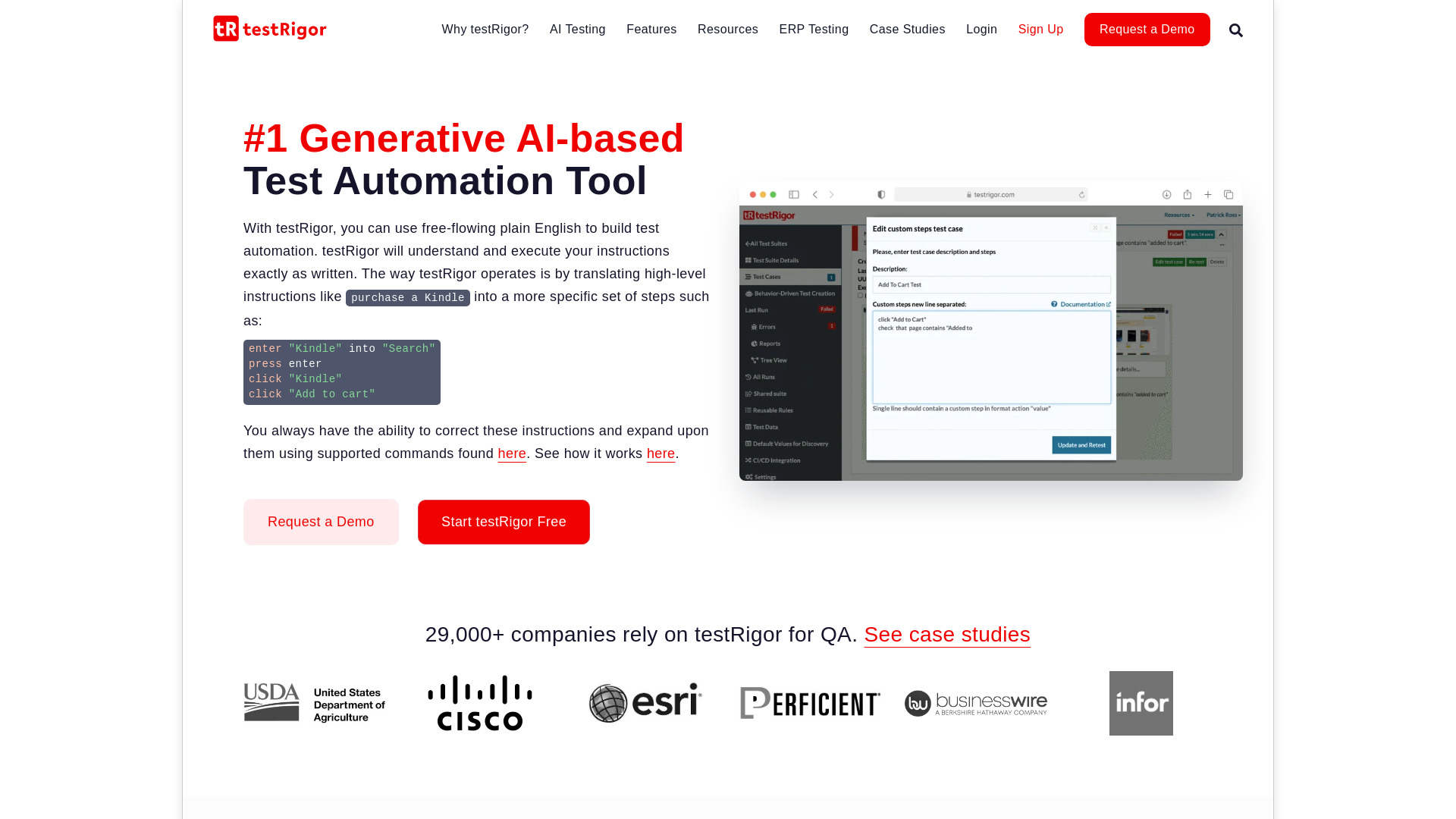
Tool Introduction:AI test automation in plain English for web, mobile, desktop, mainframe.
-
Inclusion Date:Oct 28, 2025
-
Social Media & Email:


Tool Information
What is testRigor AI
testRigor AI is an AI-driven test automation platform that lets teams author and execute end-to-end tests in plain English. By translating high-level intent into executable steps, it removes fragile selectors and reduces reliance on code-heavy frameworks. The system supports web apps, native mobile, desktop, and mainframe interfaces, enabling validation of complete user journeys across channels. With no-code authoring, self-healing steps, and scalable parallel runs, testRigor AI shortens maintenance cycles, improves coverage, and makes reliable regression testing accessible to QA, developers, and business stakeholders.
testRigor AI Main Features
- Plain-English test authoring: Write steps as natural language, turning user intent into automated actions without code.
- AI intent translation: Converts high-level instructions into concrete UI interactions, reducing brittle locator management.
- No-code testing: Build and maintain suites without scripting, suitable for cross-functional teams.
- Cross-platform coverage: Supports web, mobile (native/hybrid), desktop, and mainframe testing for true end-to-end flows.
- Self-healing stability: Tests adapt to UI changes such as labels or structure updates, cutting flaky failures.
- Data-driven scenarios: Parameterize inputs and reuse steps to scale coverage efficiently.
- Parallel and cloud execution: Run tests at scale to accelerate feedback and continuous regression.
- CI/CD integrations: Trigger runs from popular pipelines to enable continuous testing.
- Rich reporting: Actionable logs and screenshots help diagnose failures quickly.
- End-to-end validations: Validate emails, files, and multi-system steps common to complex business processes.
Who Should Use testRigor AI
testRigor AI is ideal for QA teams, SDETs, and developers who need resilient end-to-end UI testing without heavy coding. It also suits product managers and business analysts who want to author acceptance tests in natural language. Organizations building web and mobile apps, desktop clients, or mainframe workflows—especially those with complex, cross-channel user journeys—can use it to increase test coverage and reduce maintenance overhead.
How to Use testRigor AI
- Sign up and create a project for your application under test.
- Configure environments, URLs, and any required credentials or test data.
- Create a test suite and define scenarios using plain English steps.
- Optionally record interactions or import reusable steps to speed up authoring.
- Run tests locally or in the cloud with parallel execution enabled as needed.
- Review detailed results, logs, and screenshots to triage failures.
- Refine tests with AI suggestions and organize reusable steps for consistency.
- Integrate with CI/CD so tests run automatically on builds and releases.
testRigor AI Industry Use Cases
E-commerce teams validate full purchase flows—search, cart, checkout, payments, and order confirmations across web and mobile. Banking and fintech organizations test secure login, transfers, statements, and multi-factor authentication spanning apps and emails/SMS. Healthcare providers verify patient portal journeys, appointment booking, and document uploads. SaaS companies automate onboarding, billing, and role-based access checks. Enterprises with desktop or mainframe systems confirm mission-critical back-office processes integrated with modern web front ends.
testRigor AI Pricing
testRigor AI is typically offered as a subscription with tiered plans that scale by features, usage, and support level, with options for team and enterprise needs. Trials or evaluations are commonly available so teams can validate fit before purchasing. For current plan details, availability, and quotes, consult the official pricing information from the vendor.
testRigor AI Pros and Cons
Pros:
- Natural-language authoring lowers the barrier to automation for non-coders.
- Self-healing steps reduce flakiness and maintenance effort.
- Broad platform support (web, mobile, desktop, mainframe) for true end-to-end testing.
- Parallel cloud execution accelerates regression cycles.
- Seamless CI/CD integration enables continuous testing.
- Reusable steps and data-driven patterns improve scalability and consistency.
Cons:
- Highly specialized or custom UI controls may require additional configuration.
- AI interpretation can misread ambiguous instructions, needing clear phrasing.
- Cost may increase with large-scale execution or enterprise features.
- Desktop and mainframe setups can be more complex than web-only testing.
- Vendor-specific DSL and workflows can create tool lock-in over time.
testRigor AI FAQs
-
Does testRigor AI require coding skills?
No. You can create and maintain tests in plain English. Technical users can still structure suites and data for advanced scenarios.
-
How does it handle UI changes?
Self-healing logic and intent-based steps make tests resilient to label and layout changes, reducing flaky failures.
-
Can I run tests in CI/CD?
Yes. testRigor AI integrates with common CI/CD systems to run tests on every build or release.
-
Which platforms are supported?
Web applications, native and hybrid mobile apps, desktop clients, and mainframe interfaces are supported for end-to-end coverage.
-
Is data-driven testing supported?
Yes. You can parameterize inputs and reuse steps to cover multiple data sets efficiently.