
GoPDF
Open Website-
Tool Introduction:GoPDF AI: free online PDF editor with AI to edit, convert, merge, sign.
-
Inclusion Date:Nov 08, 2025
-
Social Media & Email:


Tool Information
What is GoPDF AI
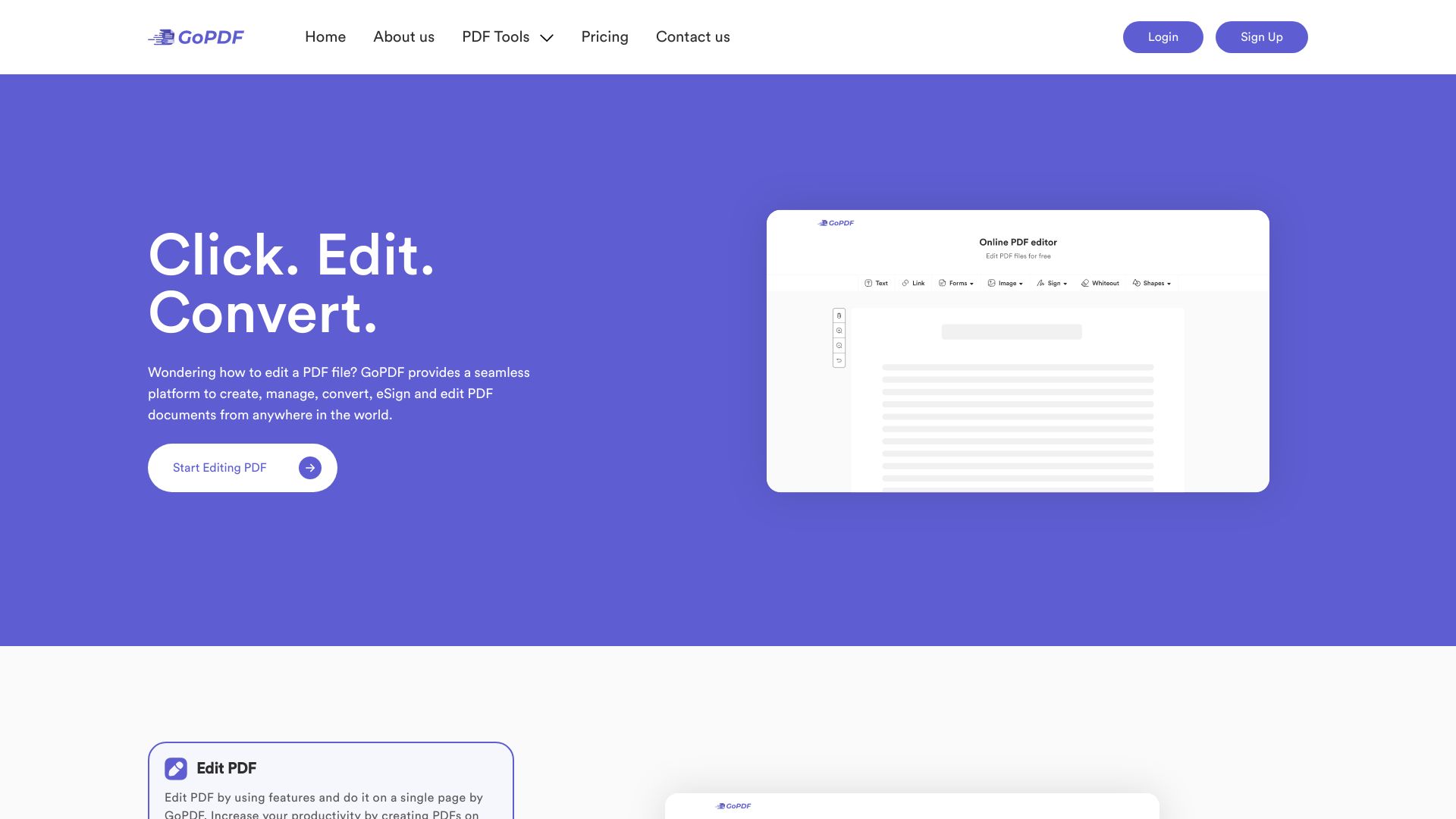
GoPDF AI is an all-in-one online PDF editor and AI-powered PDF management platform that streamlines everyday document work. In a single browser window, you can edit text, annotate pages, convert files to and from PDF, compress large documents, e-sign agreements, merge or split files, protect PDFs with passwords, and crop pages. Its built-in AI lets you interact with content—ask questions, summarize long PDFs, highlight key points, and locate answers faster—so individuals and teams can handle paperwork with less effort and greater accuracy.
Main Features of GoPDF AI
- Online PDF editor: Edit text, add annotations and shapes, and fill forms directly in your browser.
- PDF conversion: Convert documents to and from PDF (e.g., Word, PowerPoint, images) while preserving layout.
- Compress PDF: Reduce file size to speed up sharing and meet upload limits with balanced quality.
- E-signature tools: Sign PDFs and collect signatures to finalize agreements faster.
- Merge, split, and crop: Combine files, extract pages, reorder content, and crop margins for cleaner layouts.
- Protect and secure: Add passwords and permissions to control access and prevent unwanted edits.
- AI assistance: Chat with your PDF, summarize sections, surface key points, and find answers using semantic understanding.
- Browser-based workflow: No installation required; access tools anywhere with an internet connection.
Who Can Use GoPDF AI
GoPDF AI suits professionals, students, and teams who manage documents daily. Sales and marketing teams polish proposals and compress PDFs for email. Legal and operations teams review contracts, summarize terms, and apply e-signatures. Educators and students annotate readings and generate key takeaways. HR and finance teams merge forms, protect sensitive files, and accelerate approvals.
How to Use GoPDF AI
- Open GoPDF AI in your web browser.
- Upload a PDF via drag-and-drop or select a file from your device.
- Choose a tool: edit, convert, compress, sign, merge, protect, or crop.
- Use the AI assistant to ask questions, summarize pages, or highlight key points.
- Apply edits, rearrange pages, and review changes in the live preview.
- Set a password or permissions if you need to secure the document.
- Export the final file and share or download it as needed.
GoPDF AI Use Cases
Businesses use GoPDF AI to prepare contracts—merging exhibits, summarizing clauses, and collecting signatures. Sales teams convert and compress proposals for fast client delivery. Educators condense lengthy articles into summaries and annotate for class. HR departments assemble onboarding packets, protect files, and route e-sign requests. Finance teams convert statements to PDF, compress archives, and secure sensitive reports.
GoPDF AI Pricing
GoPDF AI offers a free online PDF editor you can use in the browser. Availability of advanced features, higher usage limits, or premium processing may vary by plan. For the latest details and any paid options, refer to the official pricing page.
Pros and Cons of GoPDF AI
Pros:
- Comprehensive toolkit for editing, converting, compressing, signing, merging, protecting, and cropping PDFs.
- AI features speed up reading, summarizing, and answering questions inside long documents.
- Runs in the browser with no installation, enabling quick access on most devices.
- Password and permission controls help safeguard sensitive files.
- Free online editor covers many common PDF tasks.
Cons:
- Requires an internet connection for most workflows.
- Free tier may include file size, page count, or feature limits.
- AI outputs can miss context in highly specialized or scanned documents and may require human review.
- Uploading sensitive documents may raise compliance requirements for certain organizations.
FAQs about GoPDF AI
-
Is GoPDF AI free?
Yes, it provides a free online PDF editor for common tasks. Some advanced capabilities may require a paid plan.
-
Can I use GoPDF AI to sign documents?
Yes. You can add e-signatures to PDFs and finalize agreements directly in the browser.
-
Does the AI feature summarize long PDFs?
It can generate summaries, highlight key points, and answer questions based on the document’s content.
-
Will my formatting be preserved when converting?
The converter is designed to retain layout and structure, though complex designs may need a quick review.
-
Is GoPDF AI available on mobile?
You can access it in modern mobile and desktop browsers without installing software.