
- Home
- AI Summarizer
- PDNob PDF Editor
PDNob PDF Editor
Open Website-
Tool Introduction:AI PDF editor for Win/Mac with DeepSeek R1: edit, convert, OCR, summaries
-
Inclusion Date:Oct 21, 2025
-
Social Media & Email:


Tool Information
What is PDNob PDF Editor AI
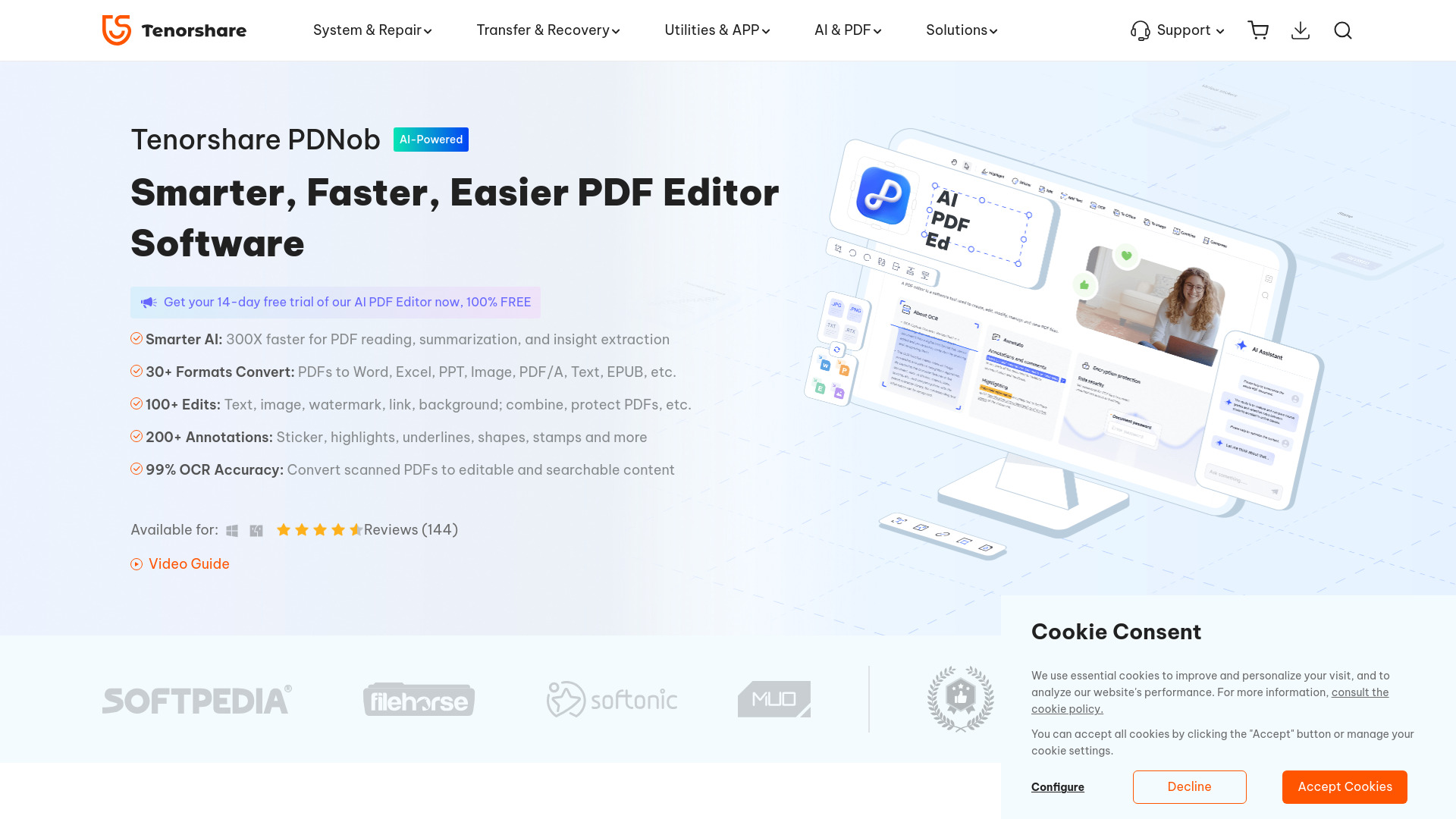
PDNob PDF Editor AI is an AI-powered PDF editor for Windows and Mac that streamlines everyday document work. It lets you view, edit, convert, annotate, extract, create, compress, and organize PDFs in one place. Integrated with the DeepSeek R1 model, it accelerates PDF reading, delivers concise summaries, and surfaces key insights from long documents. Built-in OCR converts scanned and image-based PDFs into searchable, editable text. With broad format support—Word, Excel, PPT, and image exports—it combines accuracy, speed, and flexibility for modern teams and individual users.
PDNob PDF Editor AI Key Features
- AI reading and summarization: DeepSeek R1 provides fast summaries and highlights to help you grasp lengthy PDFs and extract insights.
- Full PDF editing: Modify text, replace images, adjust watermarks, and manage links while preserving document structure.
- Robust conversion: Convert PDFs to Word, Excel, PPT, and common image formats, and export content for downstream editing.
- OCR for scanned PDFs: Turn scans into searchable, editable text to reuse content without retyping.
- Annotation tools: Highlight, comment, and mark up pages for review, study, or collaboration workflows.
- Organize and optimize: Merge, split, reorder, rotate pages, and compress files to reduce size for sharing.
- Cross-platform: Works on both Windows and Mac for consistent document handling across devices.
Who is PDNob PDF Editor AI for
PDNob PDF Editor AI suits knowledge workers, students, educators, researchers, and small businesses that handle PDFs daily. It fits teams that need precise editing, reliable conversion to Office formats, and quick AI summaries for reports, manuals, contracts, and academic papers. it's also valuable for anyone digitizing paperwork with OCR and organizing large document sets.
How to use PDNob PDF Editor AI
- Install and launch the application on Windows or Mac.
- Open a PDF to view and navigate pages, bookmarks, and thumbnails.
- Use the AI features to generate summaries or extract key points from long files.
- Edit content as needed: update text, replace images, adjust watermarks, and edit links.
- Annotate with highlights and comments to review or share feedback.
- Run OCR on scanned PDFs to convert them into searchable, editable text.
- Organize pages by merging, splitting, reordering, or rotating as required.
- Convert to Word, Excel, PPT, or images, or compress and save the optimized PDF.
PDNob PDF Editor AI Industry Use Cases
Legal teams summarize case files and annotate contracts for faster review. Finance and accounting extract tables to Excel for analysis and archive statements with OCR. Education and research convert scanned articles into editable text, summarize literature, and prepare lecture handouts. Sales and marketing update product sheets, compress brochures for email, and export assets as images. HR and operations organize onboarding packs, merge forms, and standardize document templates.
PDNob PDF Editor AI Pros and Cons
Pros:
- AI-powered summarization and insight extraction speeds up reading.
- Comprehensive editing tools for text, images, watermarks, and links.
- Accurate conversion to Word, Excel, PPT, and image formats.
- OCR turns scans into searchable, reusable content.
- Strong page organization and compression for efficient sharing.
- Available on both Windows and Mac.
Cons:
- Complex layouts may require manual checks after conversion.
- OCR quality can vary with low-resolution or noisy scans.
- Large PDFs and image-heavy files may take longer to process.
- Learning curve for advanced editing workflows.
PDNob PDF Editor AI FAQs
-
Does PDNob PDF Editor AI support Windows and Mac?
Yes, it provides native applications for both Windows and macOS.
-
What file formats can it export to?
You can convert PDFs to Word, Excel, PowerPoint, and common image formats.
-
Can it edit scanned PDFs?
Yes. Use the built-in OCR to convert scanned or image-based PDFs into editable, searchable text.
-
How does the AI help with long documents?
The integrated DeepSeek R1 model provides fast summaries and highlights key insights to reduce reading time.
-
Can I annotate and organize pages?
Yes. You can highlight and comment, as well as merge, split, reorder, rotate pages, and compress files.