
- Home
- AI Short Video Generator
- PDF To Brainrot AI
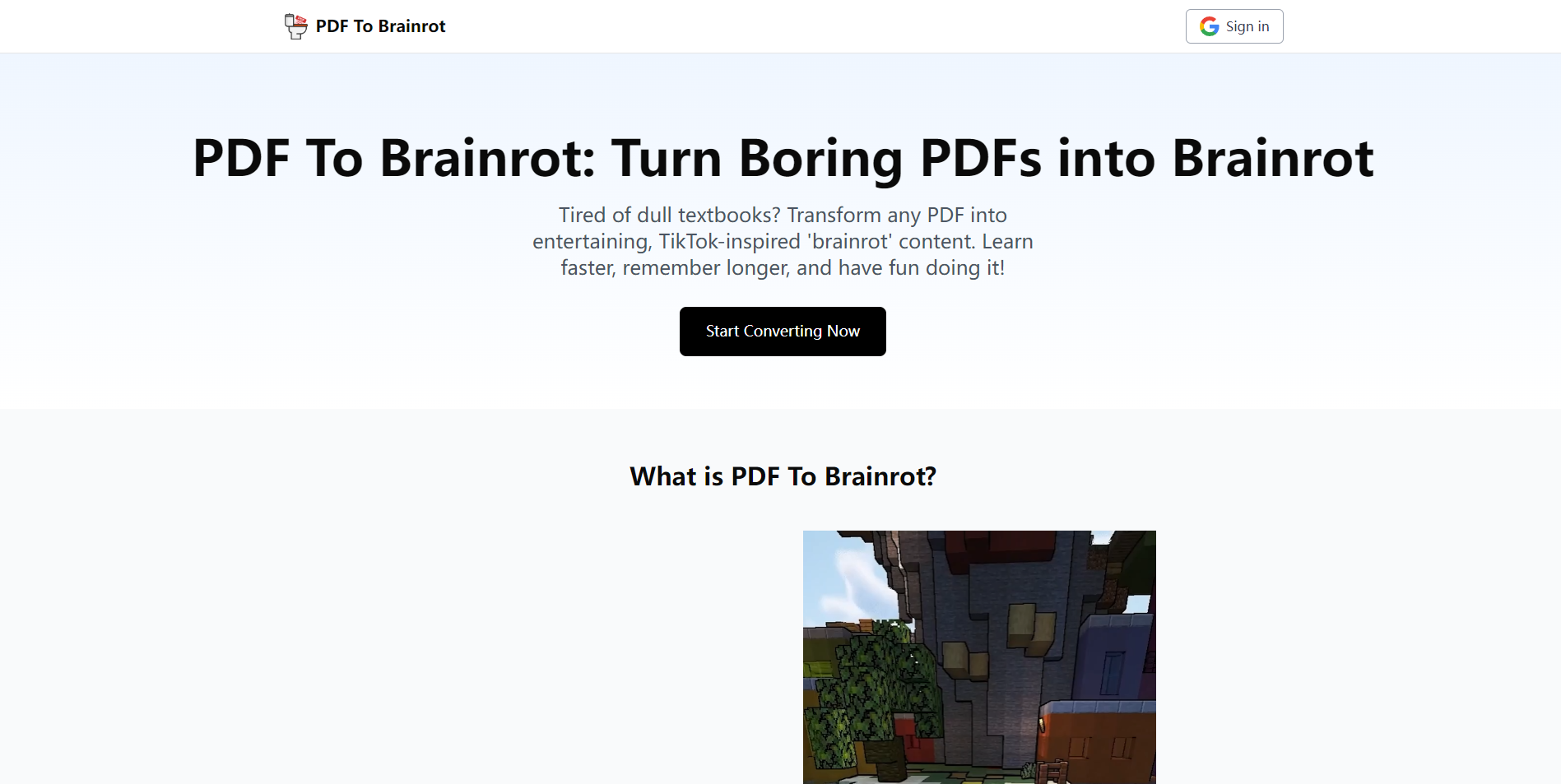
PDF To Brainrot AI
Open Website-
Tool Introduction:Convert PDFs to TikTok-style micro videos: Brainrot, Quiz, or Raw.
-
Inclusion Date:Oct 31, 2025
-
Social Media & Email:

Tool Information
What is PDF To Brainrot AI
PDF To Brainrot AI is an AI-powered short-form video generator that transforms dense PDFs and long-form text into engaging, TikTok-style content. It uses summarization and scene segmentation to convert complex topics into bite-sized snippets with captions, on-screen text, and meme-like pacing. Choose Brainrot Mode for catchy edits, Quiz Mode for active recall, or Raw Mode for straightforward narration. Customize voiceover, timing, and background music, then export vertical or square videos optimized for Reels, Shorts, and social learning.
Main Features of PDF To Brainrot AI
- PDF-to-video conversion: Instantly turn PDFs or pasted text into short, shareable clips.
- Three creative modes: Brainrot Mode for viral-style pacing, Quiz Mode for Q&A learning, Raw Mode for clean narration.
- AI summarization: Breaks long documents into concise, high-retention scenes.
- Custom voice and music: Select AI voices, narration styles, and background tracks to match your tone.
- Auto captions and on-screen text: Improves clarity, accessibility, and watch time.
- Social-ready formats: Export vertical or square videos for TikTok, Instagram Reels, and YouTube Shorts.
- Pacing and length controls: Adjust scene duration, intensity, and overall runtime.
- Quiz generation: Turn content into interactive question-answer segments for microlearning.
Who Can Use PDF To Brainrot AI
Educators, students, and trainers can convert study materials into microlearning videos. Content creators and social media managers can repurpose reports and articles into short-form posts. Marketers and startups can distill whitepapers or case studies into promotional summaries. Corporate teams can turn policies, onboarding docs, and manuals into quick, engaging explainers.
How to Use PDF To Brainrot AI
- Upload your PDF or paste the text you want to convert.
- Select a mode: Brainrot, Quiz, or Raw, based on the desired outcome.
- Choose voice style, narration speed, background music, and aspect ratio.
- Set video length and pacing; highlight key sections to prioritize.
- Generate a preview, then refine captions, scenes, and emphasis as needed.
- Export the video and share it to TikTok, Reels, Shorts, or your LMS.
PDF To Brainrot AI Use Cases
Universities convert lecture notes and readings into short study clips. EdTech platforms build quiz-style learning reels from textbooks. Marketing teams summarize research reports into social-ready highlights. HR and L&D departments create onboarding and compliance microlearning. Creators turn ebooks, blog posts, and PDFs into serial content for audience growth.
Pros and Cons of PDF To Brainrot AI
Pros:
- Fast conversion from documents to short-form video.
- Multiple modes for entertainment, learning, or plain narration.
- Highly customizable voiceover, pacing, and music.
- Improves retention with captions and bite-sized scenes.
- Optimized for TikTok, Reels, and Shorts distribution.
Cons:
- Complex topics may be oversimplified in very short formats.
- Requires careful editing to ensure accuracy and context.
- Long PDFs may need trimming to fit short video lengths.
- Brand-specific styling may require manual tweaks.
FAQs about PDF To Brainrot AI
-
What file types can I convert?
You can import PDFs or paste plain text; the tool then generates short-form videos from the content.
-
What’s the difference between the modes?
Brainrot Mode emphasizes fast, catchy edits; Quiz Mode creates Q&A segments for active recall; Raw Mode delivers straightforward narration with minimal effects.
-
Can I customize the voice and music?
Yes, you can select AI voice styles, adjust narration speed, and add background music to match your tone.
-
Are captions included?
Auto captions and on-screen text are generated to improve clarity and accessibility, and you can edit them before export.
-
Is it suitable for TikTok, Reels, and Shorts?
Yes, you can export in vertical or square formats optimized for short-form social platforms.