
- Home
- AI Text-to-Speech
- Hour One
Hour One
Open Website-
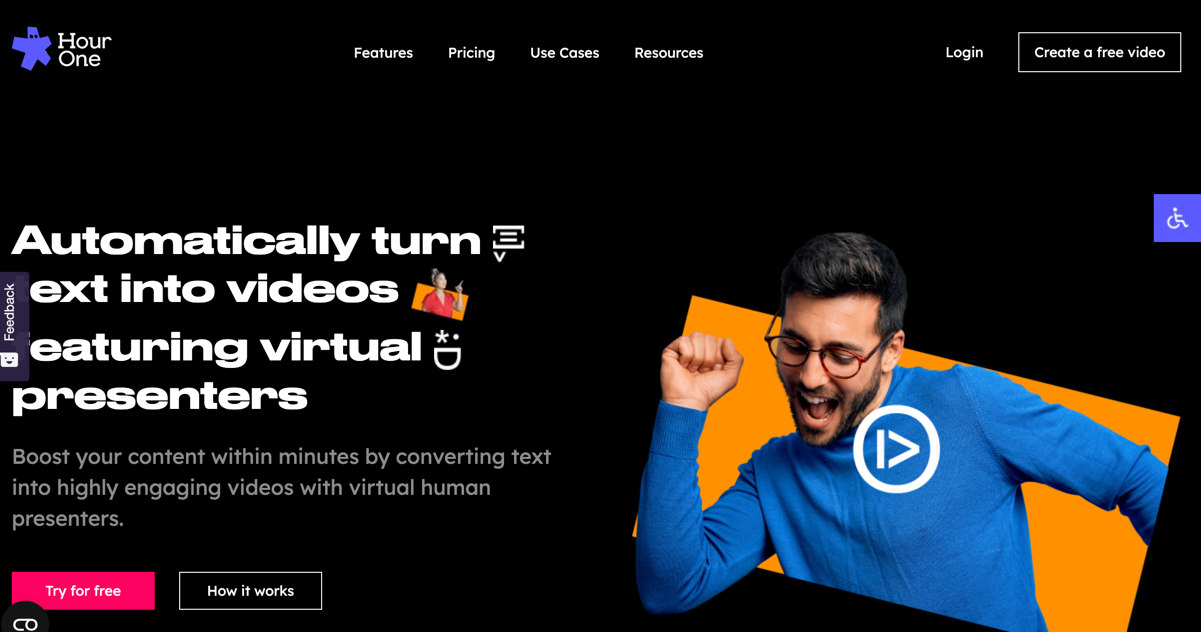
Tool Introduction:Turn text into pro videos fast with AI presenters and templates.
-
Inclusion Date:Nov 09, 2025
-
Social Media & Email:


Tool Information
What is Hour One AI
Hour One AI is a text-to-video platform that turns written scripts into polished videos in minutes. It combines photoreal AI presenters, multilingual voices, and customizable templates to simplify video production for learning and development, marketing, HR, news, and e-learning. Create on-brand videos with captions and voiceover directly from text, localize content across languages and accents, and export in HD—no cameras, actors, or studios required. A scene-based editor, branding controls, and automation help teams produce consistent results at scale.
Main Features of Hour One AI
- Text-to-video engine: Convert scripts into narrated videos with synchronized, lifelike AI presenters.
- AI presenters and voices: Choose from diverse avatars, accents, and languages to match audience and tone.
- Ready-made templates: Start quickly with layouts for training, explainers, HR updates, and news-style formats.
- Brand control: Apply logos, colors, fonts, lower-thirds, and scene styles for on-brand consistency.
- Multilingual localization: Translate scripts, switch voices, and generate region-specific versions at scale.
- Captions and subtitles: Auto-generate, edit, and style captions for accessibility and engagement.
- Media and screen support: Add images, screen recordings, and B-roll to enrich explanations and demos.
- Scene-based timeline: Edit sequences, pacing, and transitions with a simple, browser-based editor.
- Export and sharing: Render HD files and share links for LMS, social media, intranet, or websites.
- Team workflows: Organize projects, reuse templates, and maintain consistency across departments.
Who Can Use Hour One AI
Hour One AI suits L&D teams building training modules, marketers producing product explainers and social videos, HR leaders creating onboarding and policy updates, educators delivering e-learning content, and news or communications teams publishing quick, multilingual briefings. Agencies, startups, and enterprises use it to scale video output without studio resources.
How to Use Hour One AI
- Sign up and create a new project in the dashboard.
- Select a template or start blank, then choose an AI presenter and language.
- Paste or write your script; use the editor to structure scenes and sections.
- Pick a voice/accent, adjust speed and tone, and enable captions if needed.
- Customize branding: add logo, colors, fonts, lower-thirds, and background media.
- Insert images, screen captures, or B-roll; fine-tune timings and transitions.
- Preview the video, then edit any mispronunciations or pacing issues.
- Render in your desired resolution and share via link, download, or embed.
Hour One AI Use Cases
Organizations use Hour One AI to deliver compliance training, onboarding walkthroughs, product tutorials, internal announcements, recruiting updates, and quick news bulletins. it's also applied to localize marketing explainers for different regions, convert long-form documents into digestible video summaries, and keep LMS courses current without reshooting live footage.
Hour One AI Pricing
Hour One AI typically offers tiered subscriptions that scale by video minutes, number of presenters, resolution, brand kits, and collaboration features. Plans commonly include a free trial or limited free usage so teams can test text-to-video creation—often with watermarks or export limits—before upgrading to business or enterprise tiers for higher volumes and advanced controls.
Pros and Cons of Hour One AI
Pros:
- Fast text-to-video creation with photoreal AI presenters and multilingual voices.
- Template-driven workflows that standardize training and marketing outputs.
- Strong localization for global teams and multi-market content.
- Lower production costs versus traditional filming and editing.
- Browser-based editor with captions, branding, and simple scene control.
Cons:
- Less creative flexibility than bespoke live-action production.
- Some viewers may perceive AI avatars as less natural than human presenters.
- Export minutes, presenter options, or features may be limited on lower tiers.
- Quality depends on script clarity and well-structured content.
FAQs about Hour One AI
Can I create videos in multiple languages?
Yes, you can select different languages and accents, and generate localized versions of the same script.
Do I need video editing experience?
No. The scene-based editor, templates, and auto-captions make it accessible for non-editors.
Are there watermarks on the free tier?
Free trials or entry plans may include watermarks or export limits, which are removed on paid plans.
Can I use my brand assets?
Yes. You can apply logos, colors, fonts, and layouts to keep videos on-brand across teams.