
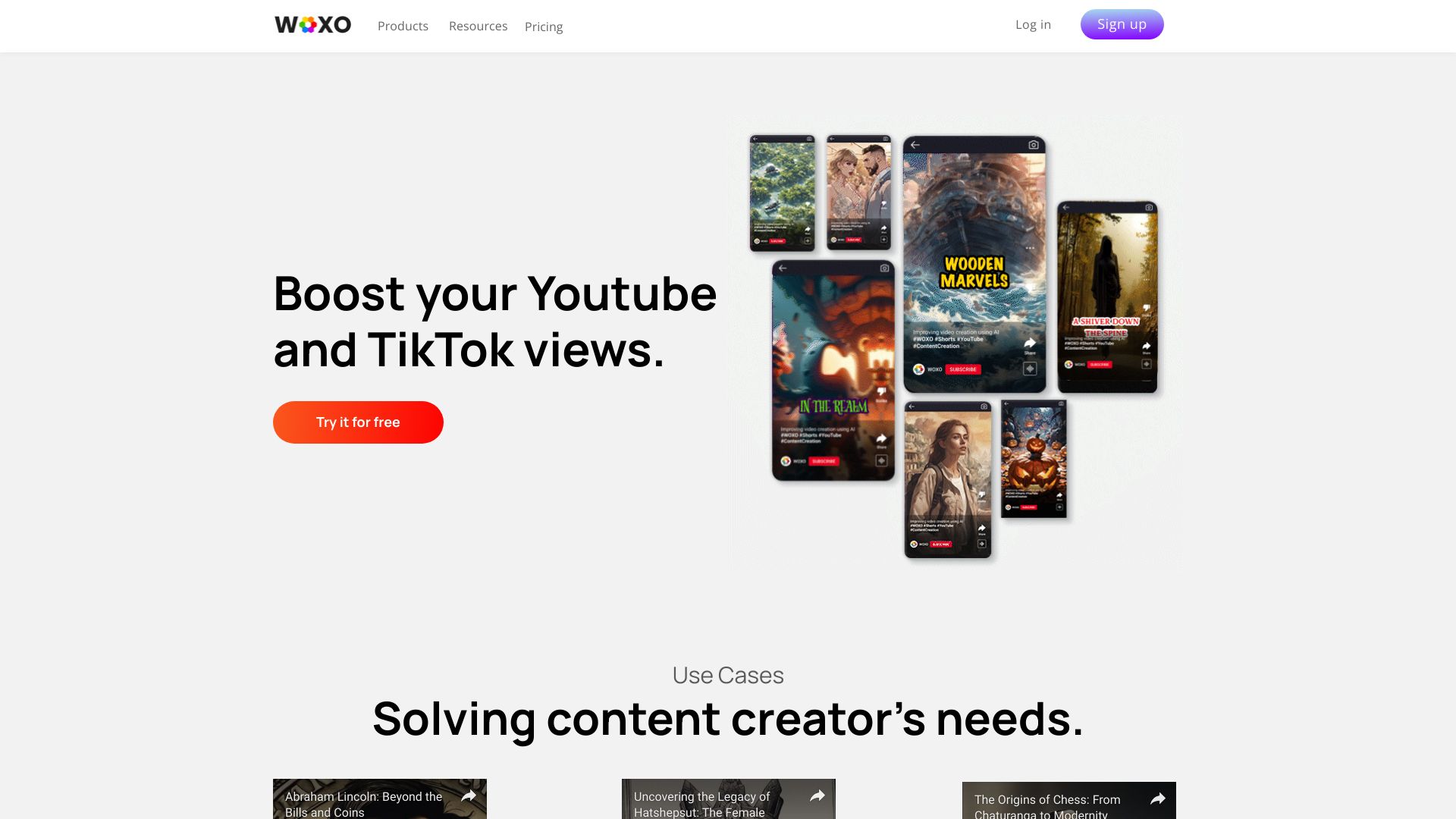
WOXO
Open Website-
Tool Introduction:AI autopilot for YouTube Shorts: voice-over videos with images, music.
-
Inclusion Date:Nov 08, 2025
-
Social Media & Email:


Tool Information
What is WOXO AI
WOXO AI is an AI video generator built to accelerate short‑form content creation for creators, marketers, and brands. Using smart AI prompts and an autopilot workflow, it turns ideas, scripts, or links into voice‑narrated videos with images, music, and captions. The platform is optimized for YouTube Shorts and vertical social formats, helping teams publish quickly without complicated editors or rigid templates. With human support on hand, WOXO AI streamlines planning, production, and optimization so users can move from concept to shareable clips in minutes.
Main Features of WOXO AI
- Autopilot video creation that assembles scenes, selects visuals, and times cuts automatically.
- Optimization for YouTube Shorts and vertical 9:16 formats to match platform best practices.
- Smart AI prompts for script ideation, outlines, and snappy captions.
- Voice-narrated videos with natural-sounding text-to-speech options.
- Built-in media selection: images, background music, and on-screen text.
- Auto-captions and subtitles for accessible, scroll-stopping content.
- Simple customization of branding, fonts, colors, and pacing.
- Fast rendering and export ready for Shorts and other social channels.
- Human support to help troubleshoot workflows and improve results.
Who Can Use WOXO AI
WOXO AI suits YouTube Shorts creators, social media managers, small businesses, agencies, and educators who need to produce frequent, engaging short videos. it's useful for product promos, teaser clips, explainers, event highlights, announcements, and repurposing blogs or scripts into social-ready content without heavy editing expertise.
How to Use WOXO AI
- Sign up and choose a vertical or YouTube Shorts preset.
- Enter a topic, paste a script or URL, or start with AI prompts.
- Let the autopilot generate a storyboard, visuals, music, and captions.
- Select a narration voice and adjust tone, speed, and timing.
- Customize scenes: edit text, swap images, tweak colors, and add branding.
- Preview the video, refine with quick edits, or regenerate specific parts.
- Export and upload to YouTube Shorts or schedule across social platforms.
WOXO AI Use Cases
Marketing teams produce bite-sized ads and product highlights; ecommerce brands create quick catalog showcases; educators turn lessons into microlearning clips; news and media publish rapid summaries; real estate and local businesses post property or service teasers; SaaS companies share feature updates, onboarding tips, and release notes as short-form videos.
WOXO AI Pricing
WOXO AI typically follows a flexible model with a free tier or trial for basic creation and paid plans that expand usage limits, remove watermarks, unlock higher-quality exports, and add advanced features. Pricing often scales by number of exports, video length, and collaboration needs, with discounts available on annual billing.
Pros and Cons of WOXO AI
Pros:
- Rapid text-to-video creation tailored for YouTube Shorts.
- User-friendly autopilot with smart prompts and narration.
- Auto-captions and formatting boost engagement and accessibility.
- Branding controls to keep a consistent look and feel.
- Helpful human support when you need guidance.
Cons:
- Less granular control than full professional editors.
- Results depend on the quality of prompts and input content.
- Lower tiers may include export limits or watermarks.
- Stock-style visuals can feel similar without customization.
FAQs about WOXO AI
-
Does WOXO AI support YouTube Shorts?
Yes. It is optimized for vertical 9:16 videos and the pacing, captions, and length typical of Shorts.
-
Can I add my own footage, images, or music?
You can upload your media and combine it with AI-selected visuals and background tracks.
-
Are captions generated automatically?
WOXO AI can auto-generate on-screen captions and subtitles to improve engagement and accessibility.
-
Do I need advanced editing skills?
No. The autopilot workflow handles assembly, while simple controls let you fine-tune scenes and branding.
-
What formats can I export?
Exports are provided in common social-ready formats suitable for platforms like YouTube Shorts and other vertical channels.