
- Home
- AI Background Remover
- Magic Studio
Magic Studio
Open Website-
Tool Introduction:AI 3D models from text or images, with fast, high-res textures.
-
Inclusion Date:Oct 21, 2025
-
Social Media & Email:


Tool Information
What is Magic Studio AI
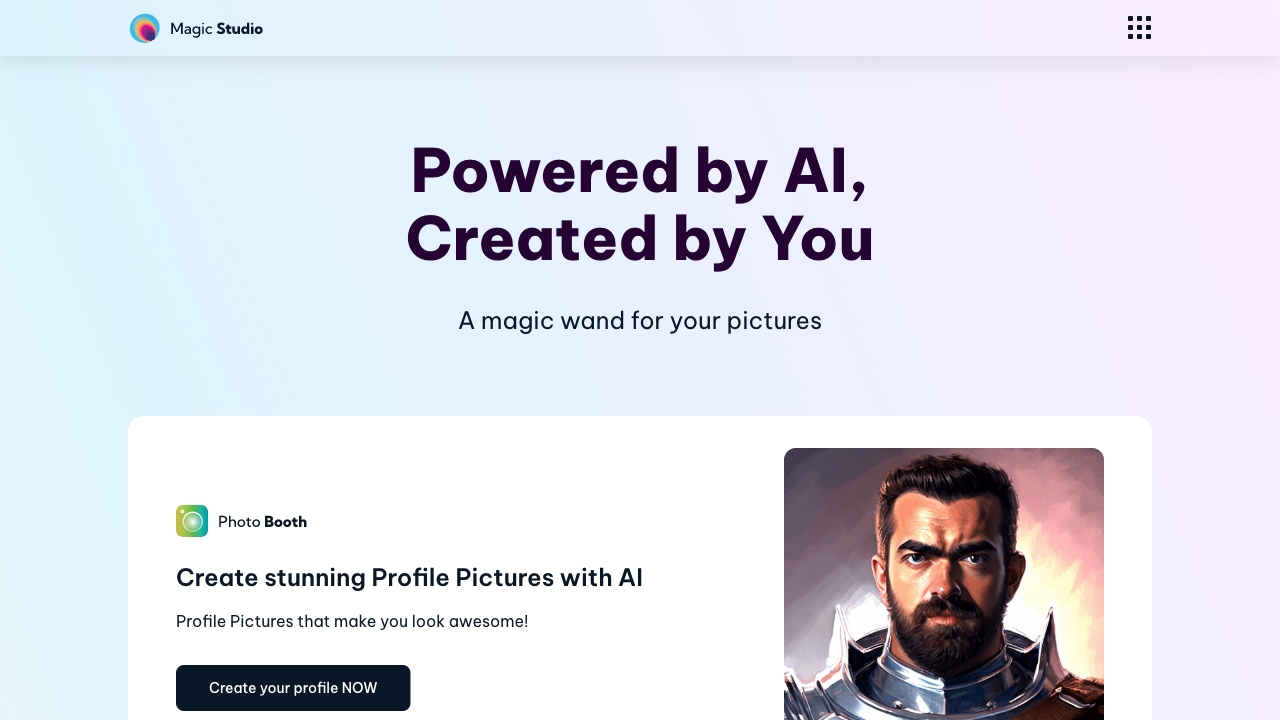
Magic Studio AI is an all-in-one, AI-powered image editor that brings a professional studio experience to everyday creators. It blends background removal and replacement, object erasing, image upscaling, text-to-image generation, and guided tools for realistic headshots and clean product photos. Built for speed and simplicity, it compresses multi-app workflows into a few clicks, helping marketers, sellers, designers, and teams produce polished visuals without advanced skills or costly gear—ready for social, e-commerce, ads, and brand campaigns.
Magic Studio AI Main Features
- Background remover and replacer: Create transparent backgrounds or swap scenes with edge-aware masking for crisp, professional results.
- Object remover (inpainting): Erase unwanted people, logos, or distractions and let the AI fill gaps naturally.
- AI upscaler and enhancer: Enlarge photos while preserving detail, reducing noise, and improving sharpness.
- Text-to-image generator: Turn prompts into custom visuals using style presets for marketing, social posts, and concepts.
- AI headshot creator: Produce consistent, studio-like portraits with clean backgrounds and flattering lighting.
- Product photo studio: Make white-background catalog shots or contextual scenes tailored for marketplaces and ads.
- Simple web workflow: Browser-based interface with quick previews and common export formats for fast delivery.
Who Should Use Magic Studio AI
Magic Studio AI suits e-commerce sellers, marketers, social media managers, and small businesses that need fast, on-brand visuals. it's also helpful for content creators, freelancers, and teams that require consistent headshots or product photos without booking studios. Designers and photographers can use it to accelerate retouching and background work, while startups benefit from efficient visuals for websites, ads, and pitch materials.
How to Use Magic Studio AI
- Upload an image or start with a text prompt to generate a new one.
- Choose a tool: background remover, object eraser, upscaler, headshot, product photo, or text-to-image.
- Refine settings such as background style, prompt details, size, and aspect ratio.
- Preview the result, adjust masks or prompts, and iterate until it matches your needs.
- Export in your preferred format and resolution, then publish across web, ads, or marketplaces.
Magic Studio AI Industry Use Cases
- E-commerce: Clean product cutouts for listings, lifestyle scenes for ads, and quick color/background variations across SKUs.
- Marketing teams: Campaign-ready hero images, social graphics, and concept visuals created from prompts.
- HR and recruiting: Consistent employee headshots for websites and ID badges without organizing photo shoots.
- Agencies and freelancers: Faster retouching, background swaps, and client-ready mockups with minimal manual editing.
Magic Studio AI Pricing
Pricing and plan details may change over time. Check the official website for the latest information. Plans commonly include limited free use or trials, with paid tiers that unlock higher-resolution exports, increased credits, watermark-free results, and features suited to commercial projects.
Magic Studio AI Pros and Cons
Pros:
- All-in-one AI image editor with background removal, object erasing, upscaling, and generation.
- Fast, browser-based workflow that reduces complex, multi-tool edits to a few clicks.
- Professional headshots and product photos without studio time or advanced skills.
- Polished results suitable for e-commerce, ads, and social media.
Cons:
- Highly complex, pixel-perfect edits may still require traditional desktop software.
- Results can vary based on input quality, masks, and prompt clarity.
- Access to high-resolution exports and commercial features may require a paid plan.
Magic Studio AI FAQs
-
Does Magic Studio AI work in a web browser?
Yes. It is designed for quick, browser-based editing with no installation required.
-
Can I use the images for commercial projects?
Commercial use typically depends on your plan and license terms. Review the official licensing details before publishing.
-
How do I get the best results from text-to-image?
Write clear prompts, specify style and subject, and iterate with small adjustments. Use high-resolution exports for final delivery.
-
Will upscaling preserve quality?
The AI upscaler enlarges images while enhancing detail and reducing noise, but extremely low-quality inputs may still have limitations.