
- Home
- AI Photo Editor
- FASHN
FASHN
Open Website-
Tool Introduction:Virtual try-on for fashion: swap outfits, build models, API-ready.
-
Inclusion Date:Nov 01, 2025
-
Social Media & Email:
Tool Information
What is FASHN AI
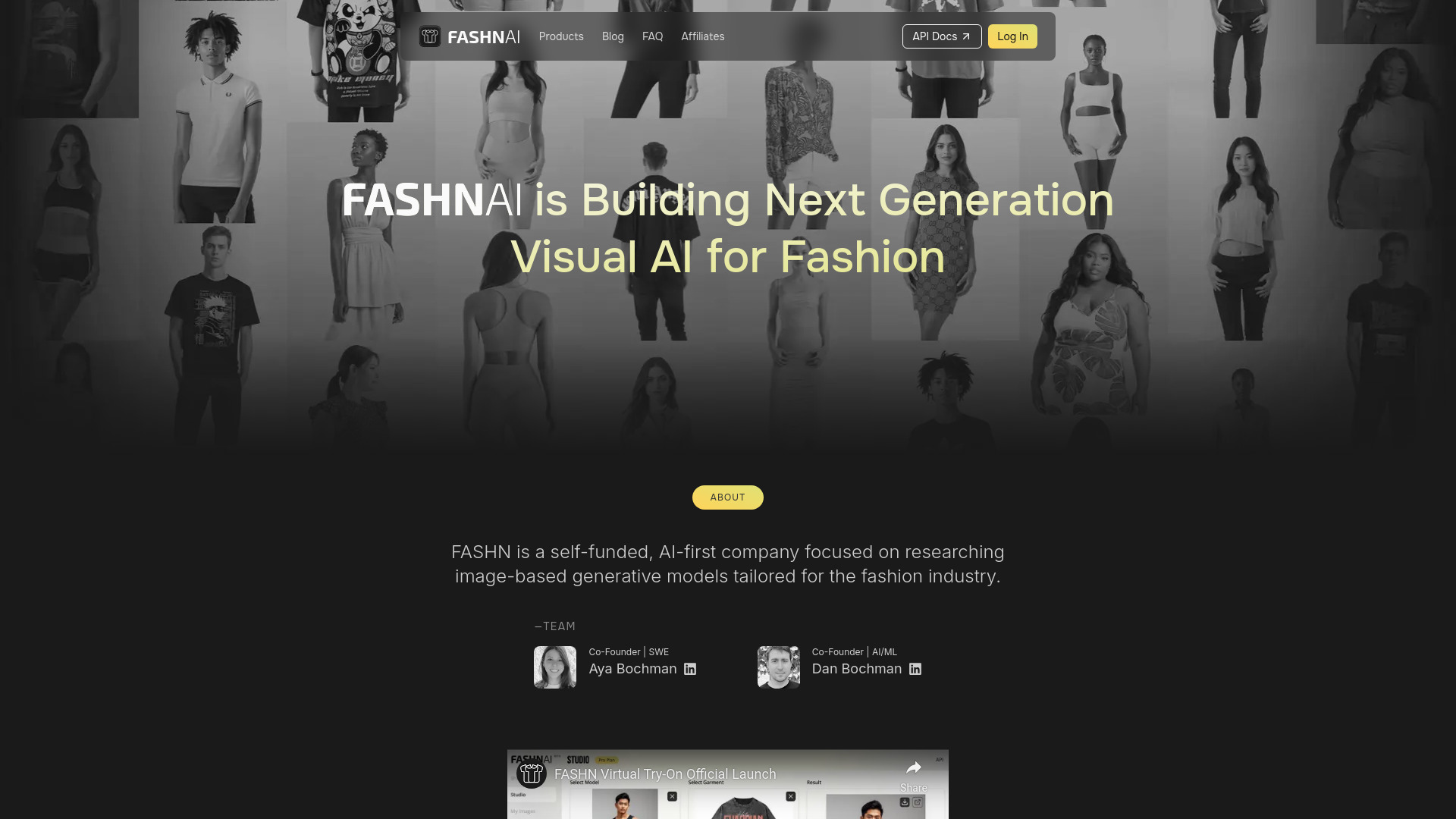
FASHN AI is a virtual try-on and model generation platform that turns fashion concepts into production-ready visuals. Built on advanced research in garment transfer, it creates realistic images of clothes worn by anyone, lets you swap outfits on existing model photos using reference images, re-style the same model across many looks, or change the model to expand diversity. Designers get quick mockups for presentations, while brands and retailers scale product imagery and campaigns without repeated shoots. An API enables developers to integrate try-on, model creation, and batch rendering into apps and workflows.
Main Features of FASHN AI
- Research-driven virtual try-on: Generate realistic on-model imagery that preserves fabric drape, pose alignment, and lighting for lifelike results.
- Garment transfer from references: Apply clothing from reference photos onto existing model shots to refresh catalogs without new photoshoots.
- On-model re-use: Re-style the same model across multiple products to ensure consistent lookbooks and cohesive brand storytelling.
- Model swapping and diversity: Change the model to represent different body types, ages, and ethnicities for inclusive campaigns.
- Model creation: Build and save custom models for recurring shoots, maintaining identity and pose consistency across assets.
- Designer mockups: Turn garment photos into on-model mockups to explore colorways, trims, and styling options before sampling.
- Background and scene control: Keep studio backgrounds or compose clean product-focused scenes to match brand guidelines.
- Batch generation: Produce variations at scale for colorways and size runs to accelerate e-commerce content production.
- API integration: Embed virtual try-on, model creation, and automated rendering in apps, PIMs, and storefront workflows.
- Export-ready assets: Download high-resolution images optimized for product pages, social media, and campaign placements.
Who Can Use FASHN AI
FASHN AI suits fashion brands, DTC retailers, and marketplaces that need high-volume, on-model product imagery. Creative agencies and photographers can prototype campaign looks and localize shoots without reshoots. Designers and product developers use it for fast apparel mockups and presentation visuals. Merchandisers and growth teams build consistent lookbooks and PDP images at scale. Developers integrate the API to power virtual try-on features inside commerce platforms and mobile apps.
How to Use FASHN AI
- Choose a workflow: virtual try-on, garment transfer, or model creation.
- Upload inputs: garment reference images and/or an existing on-model photo you want to restyle.
- Select a model: keep the same model for consistency or generate/switch to a new model for diversity.
- Set options: adjust cropping, background, and garment regions; confirm angles and poses for alignment.
- Generate previews: review outputs, refine selections, and iterate to reach desired realism and styling.
- Export or integrate: download final images or push assets via the API into your CMS, PIM, or storefront.
FASHN AI Use Cases
Retailers create on-model images for every colorway without scheduling new shoots. Brands localize campaigns by swapping models to match regional audiences. Designers prepare pitch-ready mockups for line reviews and social teasers. Marketplaces enable sellers to visualize apparel on professional models from simple garment photos. Agencies test creative directions, styling, and casting before committing to production, cutting time and cost from campaign development.
Pros and Cons of FASHN AI
Pros:
- High-quality, realistic virtual try-on and garment transfer.
- Reduces photoshoot cost and turnaround for product imagery.
- Consistent model identity with easy diversity and localization.
- API for automation and integration into existing pipelines.
- Extends the lifespan of existing on-model assets.
- Designer-friendly mockups accelerate creative iteration.
Cons:
- Output quality depends on input images; complex poses may require iteration.
- Visualization tool only—it does not provide sizing or fit recommendations.
- Approval workflows and rights management may need external systems.
- Initial learning curve to master masking, alignment, and scene settings.
- Teams must consider data privacy when uploading unreleased designs.
FAQs about FASHN AI
-
Does FASHN AI replace traditional photoshoots?
It can significantly reduce the need for reshoots and expand catalogs, but some hero campaigns may still benefit from physical shoots.
-
Can I upload my own models and garments?
Yes. You can upload existing model photos for restyling and use garment reference images for realistic transfer.
-
Does FASHN AI offer an API?
Yes. The API supports integrating virtual try-on, model creation, and batch rendering into your apps and content workflows.
-
Is FASHN AI suitable for small brands?
Absolutely. It helps small teams produce on-model images quickly without the overhead of frequent photoshoots.
-
Does it provide size or fit recommendations?
No. FASHN AI focuses on realistic imagery and styling visualization, not sizing prediction or fit guidance.