
- Home
- AI Writing Assistants
- Clueso
Clueso
Open Website-
Tool Introduction:AI editor turns screen recordings into product demos and docs fast.
-
Inclusion Date:Nov 04, 2025
-
Social Media & Email:

Tool Information
What is Clueso AI
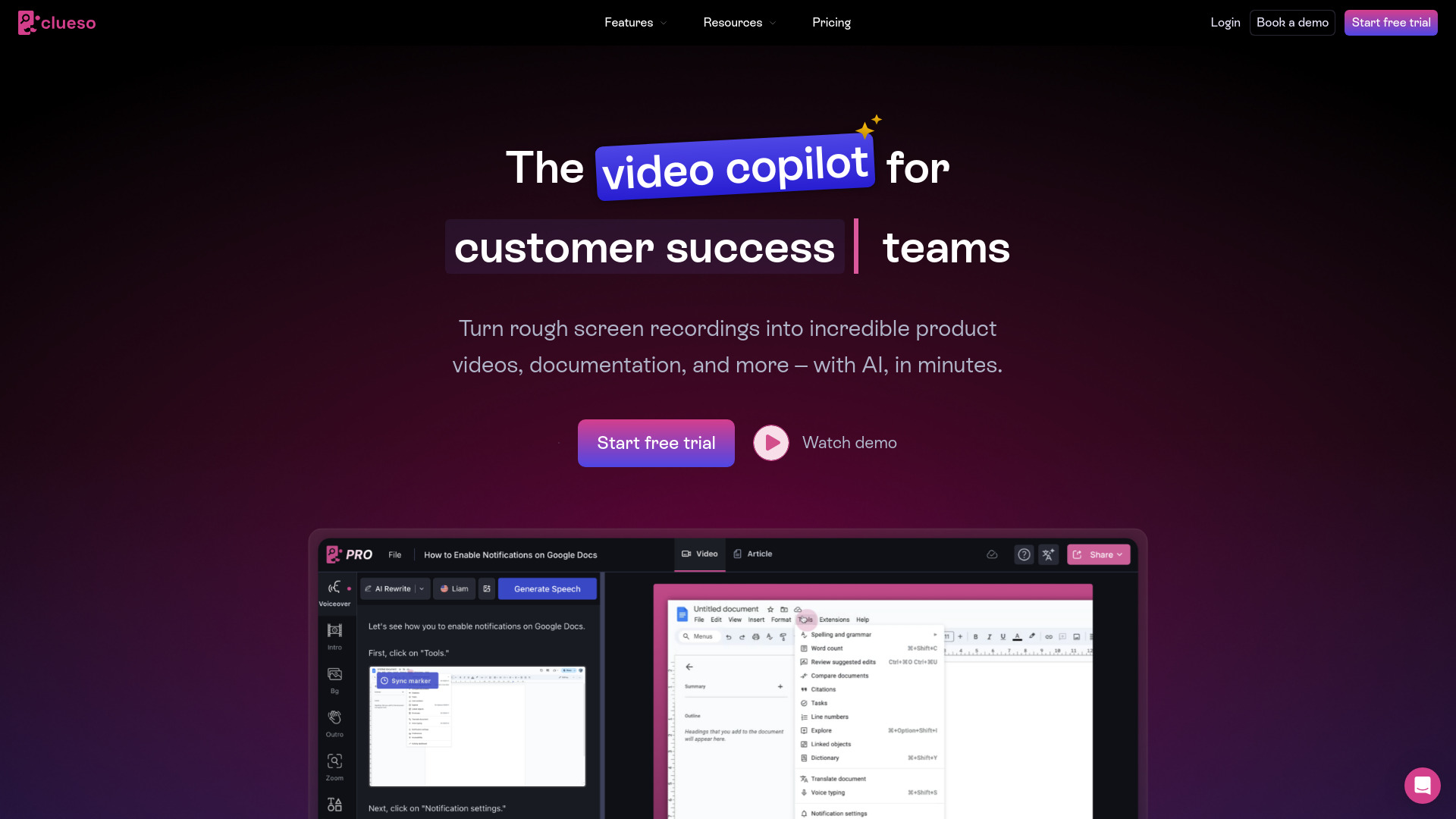
Clueso AI is an AI-powered video editor designed to turn ordinary screen recordings into polished product videos and step-by-step documentation. Built for marketing and product teams, it automates repetitive editing tasks like trimming silences, cleaning audio, adding captions, and highlighting key actions. With smart templates, branding controls, and text-based editing, Clueso AI helps teams produce clear demos, tutorials, and release notes in a fraction of the time, while keeping content accurate, consistent, and on-brand.
Main Features of Clueso AI
- AI editing automation: Automatically removes pauses, filler moments, and background noise to create tight, engaging clips.
- Screen recording to product video: Convert raw screen captures into structured demos with scenes, transitions, and callouts.
- Step-by-step documentation: Generate how-to guides with annotated screenshots and clear instructions from a single recording.
- Text-based editing: Edit by modifying the transcript to cut or rearrange content quickly and precisely.
- Captions and transcripts: Auto-generate captions for accessibility and SEO, with easy review and edits.
- Brand templates: Apply consistent fonts, colors, logos, intros, and lower-thirds to stay on brand.
- Annotations and highlights: Add pointers, zooms, cursor emphasis, and overlays to guide viewer attention.
- Voiceover assistance: Create or refine narration with AI voice options and script guidance.
- Collaboration tools: Share drafts, collect comments, and manage versions across teams.
- Export and sharing: Publish to popular formats, generate shareable links, and embed guides in knowledge bases.
Who Can Use Clueso AI
Clueso AI suits product marketers, customer success teams, sales engineers, product managers, and support teams who need fast, consistent product videos and tutorials. It also benefits founders, indie developers, technical writers, and educators creating onboarding content, feature walkthroughs, SOPs, and training materials without deep video editing experience.
How to Use Clueso AI
- Record your screen inside Clueso AI or import an existing recording.
- Let the AI analyze the footage and propose scenes, key steps, and a draft storyboard.
- Auto-clean your clip by removing silences and filler sections, then refine via text-based edits.
- Convert the session into step-by-step documentation with annotated screenshots and captions.
- Apply brand templates, add callouts, captions, and optional AI voiceover for polish.
- Review collaboratively, address comments, and finalize the video or guide.
- Export to common formats, create a shareable link, or embed the guide in your docs.
Clueso AI Use Cases
SaaS companies create onboarding videos that demonstrate setup flows and core features. Customer success teams publish troubleshooting guides and “how it works” tutorials. Sales engineers build tailored demos for prospects. Product teams ship release notes and feature highlights. Support organizations convert recurring tickets into reusable knowledge base articles. Internal teams document SOPs and training modules to standardize processes across departments.
Pros and Cons of Clueso AI
Pros:
- Significant time savings through automated editing and documentation generation.
- Easy, consistent branding with templates and presets.
- Accessible for non-editors via text-based editing and AI guidance.
- Improves clarity with captions, annotations, and structured steps.
- Streamlines collaboration and review across teams.
Cons:
- Less granular control than pro-grade nonlinear editors for advanced effects.
- AI-generated steps and captions may require manual review for accuracy.
- Results depend on the quality of the original screen recording and audio.
FAQs about Clueso AI
-
Can Clueso AI turn a screen recording into a step-by-step guide?
Yes. It can extract key steps, create annotated screenshots, and format them into clear documentation.
-
Does it generate captions automatically?
Yes. Captions and transcripts are auto-generated and can be edited for accuracy and style.
-
Is it suitable for non-technical users?
Yes. The interface and text-based editing make it approachable for marketers, CS teams, and educators.
-
Can I apply my brand styles?
You can use brand templates to set fonts, colors, and logos for consistent outputs.
-
What export options are available?
You can export to popular video formats, create shareable links, and embed guides in documentation tools.