
- Home
- AI Background Generator
- Autodraft
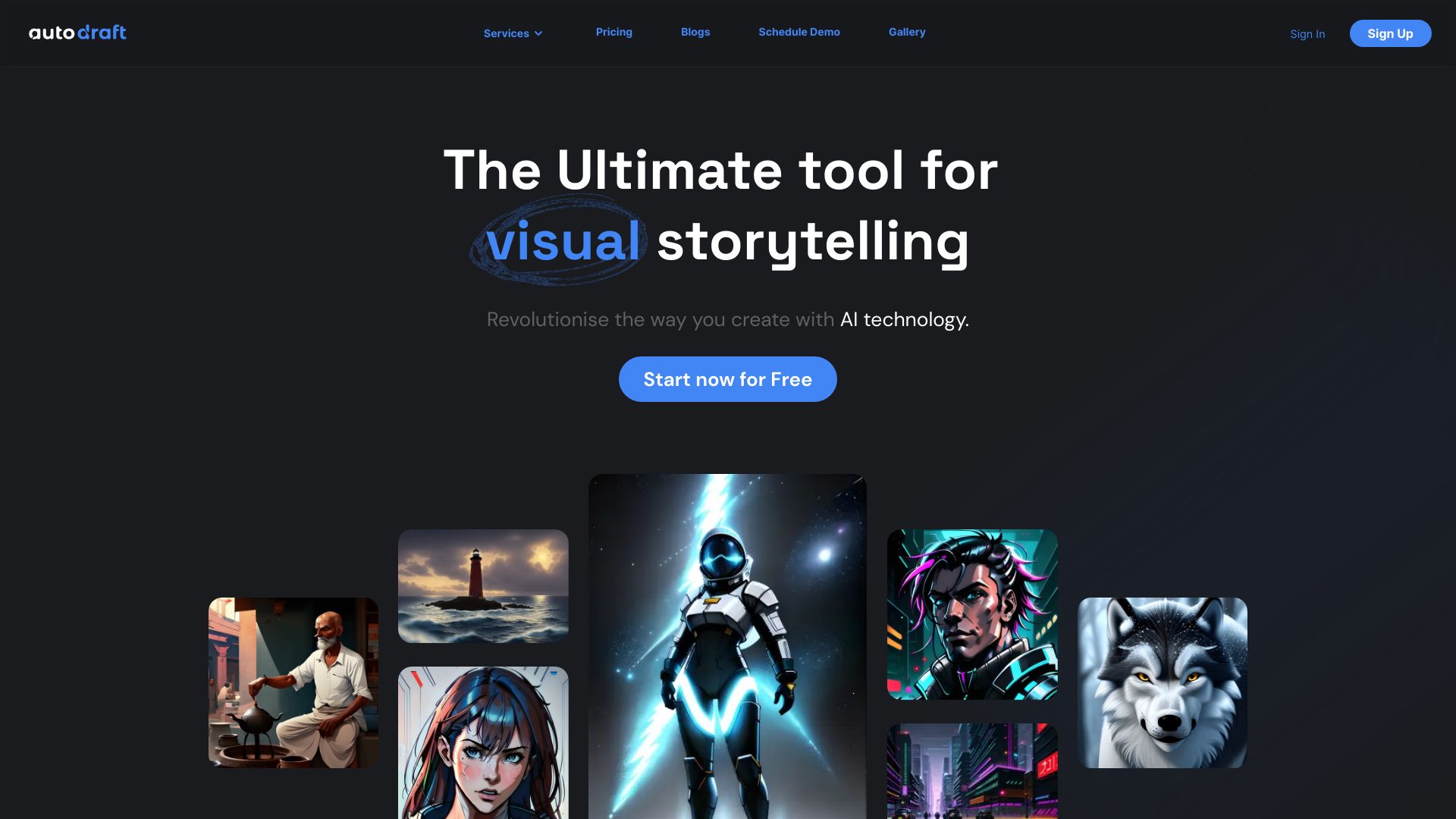
Autodraft
Open Website-
Tool Introduction:AI comic, webtoon, and animation maker with custom models & voiceovers
-
Inclusion Date:Oct 21, 2025
-
Social Media & Email:

Tool Information
What is Autodraft AI
Autodraft AI is an AI-driven creation suite for comics, webtoons, and animations. It enables creators to train custom character models, ensuring character and style consistency across panels and scenes. With image-to-animation generation, integrated voiceover tools, and streamlined character creation, it shortens the path from concept to finished video. Whether producing episodic webtoons or short animated explainers, Autodraft AI helps teams prototype faster, iterate visually, and deliver professional results without heavy manual keyframing or complex production pipelines.
Autodraft AI Main Features
- Custom character model training: Build and reuse character models to preserve consistent faces, outfits, and art style throughout comics, webtoons, and animated sequences.
- Image-to-animation generation: Turn static images or character stills into motion, reducing manual keyframing and accelerating scene production.
- Voiceover integration: Generate AI voiceovers or import audio and align dialogue with on-screen characters for cohesive storytelling.
- Character creation tools: Design characters with controllable styles and expressions, then apply them reliably across scenes.
- Style and scene consistency: Maintain a unified visual language across episodes, panels, and shots, improving continuity and brand identity.
- Multi-format output: Export content suitable for comics, webtoons, and animation videos to fit diverse publishing workflows.
Who is Autodraft AI For
Autodraft AI suits indie animators, comic and webtoon artists, YouTubers, marketing teams, educators, and studios that need fast, consistent character-driven content. it's ideal for serial webtoons, short animated promos, explainer videos, and rapid prototyping of scenes and storyboards where style consistency and speed matter.
How to Use Autodraft AI
- Create a new project and choose your target format (comic, webtoon, or animation video).
- Train a custom character model by uploading reference images and configuring basic training options for style and identity.
- Generate characters and scenes using prompts and references, applying your trained models for visual consistency.
- Convert selected images to animation, adding motion cues and transitions to bring scenes to life.
- Add voiceovers: pick an AI voice or import recorded audio, then align dialogue with scenes.
- Preview and refine timing, pacing, and visuals; iterate until the narrative and style meet your goals.
- Export your work in a format suited to comics, webtoons, or video publishing.
Autodraft AI Industry Use Cases
In media and entertainment, a small team can produce a serialized webtoon while keeping recurring characters consistent across episodes. Marketing teams can animate a brand mascot for product launches, pairing AI voiceovers with quick image-to-animation shots. Educators can create short, character-led explainers to visualize complex topics. Game studios can prototype storyboards and cutscene ideas with stable character appearances before full production.
Autodraft AI Pros and Cons
Pros:
- Ensures character and style consistency via trained models.
- Speeds up production with image-to-animation and integrated voiceovers.
- Reduces reliance on manual keyframing and complex pipelines.
- Supports comics, webtoons, and animation workflows in one place.
- Reusable assets enable efficient iteration across episodes and scenes.
Cons:
- Output quality depends on training data and clear art direction.
- Initial learning curve for model training and motion control.
- Highly complex cinematic shots may require additional manual refinement.
- Processing times can vary with project complexity and settings.
- Content rights and model usage depend on platform policies; review terms before publishing.
Autodraft AI FAQs
-
Can I use multiple trained characters in one project?
Yes. You can train distinct character models and apply them across scenes to maintain consistent appearances within the same project.
-
Does it support voiceovers and dialogue alignment?
Autodraft AI includes voiceover tools and helps align dialogue with visuals so characters and narration feel cohesive.
-
Do I need traditional drawing or animation skills?
Not required. While art direction improves results, the platform’s AI generation, character models, and image-to-animation features lower the barrier to entry.
-
Can I export content for webtoons and videos?
Yes. You can export formats suited to comics, webtoons, and animation videos for publishing across channels.
-
How is Autodraft AI priced?
Plans and any trial options may change over time. Check the official website for current pricing and availability.