
- Home
- AI Avatar Generator
- Vidnoz AI
Vidnoz AI
Open Website-
Tool Introduction:Free AI video generator with avatars, voices, templates, and translation.
-
Inclusion Date:Oct 21, 2025
-
Social Media & Email:


Tool Information
What is Vidnoz AI
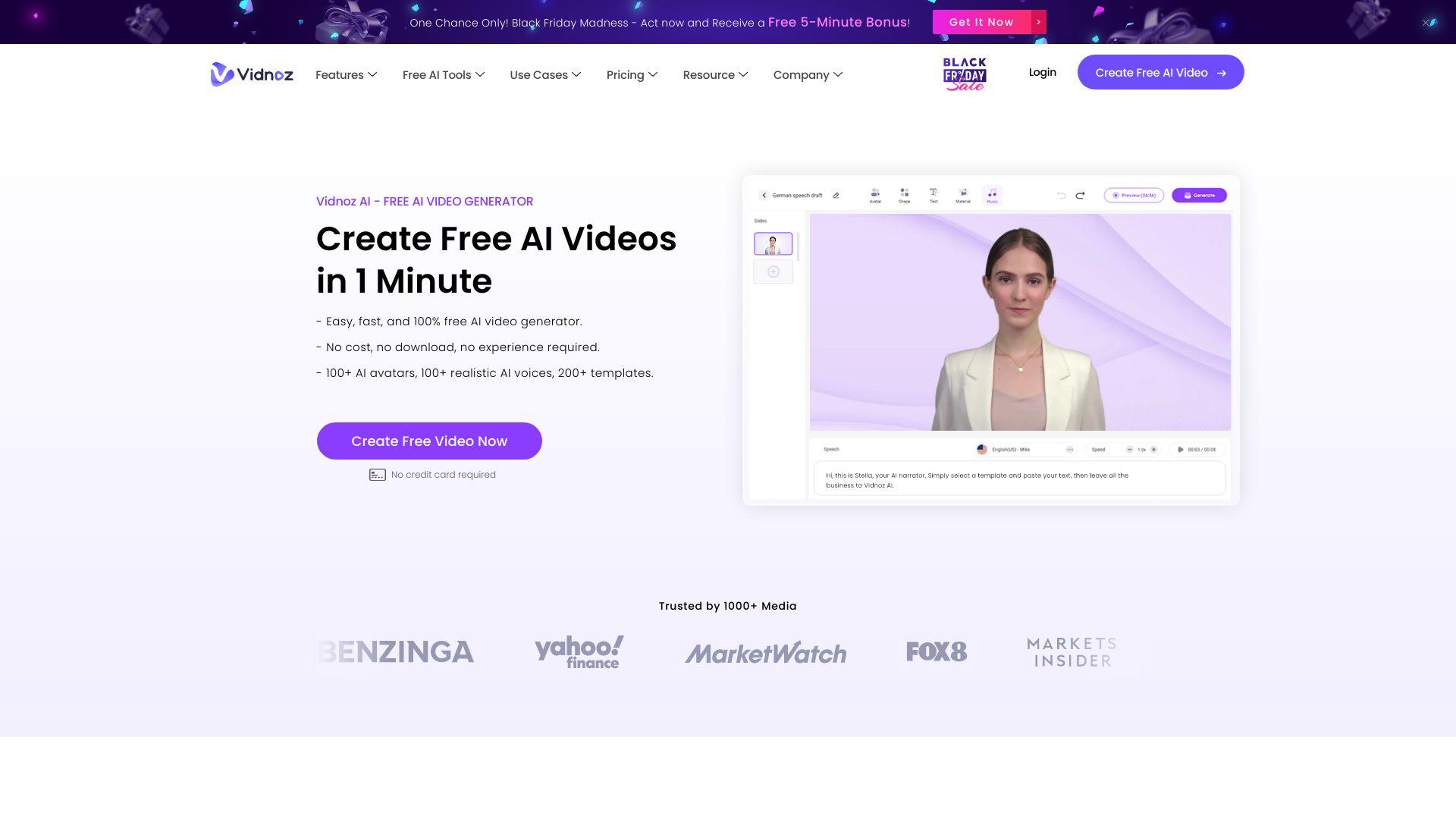
Vidnoz AI is a free AI video generator that lets anyone produce on-brand videos with lifelike AI avatars, natural AI voices, and ready-to-use video templates. From script to screen, it streamlines creation with an AI video wizard, an intuitive editor, and tools for custom and streaming avatars. Built-in translation and voiceover help localize content at scale, while automated workflows cut production time and cost. Whether for marketing, training, or support, Vidnoz AI makes high-quality video creation faster and more accessible.
Vidnoz AI Main Features
- AI Avatars Library: Choose from diverse, photoreal or stylized AI avatars to present scripts on camera without live filming.
- Custom AI Avatars: Create branded spokespeople to keep a consistent on-screen identity across videos.
- Streaming Avatars: Power live or interactive sessions with real-time, on-screen AI presenters.
- Video Templates: Start fast with professionally designed templates for promos, explainers, and training.
- AI Video Wizard: Turn a script or brief into structured scenes, suggested visuals, and voiceover automatically.
- AI Video Editor: Refine timing, scenes, captions, and assets in a simple, scene-based editing workflow.
- AI Video Translator: Localize content with auto translation and multilingual voiceover for global audiences.
- AI Voice Generation: Generate clear, natural text-to-speech in multiple languages and tones.
- Faster Production: Reduce filming, reshoots, and post-production with automated, browser-based tools.
Who Should Use Vidnoz AI
Vidnoz AI suits marketers, content creators, educators, HR and L&D teams, sales enablement, customer support, startups, and small businesses that need quick, consistent video output. it's ideal for product explainers, onboarding, course modules, social ads, how-to content, and multilingual localization without cameras or studios.
How to Use Vidnoz AI
- Sign up and create a new project from the dashboard.
- Pick a video template or start from a blank canvas.
- Select an AI avatar and an AI voice that match your brand and audience.
- Paste or write your script; use the AI video wizard to auto-generate scenes.
- Customize visuals: adjust backgrounds, text, timing, and captions in the editor.
- Optional: translate and dub the video into additional languages.
- Preview, fine-tune the pacing and pronunciation, then render.
- Export and share your video across websites, social channels, or LMS platforms.
Vidnoz AI Industry Use Cases
Marketing teams produce product demos and social ads with AI avatars in minutes. Learning designers build microlearning lessons and compliance modules, then localize them with the translator. HR creates onboarding and policy updates featuring a consistent virtual presenter. E-commerce brands publish multilingual product explainers, while support teams turn FAQs into short video walk-throughs for faster self-service.
Vidnoz AI Pricing
Vidnoz AI offers a free plan to start creating AI avatar videos. For current usage limits and any available upgrades, refer to the official website.
Vidnoz AI Pros and Cons
Pros:
- Accelerates video production with templates, AI avatars, and text-to-speech.
- Enables consistent on-brand presenters through custom avatars.
- Built-in translation and dubbing support global distribution.
- Accessible, browser-based workflow with a gentle learning curve.
- Reduces filming costs and reshoot overhead.
Cons:
- Avatar realism and voice naturalness can vary by style and script.
- Less granular control than full professional NLEs for complex edits.
- Free plan may include usage limits; rendering depends on internet connectivity.
- Creative output can feel template-driven without customization.
- Usage rights and licensing for assets should be reviewed per project.
Vidnoz AI FAQs
-
What is Vidnoz AI used for?
it's an AI video generator for creating videos with AI avatars, AI voices, templates, and translation without cameras or studios.
-
Do I need video editing experience?
No. The editor and AI video wizard guide you through scene building, voiceover, and layout with a beginner-friendly workflow.
-
Can I make a custom AI avatar?
Yes. Vidnoz AI supports creating custom AI avatars to represent your brand consistently across videos.
-
Does it support multiple languages?
Yes. Use the AI video translator and AI voice generation to localize scripts and voiceovers for different regions.
-
Is there a free plan?
Yes. Vidnoz AI provides a free plan for getting started; check the site for current features and limits.