
- Home
- AI Image Generator
- stable diffusion api
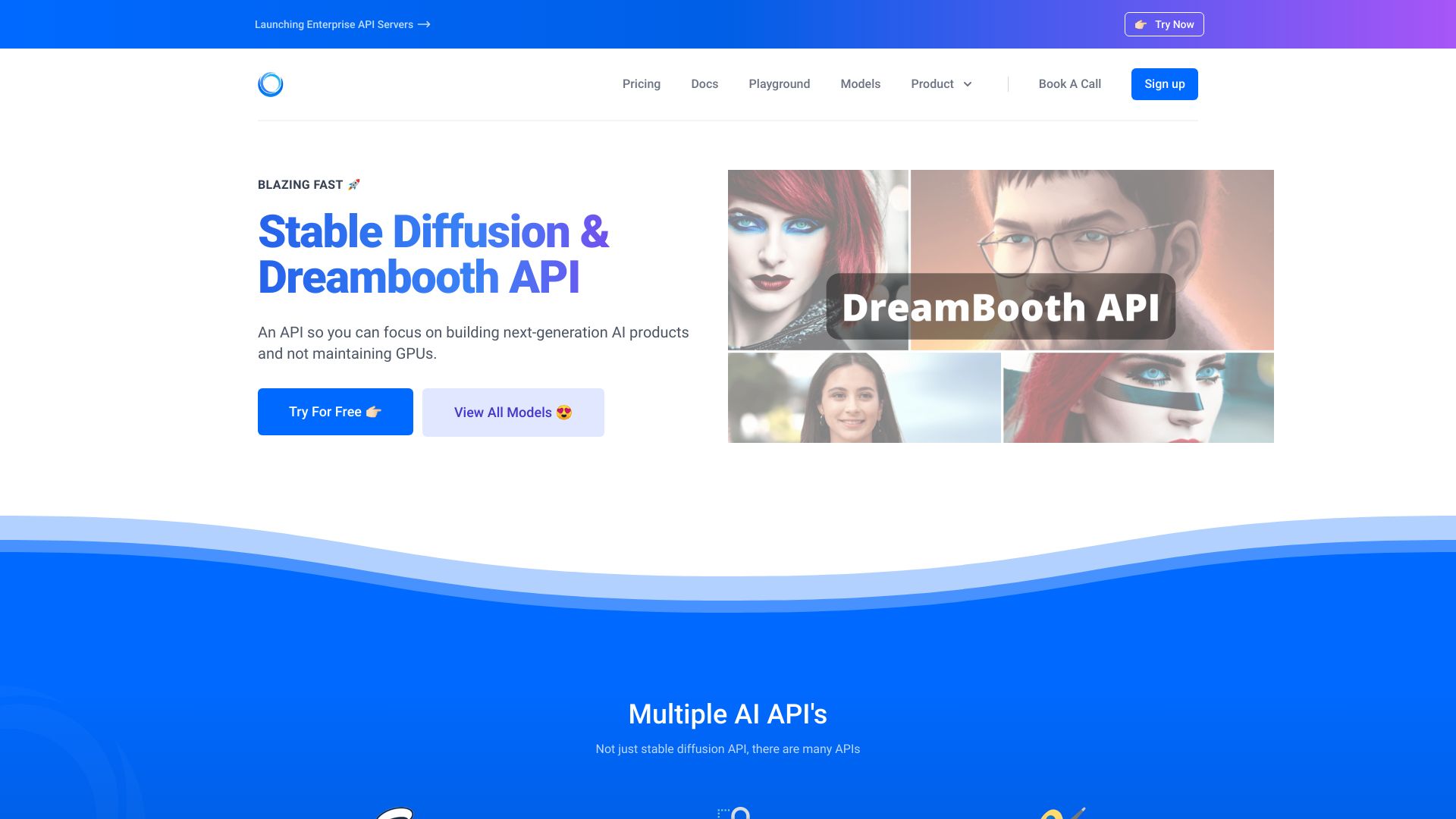
stable diffusion api
Open Website-
Tool Introduction:Stable Diffusion API without GPU setup—fast, scalable, cost‑smart AI.
-
Inclusion Date:Nov 09, 2025
-
Social Media & Email:

Tool Information
What is stable diffusion api AI
stable diffusion api AI by ModelsLab is a developer-friendly platform that exposes powerful image generation and editing endpoints built on Stable Diffusion. It lets teams add text-to-image, image-to-image, inpainting, outpainting, and upscaling to apps without managing GPUs or ML infrastructure. With simple REST APIs, async jobs, and scalable cloud inference, you can generate production-ready visuals, automate creative workflows, and prototype features faster. ModelsLab reduces operational overhead and provides predictable performance so you can focus on building products, not servers.
Main Features of stable diffusion api AI
- Text-to-image and image-to-image: Generate or transform images from prompts, reference images, or style guides.
- Inpainting and outpainting: Edit selected regions or extend canvases while preserving context and composition.
- ControlNet support: Guide generations with pose, depth, or edge maps for consistent structure and layout.
- Upscaling and enhancement: Super-resolution, sharpening, and face restoration for cleaner, higher-res outputs.
- Prompt controls: Negative prompts, seed, guidance scale, steps, and samplers for reproducible results.
- Multiple model versions: Access popular Stable Diffusion checkpoints for different quality and speed needs.
- Synchronous and asynchronous jobs: Low-latency sync calls or queued async rendering for heavy workloads.
- Webhooks and callbacks: Receive completion events and URLs to generated assets in your backend.
- Secure API keys: Token-based authentication over HTTPS with usage metrics and request logs.
- SDKs and examples: Quick-start code snippets to integrate the image generation API in minutes.
Who Can Use stable diffusion api AI
Ideal for developers, SaaS teams, agencies, and product designers who need reliable Stable Diffusion API access without maintaining GPUs. Common use cases include e-commerce product visuals, marketing creatives, game concept art, UI mockups, photoreal renders, and automated content pipelines across web, mobile, and backend services.
How to Use stable diffusion api AI
- Sign up on ModelsLab and create a project to obtain your API key.
- Choose an endpoint (text-to-image, image-to-image, inpainting, upscaler) based on your workflow.
- Compose your request: set prompt, negative prompt, seed, steps, guidance, size, and safety options as needed.
- Send a POST request to the REST API with JSON parameters and your API key in headers.
- For async jobs, poll the job ID or register a webhook to receive completion notifications.
- Retrieve the output URL(s), download the image, and cache or store it in your CDN or storage bucket.
- Iterate on prompt and parameters to balance quality, speed, and cost for production.
stable diffusion api AI Use Cases
Retail brands scale product photography with background replacement and on-brand styles; game and media studios produce concept art, storyboards, and variations rapidly; marketing teams generate ad creatives for A/B testing; app developers add on-device-like image editing via cloud calls; interior, fashion, and architecture workflows render mood boards and colorways; educators and researchers prototype visual ideas for experiments and demos.
stable diffusion api AI Pricing
Pricing typically follows usage-based API billing, where you pay for the volume of image generations, edits, and upscales. Tiered limits and volume discounts may apply, and promotional trials can be available. For current rates and any free credits, visit the official ModelsLab pricing page.
Pros and Cons of stable diffusion api AI
Pros:
- No GPU setup or ML ops required; deploy in hours, not weeks.
- Rich feature set: text-to-image, img2img, inpainting, ControlNet, and upscaling.
- Scales from prototypes to production with async jobs and webhooks.
- Fine-grained prompt controls enable reproducible, high-quality outputs.
- Secure API keys and usage metrics for governance and cost control.
Cons:
- Cloud inference adds network latency versus local models.
- Dependent on provider uptime, quotas, and content policies.
- Iterative prompt tuning is often required to reach desired styles.
- Costs can grow with very high volumes or large image sizes.
FAQs about stable diffusion api AI
-
Does it support image-to-image and inpainting?
Yes. You can supply a source image and mask to transform or restore specific regions with prompt guidance.
-
Can I control style consistency across images?
Use seeds, negative prompts, and ControlNet inputs (pose/depth/edges) to keep structure and style aligned.
-
How do I handle longer renders?
Use asynchronous jobs and webhooks to offload heavy renders and receive a callback when results are ready.
-
Is there a limit on image size?
Maximum resolution depends on the selected model and plan; check the API docs for current limits.
-
How is authentication managed?
Requests are authenticated with secure API keys over HTTPS; rotate keys and restrict access per environment.