
- Home
- AI Writing Assistants
- SmartSuite
SmartSuite
Open Website-
Tool Introduction:Collaborative work management to plan, track, and automate any workflow.
-
Inclusion Date:Oct 28, 2025
-
Social Media & Email:


Tool Information
What is SmartSuite AI
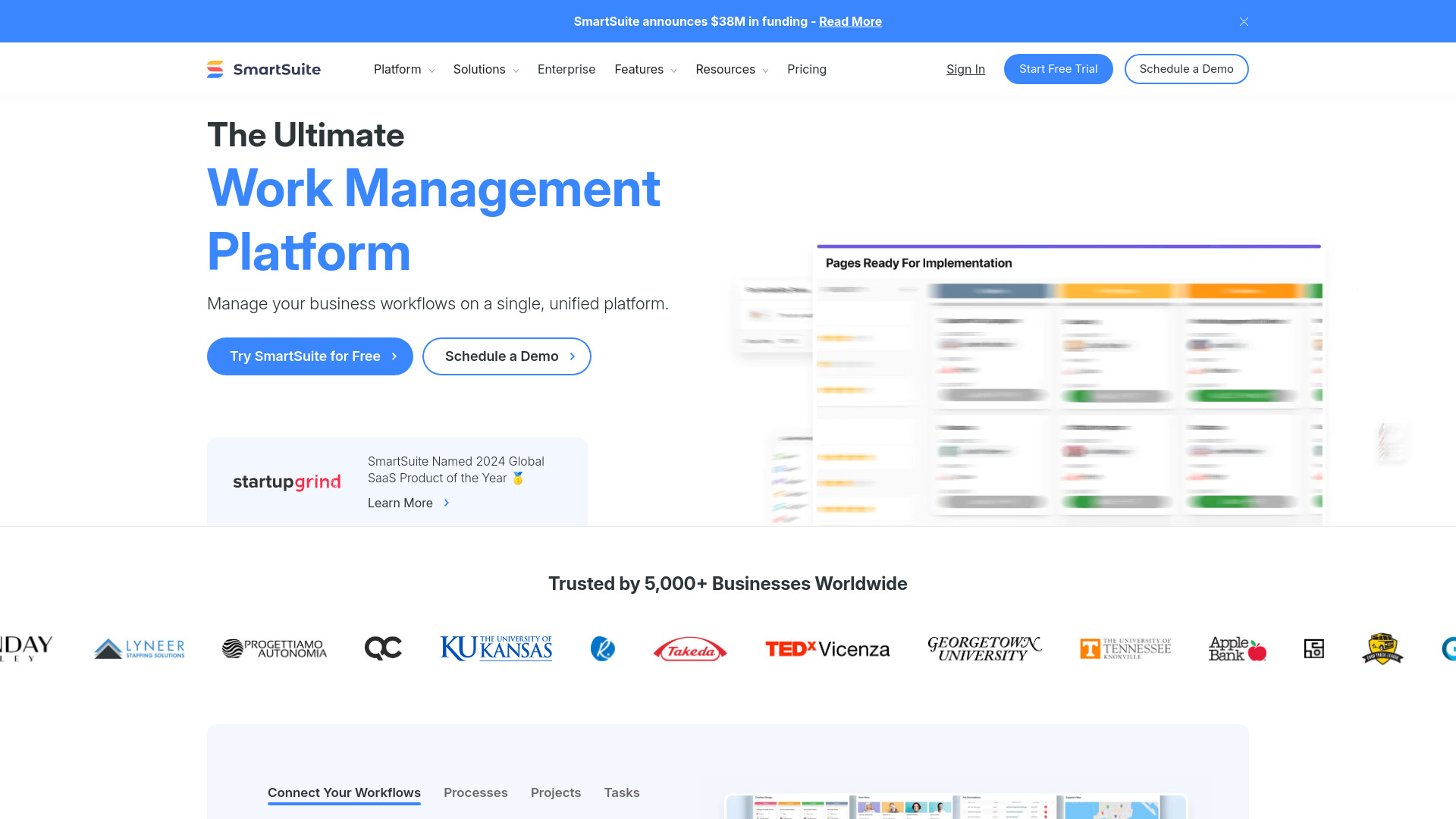
SmartSuite AI is a collaborative work management platform that enables teams to plan, track, and manage any workflow—from structured projects to ongoing processes and routine tasks. It unifies people, data, and timelines in a secure workspace with role-based users & permissions, native integrations, and reliable workflow automation. Teams can centralize requirements, assign owners, automate handoffs, and monitor outcomes with configurable dashboards. Built to scale across departments, SmartSuite AI streamlines collaboration while maintaining governance, visibility, and accountability.
SmartSuite AI Main Features
- Flexible workspaces and data modeling: Organize records, fields, and views to mirror real processes, supporting both simple task lists and multi-step workflows.
- Users & permissions: Role-based access controls to manage who can view, edit, or administer work, ensuring governance and data security.
- Integrations: Connect with popular tools to sync data, trigger actions, and reduce manual updates across your stack.
- Trust & security: Enterprise-minded practices, auditability, and controlled sharing to keep sensitive work protected.
- Team collaboration: Centralized discussions, mentions, file attachments, and activity history to keep context with the work.
- Workflow automation: Triggers, rules, and notifications to automate repetitive steps, approvals, and status updates.
- Dashboards & reporting: Real-time metrics, progress tracking, and portfolio visibility for informed decision-making.
- Templates & solution library: Prebuilt solutions for project management, sales, marketing, HR, product, and more to accelerate setup.
Who Should Use SmartSuite AI
SmartSuite AI is ideal for cross-functional teams managing complex work: project managers, sales and marketing teams, HR and recruiting, product and design, software development, customer success, operations, finance, legal, professional services, IT, security and GRC, procurement, construction, real estate, food services, non-profits, healthcare, educators, and students. It fits organizations seeking a single platform to standardize processes, improve collaboration, and scale workflows with guardrails.
How to Use SmartSuite AI
- Define your goals: identify processes, owners, and success metrics for your workflow.
- Select a template: choose a prebuilt solution or start from scratch to model your work.
- Structure your data: create records and fields to capture tasks, milestones, requests, or assets.
- Set users & permissions: assign roles, access levels, and sharing policies for each workspace.
- Configure views & dashboards: build lists and summaries to track priorities and KPIs.
- Automate steps: add triggers and rules for assignments, approvals, reminders, and status changes.
- Integrate tools: connect external apps to sync data, eliminate double entry, and orchestrate actions.
- Collaborate in context: comment, mention teammates, attach files, and capture decisions alongside work.
- Monitor progress: use reports to identify risks, manage capacity, and optimize throughput.
- Iterate and scale: refine fields, permissions, and automations as your process matures.
SmartSuite AI Industry Use Cases
Product and engineering teams plan roadmaps, manage sprints, and automate release approvals. Sales and marketing run lead intake, campaign calendars, and handoffs from MQL to pipeline with integrated notifications. HR teams streamline recruiting and onboarding with role-based permissions. GRC and security teams centralize risks, controls, and evidence collection for audits. Professional services track project delivery, budgets, and change requests. Non-profits manage grants and programs with transparent reporting to stakeholders.
SmartSuite AI Pros and Cons
Pros:
- Highly flexible structure to model simple tasks or complex, multi-team workflows.
- Strong users & permissions to balance collaboration with governance.
- Powerful workflow automation to reduce manual work and prevent bottlenecks.
- Prebuilt solutions accelerate adoption across many departments.
- Integrations help unify the tool stack and maintain a single source of truth.
Cons:
- Initial setup and customization can require careful planning and admin time.
- Complex workspaces may introduce a learning curve for new users.
- Process quality depends on consistent data hygiene and well-defined conventions.
- Integrations and governance patterns need ongoing maintenance as teams scale.
SmartSuite AI FAQs
-
Can I migrate existing spreadsheets or project plans into SmartSuite AI?
Yes. You can import structured data and then map fields to your new workspace, preserving ownership and status tracking.
-
Does it support role-based access and granular permissions?
SmartSuite AI includes users & permissions to control who can view, edit, or administer records, views, and automations.
-
Can I automate recurring tasks and approvals?
Yes. Use triggers and rules to create, assign, and route work automatically, with notifications and status updates.
-
How does it integrate with other tools?
SmartSuite AI provides integrations to sync data and orchestrate actions, reducing manual updates across systems.
-
Is it suitable for regulated teams like GRC or security operations?
It offers governance-friendly controls, auditability, and permissioning to help structure regulated workflows when properly configured.