
- Home
- AI Writing
- Simplified
Simplified
Open Website-
Tool Introduction:Free AI writer plus design, video, and social tools to scale.
-
Inclusion Date:Oct 21, 2025
-
Social Media & Email:


Tool Information
What is Simplified AI
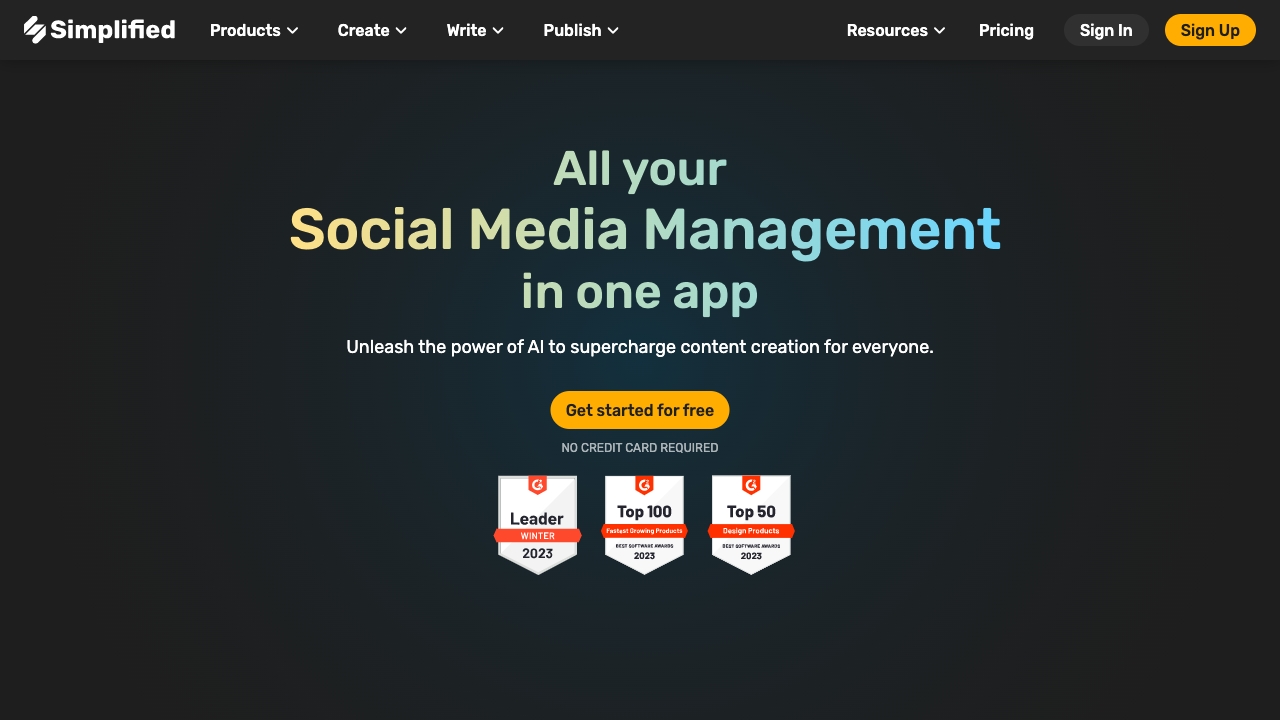
Simplified AI is an all-in-one AI studio that unifies copywriting, design, video creation, and social media management in a single workspace. With an AI Writer for blogs, articles, product descriptions, and captions, plus tools for AI Design, AI Video, Link in Bio, AI Chatbot, and AI Project Management, it streamlines how teams create and scale content. By automating repetitive tasks, optimizing workflows, and supporting collaboration, Simplified helps marketers, creators, and brands publish faster, stay on-brand, and grow consistently across channels.
Simplified AI Main Features
- AI Writer: Generate long-form articles, blog outlines, product descriptions, ad copy, and social captions with tone control, rephrasing, and idea prompts for SEO-friendly content.
- AI Design: Create on-brand graphics using templates, smart layout suggestions, and asset libraries to standardize visual identity across campaigns.
- AI Video: Turn scripts into short videos, add captions, trim, and resize for different platforms to accelerate content repurposing.
- Social Media Management: Plan, schedule, and publish posts; collaborate on approvals; and manage a unified content calendar across channels.
- AI Chatbot: Build conversational experiences to assist audiences, route FAQs, and support engagement workflows.
- Link in Bio: Create a branded micro-landing page to drive traffic from social profiles to key content and offers.
- AI Project Management: Organize tasks, assets, and campaigns with shared workspaces to align creative and marketing teams.
- Workflow Automation: Use templates and repeatable pipelines to speed production and maintain consistency at scale.
- Collaboration & Brand Kit: Centralize brand guidelines, fonts, and colors; comment in real time and manage roles and permissions.
- Multilingual Support: Draft and adapt copy for multiple languages to reach international audiences.
Who Should Use Simplified AI
Simplified AI suits marketers, social media managers, content creators, small businesses, eCommerce brands, agencies, and startups that need to produce copy, visuals, and short videos quickly. It also helps founders, product teams, and community managers maintain a consistent brand voice while coordinating content across blogs, websites, and social platforms.
How to Use Simplified AI
- Create an account and set up your workspace and brand kit (logo, colors, fonts, tone).
- Select a tool: AI Writer, AI Design, AI Video, Social Media Management, or Chatbot.
- Choose a template or enter a clear prompt with target audience, intent, and keywords.
- Generate drafts, then refine with tone, length, and format options.
- Collaborate: leave comments, request approvals, and version content.
- Plan and schedule posts with the content calendar, or export assets to your site.
- Measure performance and iterate prompts and templates to improve results.
Simplified AI Industry Use Cases
eCommerce teams generate product descriptions, lifestyle visuals, and scheduled social campaigns for new launches. SaaS startups draft landing page copy, announcement posts, and short demo videos from a single brief. Agencies coordinate multi-brand calendars, standardize client assets, and accelerate approvals. Education and nonprofits adapt messages across languages and channels to broaden reach.
Simplified AI Pricing
Simplified AI offers a free option to get started with the AI Writer and core features. Paid plans are available for higher usage limits, advanced tools, additional seats, and enhanced publishing or analytics capabilities. Availability of trials and billing cycles may vary by plan.
Simplified AI Pros and Cons
Pros:
- All-in-one workspace for copy, design, video, and social scheduling.
- Template-driven workflows that speed production and maintain consistency.
- Collaboration features with shared assets and brand guidelines.
- Multilingual content generation for global campaigns.
- Scales from solo creators to teams and agencies.
Cons:
- Best results require clear prompts and editorial oversight.
- Advanced features and higher limits typically require paid plans.
- Learning curve for teams adopting multiple modules.
- Specialized edge cases may still need dedicated niche tools.
Simplified AI FAQs
-
Is Simplified AI free?
Yes, there is a free option to try core features, with paid plans for expanded usage and advanced capabilities.
-
Can it write in multiple languages?
Yes, the AI Writer supports multilingual copy so you can localize content for different markets.
-
Does it support team collaboration?
Teams can share workspaces, manage roles, comment, and keep assets consistent with a brand kit.
-
Can I schedule and publish social posts?
Yes, the Social Media Management tool lets you plan, schedule, and organize content across channels.
-
Will the content be on brand?
Use the brand kit and tone controls to align copy and visuals with your guidelines, then review before publishing.
-
Does it help with SEO?
The AI Writer can incorporate target keywords and structure content; human editing is recommended for strategy and accuracy.