
- Home
- AI Summarizer
- ScreenApp
ScreenApp
Open Website-
Tool Introduction:One-click screen, audio, video capture with AI notes and summaries
-
Inclusion Date:Oct 21, 2025
-
Social Media & Email:


Tool Information
What is ScreenApp AI
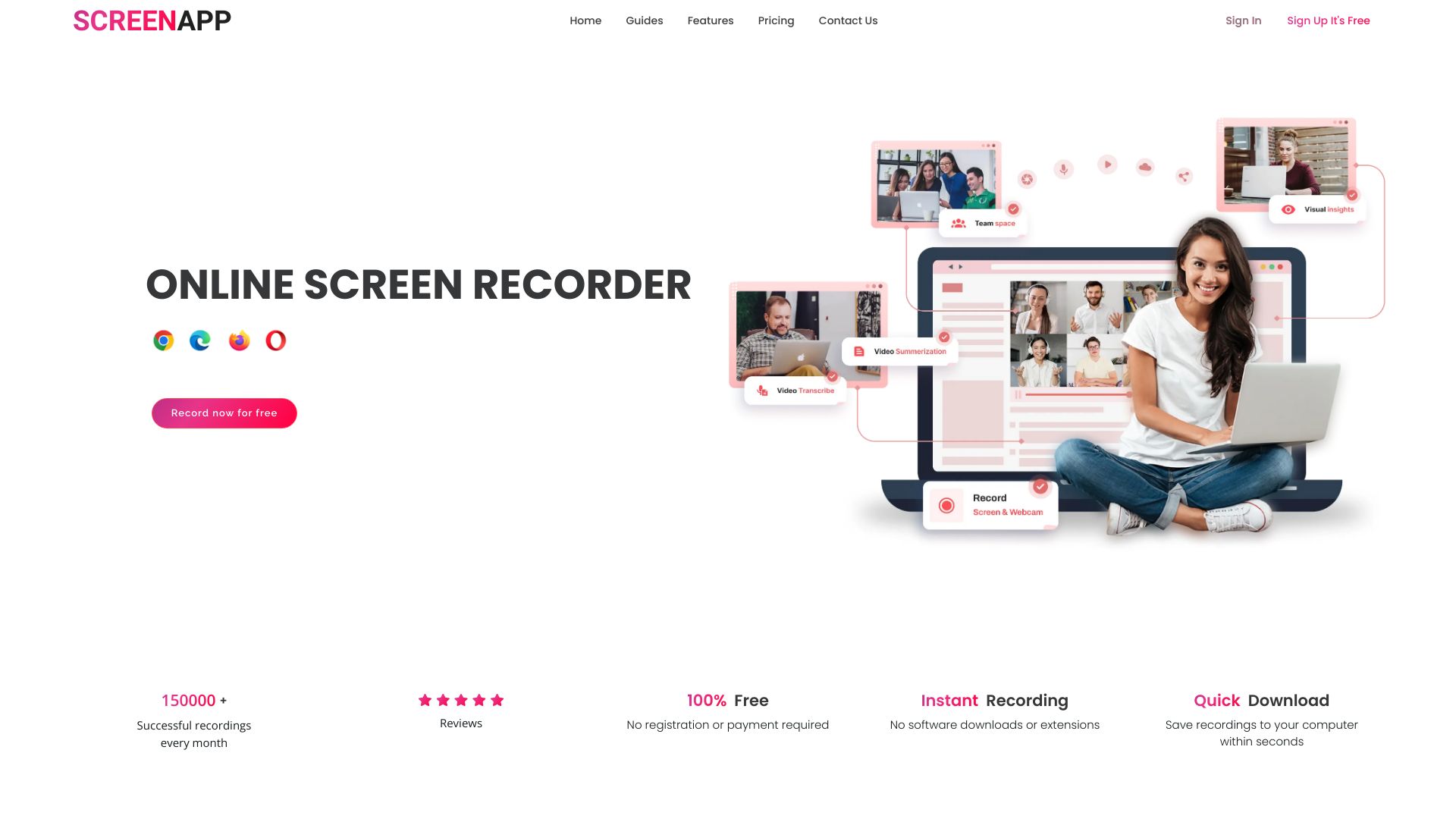
ScreenApp AI is a browser-based recorder that lets you capture your screen, camera, and microphone with a single click. Powered by AI, it automatically transcribes speech, takes structured notes, and generates concise summaries, turning raw recordings into reusable knowledge. Built for onboarding, training, and documentation, it reduces manual note-taking and speeds up content creation. Record walkthroughs, meetings, demos, or tutorials directly from your browser, then use the AI outputs to document decisions, highlight action items, and share context across teams.
ScreenApp AI Main Features
- One‑click recording: Capture screen, camera, and audio instantly from the browser for fast walkthroughs and demos.
- AI transcription: Convert spoken content into accurate text to make recordings easy to review and repurpose.
- AI notetaking: Automatically extract key points, decisions, and action items to reduce manual notes.
- AI summarization: Produce concise summaries that help teams grasp the essentials in minutes.
- Audio and video support: Record audio‑only sessions, full screen, or camera video to match different workflows.
- Knowledge management focus: Turn meetings and tutorials into reusable training and onboarding materials.
- Lightweight workflow: No heavy desktop install; start recording and capturing insights right from your browser.
Who Should Use ScreenApp AI
ScreenApp AI suits HR and L&D teams building onboarding content, managers and trainers documenting processes, product and engineering teams sharing feature walkthroughs, customer support teams creating internal guides, sales teams recording demos, and educators or creators producing tutorials and lecture recaps. it's especially useful for remote and distributed teams that need clear, consistent knowledge sharing.
How to Use ScreenApp AI
- Open ScreenApp AI in your browser and choose what to capture: screen, screen + camera, or audio only.
- Grant microphone and camera permissions, then select the tab, window, or entire screen to record.
- Click Record and conduct your meeting, demo, or walkthrough as usual.
- Stop the recording; the AI will process transcription, notes, and a summary automatically.
- Review and refine the generated transcript and notes, then use them for onboarding, training, or documentation.
ScreenApp AI Industry Use Cases
HR teams create role-specific onboarding walkthroughs and use AI summaries to reinforce key policies. Customer support records troubleshooting sessions and turns them into step-by-step internal guides. Product teams capture feature demos and sprint reviews, using AI notes to document requirements and decisions. Educators record lectures and provide students with transcriptions and summaries for quick revision. Sales teams record product demos and distill value propositions into concise talk tracks.
ScreenApp AI Pros and Cons
Pros:
- Single-click screen, camera, and audio recording in the browser.
- Automatic transcription, notes, and summaries save time and reduce manual effort.
- Ideal for onboarding, training, and ongoing knowledge management.
- Lightweight, no desktop installation required.
Cons:
- Requires a stable internet connection for recording and AI processing.
- Transcription and summaries can vary with audio quality and background noise.
- May offer fewer advanced video editing options than full desktop editors.
- Recording permissions and browser constraints can affect setup in certain environments.
ScreenApp AI FAQs
-
How is ScreenApp AI different from standard screen recorders?
It adds AI transcription, notetaking, and summarization, turning recordings into actionable documentation.
-
Can I record just audio, just the screen, or include my camera?
Yes. You can record audio-only, your screen, and video with your camera to match different needs.
-
Do I need to install software?
No. it's an online application that works directly in your browser.
-
Is it useful for onboarding and training?
Yes. AI-generated transcripts, notes, and summaries help teams build consistent, reusable training materials.
-
How accurate are the AI notes and transcripts?
Accuracy depends on audio clarity, microphones, and background noise. You can review and edit the outputs as needed.