
- Home
- AI Background Remover
- Clipdrop
Clipdrop
Open Website-
Tool Introduction:AI toolkit: image generation, background removal, upscaling, relight, API.
-
Inclusion Date:Oct 21, 2025
-
Social Media & Email:


Tool Information
What is Clipdrop AI
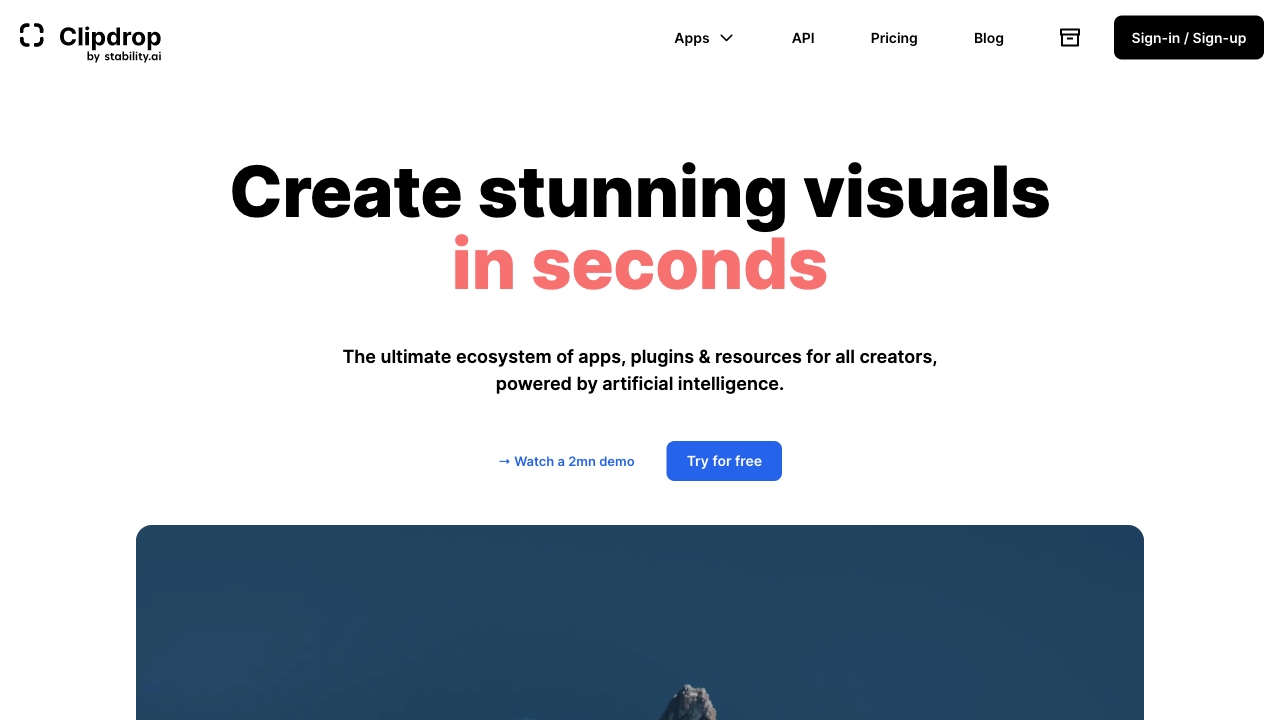
Clipdrop AI is an AI-powered suite of creative tools that speeds up image production for designers, marketers, and developers. It combines web apps, lightweight plugins, and an API to handle tasks like instant background removal, object cleanup, relighting, image upscaling, uncropping, and text-to-image generation. By automating repetitive edits and enhancing photo quality, Clipdrop helps teams turn basic shots into consistent, ready-to-publish assets for e-commerce listings, ads, social posts, and prototypes, all with fast, browser-based workflows and easy integrations.
Clipdrop AI Key Features
- Background Removal: One-click background extraction for product photos, portraits, and social creatives, preserving fine edges like hair or soft fabrics.
- Cleanup/Object Removal: Remove unwanted objects, logos, or blemishes with AI-powered inpainting to create distraction-free images.
- Relighting: Adjust scene lighting and shadows to match brand style or placement needs without a reshoot.
- Image Upscaling: Enhance resolution and detail for web and print while reducing artifacts and preserving textures.
- Uncrop/Extend Canvas: Expand framing and regenerate missing context to adapt images for various aspect ratios.
- Replace Background: Swap backgrounds with solid colors, gradients, or generated scenes for fast visual variations.
- Text-to-Image Generation: Create concept visuals from prompts for moodboards, drafts, and creative exploration.
- Developer API: Integrate background removal, cleanup, or upscaling into apps, websites, and workflows.
Who Should Use Clipdrop AI
Clipdrop AI fits e-commerce sellers standardizing catalog imagery, marketing teams producing multichannel creatives, designers iterating concepts, social media managers needing fast variants, photographers accelerating retouching, and developers who want to embed background removal or upscaling into products and pipelines.
How to Use Clipdrop AI
- Sign up or open the desired Clipdrop tool in the browser.
- Choose a module (e.g., Remove Background, Cleanup, Relight, Upscale, Generate).
- Upload an image, paste a URL, or start with a text prompt for generation.
- Refine settings such as strength, lighting, output size, or background style.
- Preview results, compare versions, and make quick touch-ups if needed.
- Export in your preferred format, or use the API/automation to process images in bulk.
Clipdrop AI Industry Use Cases
Online retailers remove backgrounds and relight product photos to achieve a consistent catalog look. Creative agencies generate concept art and rapidly create ad variants for A/B tests. Marketplaces help sellers auto-clean listings for better conversion. App developers embed background removal into user flows, enabling instant, high-quality photo edits directly in their products.
Clipdrop AI Pricing
Clipdrop offers free access to core tools with usage limits suitable for testing and light tasks. Paid plans typically unlock higher resolutions, watermark-free exports, increased quotas, and faster processing. The developer API is generally billed based on usage, allowing teams to scale programmatically. Availability and tiers may vary; check the official site for current details.
Clipdrop AI Pros and Cons
Pros:
- Comprehensive toolkit covering background removal, cleanup, relighting, and upscaling.
- Fast, browser-based workflow suitable for non-technical users.
- Consistent results that reduce manual retouching and reshoots.
- API enables seamless integration into apps and automated pipelines.
- Good fit for e-commerce, social, and advertising asset production.
Cons:
- Free tier limits may restrict batch processing or output resolution.
- Results can vary with complex scenes, challenging edges, or unusual lighting.
- Requires stable internet connectivity for cloud processing.
- Advanced control may be less granular than traditional desktop editors in edge cases.
Clipdrop AI FAQs
-
Does Clipdrop AI support batch processing?
Yes, you can process multiple images through the web tools and automate larger volumes using the API, subject to plan limits and quotas.
-
Can I use Clipdrop AI outputs for commercial projects?
In general, exported assets are suitable for commercial use. Review the official license and terms to confirm usage rights for your specific workflow.
-
How accurate is the background removal?
It performs well on products and portraits, preserving fine details like hair. Complex, low-contrast edges may require minor manual touch-ups.
-
Is there an API for developers?
Yes. The Clipdrop API provides endpoints for background removal, cleanup, upscaling, and more, enabling integration into websites, apps, and automation scripts.
-
What file formats are supported?
Common formats like PNG and JPG are supported for input and export. Specific options may vary by tool; check the tool interface for available formats.