
- Home
- AI Transcriber
- BuildShip
BuildShip
Open Website-
Tool Introduction:Visual low‑code backend to build APIs, automate workflows, and plug AI.
-
Inclusion Date:Nov 08, 2025
-
Social Media & Email:

Tool Information
What is BuildShip AI
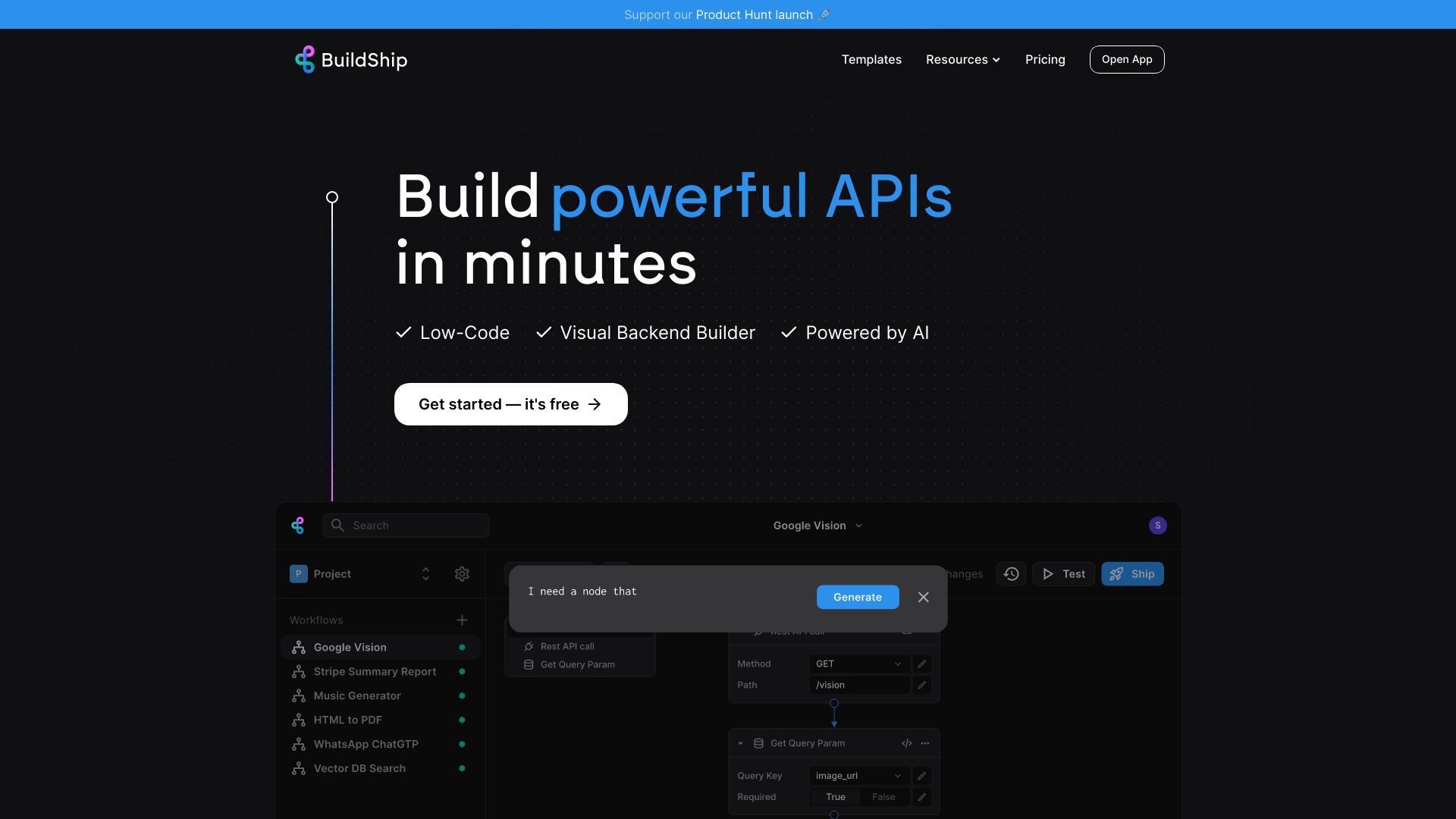
BuildShip AI is a visual low-code backend builder that helps teams design, automate, and deploy backend APIs and workflows fast. Using a drag-and-drop canvas with pre-built workflow nodes, you can compose endpoints, scheduled jobs, and background tasks while integrating with external tools or any AI model. The platform blends no-code speed with developer control: generate nodes with AI, then tweak the underlying code when needed. With one-click, instant deployment, BuildShip AI turns ideas into production-ready services without managing servers or complex infrastructure.
Main Features of BuildShip AI
- Visual low-code canvas: Build backend logic with a drag-and-drop interface for faster iteration and clearer architecture.
- API endpoint builder: Create production-ready backend APIs to power apps, dashboards, and integrations.
- Workflow automation: Orchestrate complex multi-step workflows across tools and services.
- Scheduled jobs: Run recurring tasks and background jobs with configurable schedules.
- AI integration: Connect any AI model, plug in pre-built nodes, or generate workflow steps with AI assistance.
- Code tweaking: Drop to code when needed for custom logic and fine-grained control.
- One-click deployment: Push updates instantly and ship changes without managing servers.
- Extensible nodes: Combine pre-built workflow nodes to accelerate common backend tasks.
Who Can Use BuildShip AI
BuildShip AI suits product teams, startup founders, and backend developers who need to ship APIs quickly, as well as data and operations teams automating repetitive tasks. Agencies and solution integrators can prototype client backends rapidly, while AI teams can stitch models into real workflows without heavy infrastructure work.
How to Use BuildShip AI
- Sign up and create a new project for your API, workflow, or job.
- Open the visual canvas and choose a starting template or start from a blank flow.
- Drag pre-built nodes, connect external tools or AI models, and define inputs and outputs.
- Use AI to generate nodes, then tweak the code where needed for custom logic.
- Configure parameters, secrets, and runtime settings for each step.
- Test the flow end-to-end and validate responses for your endpoints or tasks.
- Set schedules for recurring jobs or expose flows as callable API endpoints.
- Deploy with one click and integrate the live endpoint into your application.
BuildShip AI Use Cases
Teams use BuildShip AI to launch app backends and API endpoints, automate lead enrichment and CRM handoffs, run AI-powered content or data processing pipelines, schedule routine operational tasks, and connect third-party tools into cohesive workflows. it's also effective for rapid prototyping, MVP backends, and stitching AI models into existing business processes.
Pros and Cons of BuildShip AI
Pros:
- Fast visual building for APIs, workflows, and scheduled jobs.
- Seamless AI integration with pre-built nodes and AI-generated steps.
- Code escape hatch for custom logic and advanced use cases.
- Instant, one-click deployment to ship changes quickly.
- Reduces infrastructure overhead and context switching.
Cons:
- Very complex, highly specialized systems may still require full-code backends.
- Visual flows can become hard to manage without careful organization.
- Platform dependencies may limit low-level infrastructure control.
FAQs about BuildShip AI
-
Can I connect my own AI model or provider?
Yes. You can connect any AI model, use pre-built AI nodes, or generate workflow steps with AI.
-
Does it support scheduled jobs?
Yes. You can configure recurring tasks and background jobs alongside on-demand API endpoints.
-
Can I edit the code behind a workflow?
Yes. BuildShip AI allows code tweaking so you can customize logic beyond low-code blocks.
-
How is deployment handled?
Deploy changes instantly with one click, turning your workflows and APIs into live services.
-
What kind of integrations are available?
You can connect external tools via pre-built workflow nodes and standard connectors within the canvas.