
- Home
- AI Text Generator
- Anakin
Anakin
Open Website-
Tool Introduction:Build no-code AI apps, agents, and multi-model content workflows.
-
Inclusion Date:Oct 21, 2025
-
Social Media & Email:


Tool Information
What is Anakin AI
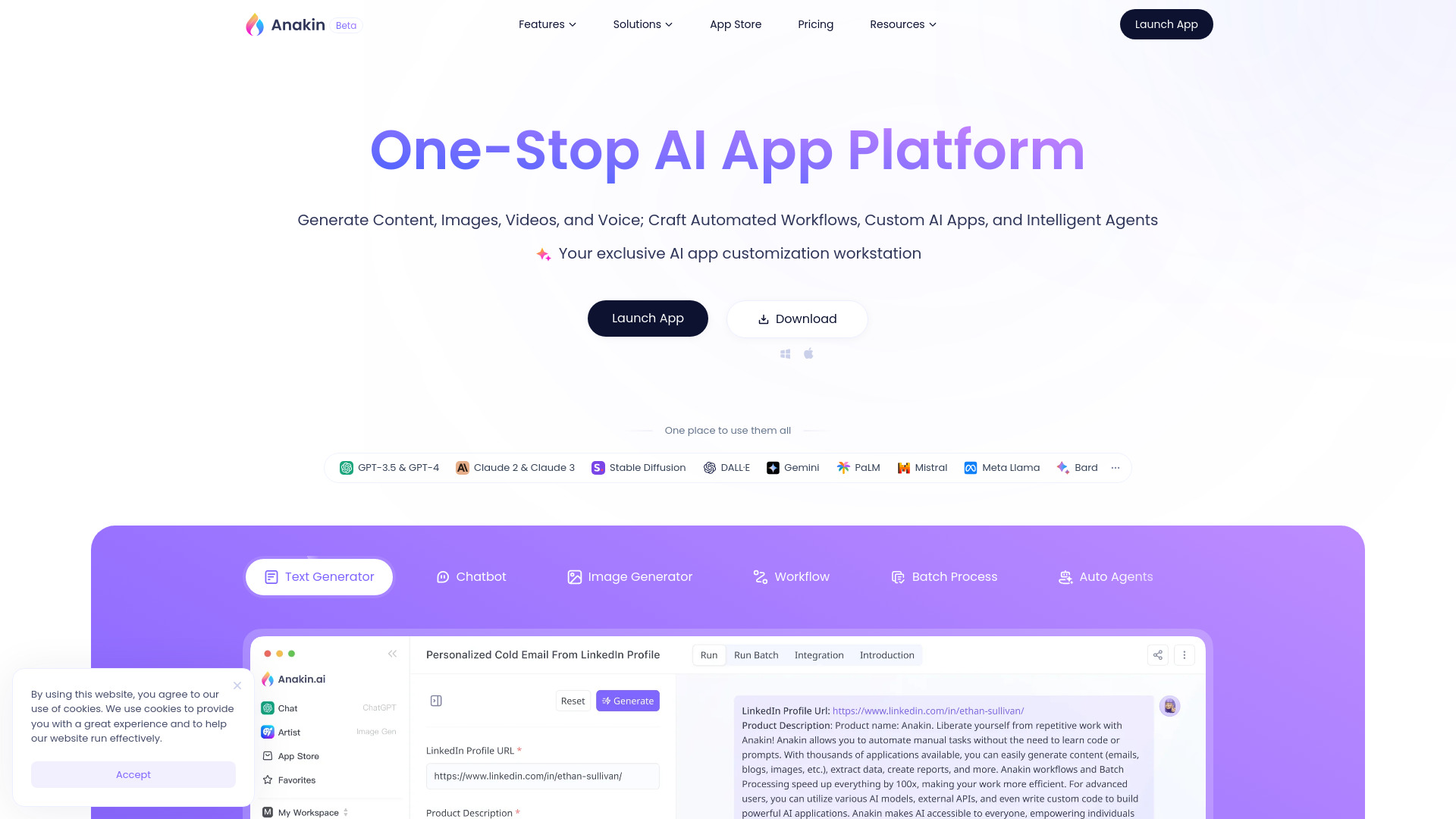
Anakin AI is a one-stop AI app platform for creating content, images, videos, and voice, and for building automated workflows, custom AI applications, and intelligent agents—without code. With a visual, no-code AI app builder and broad model support across GPT-3.5, GPT-4, Claude, Gemini, PaLM, Stable Diffusion, DALL·E, Mistral, and Meta Llama, it streamlines everything from prototyping to deployment. Teams can orchestrate multi-model prompts, chain steps into workflows, and publish reusable tools that automate tasks, generate content at scale, and answer complex questions.
Anakin AI Main Features
- No-code AI app builder: Design custom AI apps and tools using a visual interface that abstracts prompts, inputs, and outputs.
- Multi-model support: Choose from leading language and generative models (GPT-3.5/4, Claude, Gemini, PaLM, Mistral, Llama) and image models (Stable Diffusion, DALL·E) to fit each task.
- Automated workflows: Chain multiple steps to transform data, call models in sequence, and automate repetitive work end to end.
- Intelligent agents: Build agents that handle multi-step tasks, respond to user queries, and adapt across use cases.
- Multimodal generation: Produce long-form text, images, videos, and voice from unified pipelines to support diverse content needs.
- Reusable components: Save prompts, flows, and app logic as templates to accelerate future projects and maintain consistency.
- Prompt and parameter control: Tune prompts and model parameters to balance creativity, accuracy, and cost.
Who Is Anakin AI For
Anakin AI suits marketing teams, content studios, product and operations groups, designers, educators, agencies, and indie builders who need a flexible, no-code AI app builder. it's ideal for organizations seeking to automate content production, prototype AI features quickly, orchestrate multiple models in one workflow, and deploy agents that answer questions or complete tasks at scale.
Anakin AI Usage Steps
- Sign up and create a new project in the Anakin AI workspace.
- Select a starter template or begin with a blank canvas in the no-code builder.
- Choose suitable models (e.g., GPT-4, Claude, Gemini, Stable Diffusion, DALL·E, Llama) for each step.
- Define inputs, craft prompts, and map outputs for your app or workflow.
- Chain steps to automate logic; add agent behaviors for multi-turn or multi-task execution.
- Test with sample data, review results, and iterate on prompts and parameters.
- Run the workflow to generate text, images, video, or voice, or publish the app for stakeholders.
- Monitor outcomes and refine the flow to improve quality and efficiency.
Anakin AI Industry Use Cases
In e-commerce, teams can generate product descriptions, lifestyle images, and short product videos at scale. Marketing and media teams build campaign assistants that draft copy, create visuals, and synthesize voiceovers. Customer support can deploy agents that answer FAQs and draft responses based on provided knowledge. Educators produce lesson content, quizzes, and explainer media. Internal operations can automate reports, summaries, and routine content updates across channels.
Anakin AI Pros and Cons
Pros:
- Versatile, multimodal generation across text, image, video, and voice.
- No-code builder accelerates prototyping and deployment.
- Broad, multi-model support enables task-appropriate model selection.
- Workflows and agents reduce manual effort and improve consistency.
- Reusable components help scale content operations and maintain standards.
Cons:
- Output quality depends on model choice, prompts, and available context.
- Complex workflows may have a learning curve to optimize.
- Running multiple models can increase inference costs and latency.
- Model availability and capabilities vary across providers and regions.
Anakin AI FAQs
-
Which AI models does Anakin AI support?
It supports leading models including GPT-3.5, GPT-4, Claude, Gemini, PaLM, Mistral, Meta Llama, Stable Diffusion, and DALL·E.
-
Do I need to write code to build apps?
No. Anakin AI provides a no-code builder to design apps, workflows, and agents visually.
-
Can it generate images, video, and voice?
Yes. The platform supports multimodal generation pipelines for visual and audio content alongside text.
-
What makes it different from a single-model chatbot?
It enables multi-model orchestration, automated workflows, and reusable apps and agents, going beyond one-off chats.
-
What are common use cases?
Content creation, marketing automation, product content at scale, customer support assistants, education materials, and internal process automation.