
- Home
- No-Code&Low-Code
- Zapier
Zapier
Open Website-
Tool Introduction:No-code automation for 8,000+ apps—build AI agents, unify workflows.
-
Inclusion Date:Oct 21, 2025
-
Social Media & Email:


Tool Information
What is Zapier AI
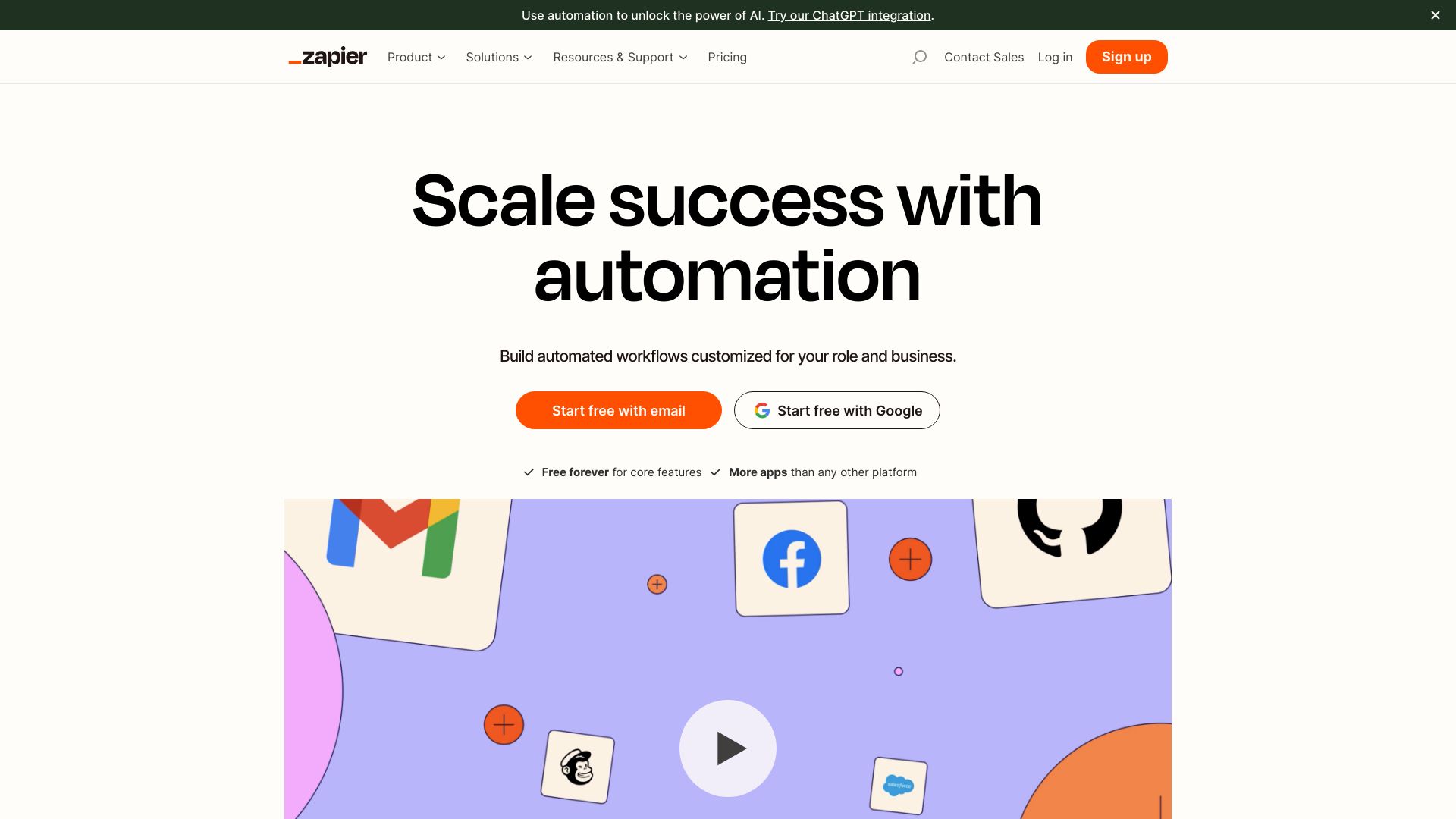
Zapier AI is the intelligence layer of Zapier’s no‑code automation platform, connecting 8,000+ apps to streamline cross‑tool work. It lets you turn natural language into automated workflows, embed AI for classification, extraction, summarization, and enrichment, and orchestrate multi‑step processes without writing code. Trusted by over 3 million businesses, Zapier AI helps teams in RevOps, marketing, IT, sales, and support build AI agents that take action across tools, reduce manual tasks, and keep data flowing reliably with governance, testing, and monitoring built in.
Zapier AI Main Features
- No‑code workflow automation: Build multi‑step Zaps with triggers, actions, filters, and branches across 8,000+ app integrations.
- AI steps and transformations: Use AI to classify, summarize, extract entities, enrich records, and generate text inside your workflows.
- AI agents that act on apps: Create agents that can read context and perform actions across your connected tools to complete tasks end‑to‑end.
- Natural language builder: Describe your goal in plain English to draft workflows and refine them with guided suggestions.
- Templates and accelerators: Start from ready‑made automation templates for common sales, marketing, IT, and support use cases.
- Data orchestration: Route, transform, and normalize data between systems with conditions, loops, and error handling.
- Collaboration and governance: Shared folders, role‑based access, connection management, and logs to monitor runs and resolve issues.
- Observability: Run history, testing tools, and alerts help validate outputs and maintain reliability at scale.
Who Should Use Zapier AI
Zapier AI suits operations teams, marketers, sales reps, support leaders, IT admins, and founders who need no‑code automation and AI‑powered process orchestration. it's ideal for RevOps handoffs, lead management, ticket triage, data enrichment, onboarding/offboarding, and any workflow spanning multiple apps.
How to Use Zapier AI
- Sign up or log in to Zapier and open the Zap editor.
- Start from a template or describe your goal in natural language to draft a workflow.
- Choose a trigger app and event, then connect accounts with secure authentication.
- Add actions across your apps; insert an AI step for classification, summarization, or text generation.
- Use filters, paths, and formatting to route data and handle edge cases.
- Test each step, validate AI outputs, and make adjustments as needed.
- Turn on the Zap, monitor run history, and set notifications for failures.
- Iterate and, if needed, package steps into an AI agent or reusable components for your team.
Zapier AI Industry Use Cases
Marketing teams qualify leads with AI, enrich profiles, and route prospects to CRM and email tools. Sales reps auto‑summarize calls, generate follow‑ups, and sync notes to pipelines. Support teams triage tickets, summarize threads, and escalate with context to the right queue. RevOps orchestrates quote‑to‑cash across billing and CRM. IT automates onboarding by provisioning accounts and posting status updates across collaboration tools.
Zapier AI Pricing
Zapier offers a free plan with usage limits and paid tiers for individuals, teams, and enterprises. Trials are available to evaluate premium features. Pricing varies by features and usage, such as tasks and advanced capabilities. Check Zapier’s website for current plans and inclusions.
Zapier AI Pros and Cons
Pros:
- Connects 8,000+ apps with robust triggers and actions.
- No‑code builder plus AI steps for smarter automation.
- Natural language workflow creation speeds up setup.
- Scalable orchestration with logs, testing, and error handling.
- Collaboration and access controls for team governance.
- Extensive template library to accelerate common use cases.
Cons:
- Usage limits and pricing can require planning for high‑volume workloads.
- Complex processes may need careful design and testing.
- AI outputs can vary; human validation or guardrails may be necessary.
- Some advanced features are available only on higher‑tier plans.
- Third‑party API rate limits can affect throughput.
Zapier AI FAQs
-
What’s the difference between Zapier and Zapier AI?
Zapier is the no‑code automation platform; Zapier AI adds AI‑driven steps, natural language building, and agents that can take actions across your connected apps.
-
Do I need to write code to use Zapier AI?
No. You build workflows visually and describe goals in plain English. Technical users can still add advanced logic if needed.
-
Can Zapier AI work with my existing stack?
Yes. It integrates with thousands of popular CRMs, marketing, IT, and support tools, letting you orchestrate processes end‑to‑end.
-
How do I keep AI outputs reliable?
Use testing, validation steps, filters, and clear prompts. Monitor run history and add human review for high‑impact actions.
-
Is there a free plan or trial?
Zapier provides a free plan and trials for premium features so you can evaluate Zapier AI before upgrading.