
- Home
- AI Face Swap Generator
- Swapfaces AI
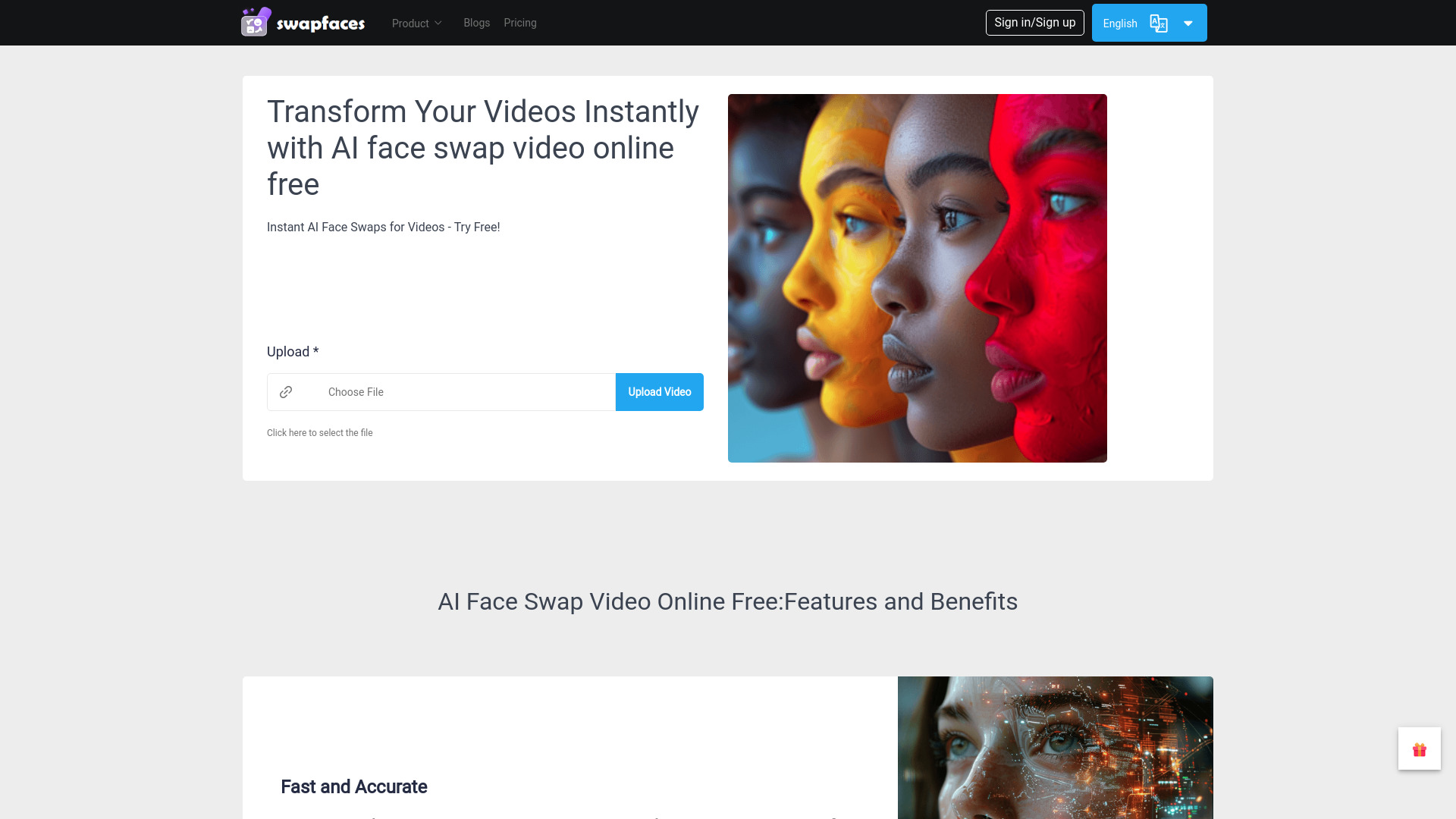
Swapfaces AI
Open Website-
Tool Introduction:Online AI face swap for photos/videos; multi-face, clothes, enhance.
-
Inclusion Date:Oct 21, 2025
-
Social Media & Email:

Tool Information
What is Swapfaces AI
Swapfaces AI is an online platform for AI-powered face swapping across photos and videos. It detects and aligns faces automatically, then replaces them with impressive visual fidelity, even in scenes with multiple subjects. The tool also supports clothes swapping for quick outfit tests and creative mockups, plus built‑in image and video enhancement to improve clarity and detail. Designed for speed and simplicity, it runs in the browser, making realistic face swaps accessible to creators of any skill level.
Swapfaces AI Key Features
- AI face swap for photos and videos: Replace faces in single images or full-length clips with realistic results.
- Multiple face swapping: Detects and swaps several faces in the same scene, useful for group photos or ensemble shots.
- Clothes swapping: Try different outfits virtually to create concept visuals or quick fashion mockups.
- Image and video enhancement: Improve sharpness, reduce noise, and refine details to polish outputs.
- Automatic detection and alignment: Smart face detection streamlines setup and reduces manual effort.
- Browser-based simplicity: No complex software; a straightforward interface lowers the learning curve.
- Fast previews and export: Quickly review results before downloading your final image or video.
Who Should Use Swapfaces AI
Swapfaces AI suits content creators, social media managers, marketers, video editors, educators, and anyone who needs quick, realistic face swaps without advanced tools. it's helpful for concept art, memes, short-form video, campaign mockups, and visual experiments, as well as creators exploring outfit ideas through clothes swapping and enhancement.
How to Use Swapfaces AI
- Open the platform in your browser and sign in or create an account.
- Choose a workflow: photo face swap, video face swap, or clothes swapping.
- Upload the target image/video and the source face(s) you want to apply.
- Select which detected faces to replace and confirm your choices.
- Optionally enable image/video enhancement to improve clarity and detail.
- Run the swap and preview the result; make adjustments if needed.
- Export and download the final image or video to your device.
Swapfaces AI Industry Use Cases
In marketing, teams can quickly prototype campaign visuals by swapping faces in product shots or ads. Entertainment creators use it to test casting ideas or previsualize scenes. E-commerce and fashion teams can produce outfit mockups using clothes swapping to iterate on catalog imagery. Educators and researchers demonstrate media literacy concepts by showcasing how AI face swapping works and how to identify altered media.
Swapfaces AI Pricing
Current plan details, limits, and any free or trial options are provided on the official pricing page. Check the website for up-to-date information on tiers, usage limits for photo/video swaps, and export quality options.
Swapfaces AI Pros and Cons
Pros:
- Handles both photo and video face swaps with multiple face support.
- Clothes swapping and enhancement features expand creative possibilities.
- Browser-based, no-install workflow with a low learning curve.
- Fast previews and straightforward export for quick turnarounds.
Cons:
- Best results require clear, well-lit, high-resolution source and target media.
- Large video files can require more time to upload and process.
- Complex motion, occlusions, or extreme angles may reduce accuracy.
- Ethical and legal considerations apply; always obtain consent and label altered media.
Swapfaces AI FAQs
-
Is it legal to use a face swap?
Always get permission from the people depicted, comply with local laws and platform policies, and clearly disclose altered content when appropriate.
-
Can it swap multiple faces in one photo or video?
Yes. The tool supports multiple face swapping, allowing you to choose which detected faces to replace in a scene.
-
Does it support clothes swapping?
Yes. Clothes swapping helps create outfit mockups and creative variations without a reshoot.
-
How can I improve the quality of results?
Use high-resolution, well-lit images or footage, aim for clear frontal or three-quarter faces, and enable image/video enhancement before export.
-
Do I need special hardware?
No installation is required. A modern browser and stable internet connection are generally sufficient for typical workflows.