
- Home
- AI Speech-to-Text
- Toki
Toki
Open Website-
Tool Introduction:Text‑to‑video, world‑consistent media—Runway Gen‑4 for pros.
-
Inclusion Date:Oct 21, 2025
-
Social Media & Email:


Tool Information
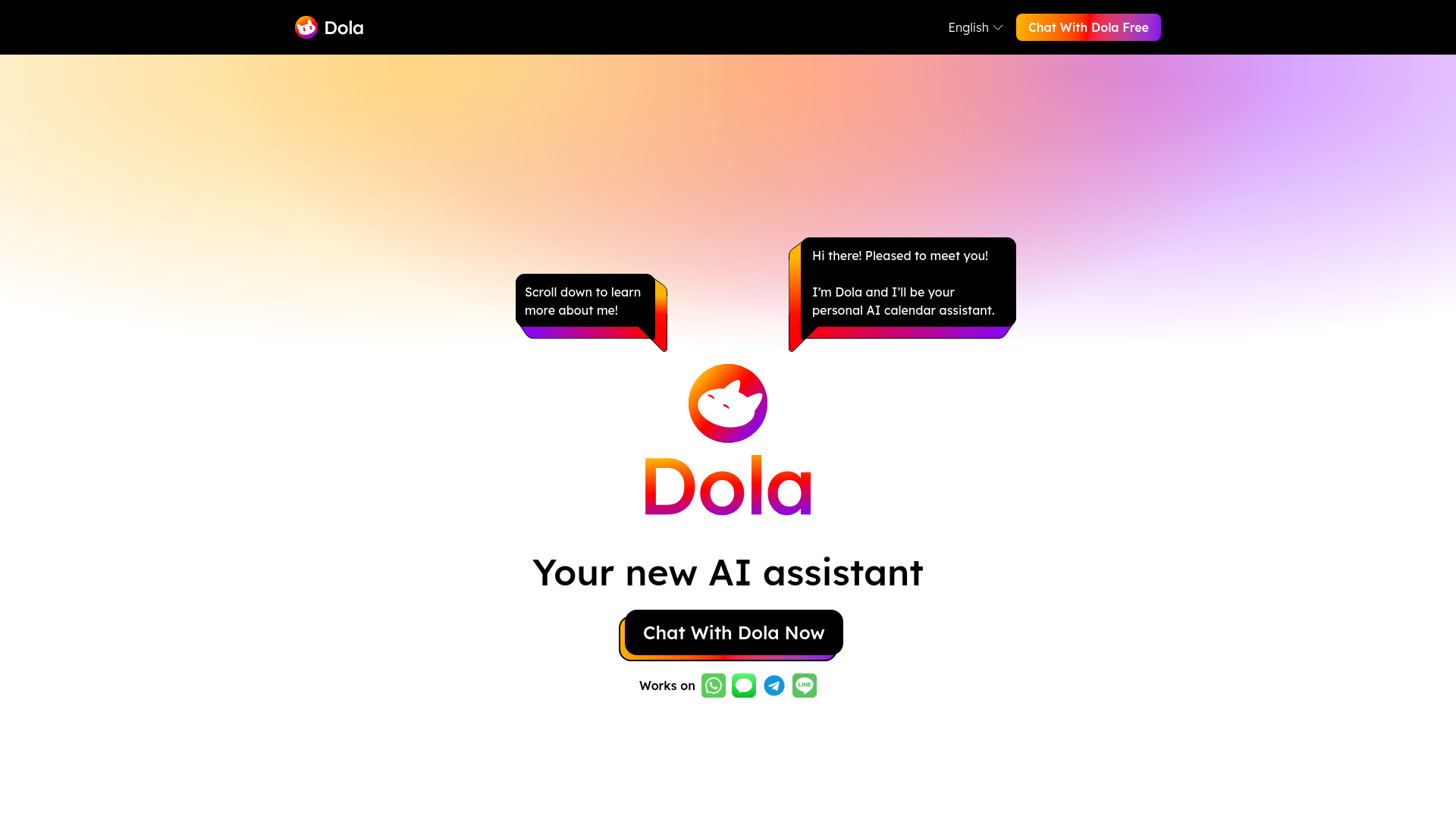
What is Toki AI
Toki AI is an AI calendar assistant and ultimate AI time management tool that converts voice, text, images, and complex context into organized schedules and events. Acting as a centralized hub, it syncs with Google Calendar and Apple Calendar to unify personal and group timelines. With natural language understanding, conflict detection, and smart recommendations, Toki streamlines planning across teams and individuals. Unique call alerts ensure you never miss important moments, while automated categorization and reminders keep every plan clear, timely, and actionable.
Toki AI Main Features
- Multimodal input to schedule: Turn voice notes, typed messages, and photos of agendas into structured events with times, locations, and participants.
- Natural language scheduling: Create events from plain English such as “Lunch with Sam next Friday at noon” and Toki fills details automatically.
- Calendar sync hub: Two‑way sync with Google Calendar and Apple Calendar consolidates personal and group calendars in one place.
- Smart conflict handling: Detects overlaps, suggests alternatives, and helps prioritize with time blocking and focus windows.
- Call alerts and reminders: Proactive alerts for upcoming calls and critical tasks so important conversations aren’t missed.
- Context‑aware events: Extracts metadata (attendees, locations, links) from messages and images to enrich calendar entries.
- Team coordination: Share calendars, propose meeting times, and align across time zones with automatic availability checks.
- Recurring and template events: Save patterns and templates for classes, standups, or check‑ins to speed up repetitive scheduling.
Toki AI Target Users
Toki AI suits professionals, teams, and busy individuals who need reliable schedule automation and unified calendar visibility. It is ideal for founders, project managers, sales reps, recruiters, educators, clinicians, creators, and families managing shared events. Anyone who juggles multiple calendars, coordinates across time zones, or captures plans from messages, calls, and photos benefits from Toki’s context‑aware scheduling and call alerts.
Toki AI How to Use
- Sign up and create your Toki AI account.
- Connect your calendars (Google Calendar, Apple Calendar) and grant the requested permissions.
- Set preferences for working hours, time zone, notification style, and default event templates.
- Add events using voice, text, or images; confirm extracted details and let Toki auto‑fill metadata.
- Invite participants or share events; use availability suggestions to minimize conflicts.
- Enable call alerts and reminders; review daily and weekly views to adjust priorities and blocks.
Toki AI Industry Use Cases
Sales teams capture meeting times from emails, voice notes, and screenshots, with Toki auto‑creating invites and call alerts. Recruiters coordinate interviews across candidates and panels, resolving conflicts fast. Healthcare coordinators align clinicians’ rotations, clinic hours, and telehealth calls with reliable reminders. Educators and tutors build recurring class schedules from syllabi photos. Freelancers consolidate client timelines from chats and briefs, time‑block deep work, and receive alerts for kickoff and review calls.
Toki AI Pros and Cons
Pros:
- Multimodal input turns messy context into accurate, ready‑to‑share events.
- Strong calendar sync centralizes personal and team schedules.
- Natural language parsing speeds up everyday scheduling.
- Call alerts reduce missed meetings and last‑minute scrambles.
- Conflict detection and time blocking improve focus and planning.
Cons:
- Effective use depends on granting calendar permissions and trust in AI parsing.
- Complex team policies or custom workflows may require manual fine‑tuning.
- Image‑based extraction quality can vary with photo clarity and layout.
- Heavy notification use may require careful configuration to avoid alert fatigue.
Toki AI FAQs
-
Question 1: Can Toki AI create events from voice or photos?
Yes. Toki AI accepts voice notes, text, and images (such as agendas or whiteboards) and converts them into structured calendar events.
-
Question 2: Does Toki AI sync with Google Calendar and Apple Calendar?
Yes. It acts as a hub that syncs with both services, keeping personal and group calendars aligned in one place.
-
Question 3: What are call alerts in Toki AI?
Call alerts are proactive notifications for upcoming calls or meetings, helping you join on time and avoid missed conversations.
-
Question 4: Can Toki AI help resolve scheduling conflicts?
Yes. It detects overlaps, suggests alternative times, and supports time blocking to protect focus periods.