
- Home
- AI Coaching
- Trevor
Trevor
Open Website-
Tool Introduction:Plan your day with AI time blocks; syncs task apps and calendars.
-
Inclusion Date:Nov 09, 2025
-
Social Media & Email:


Tool Information
What is Trevor AI
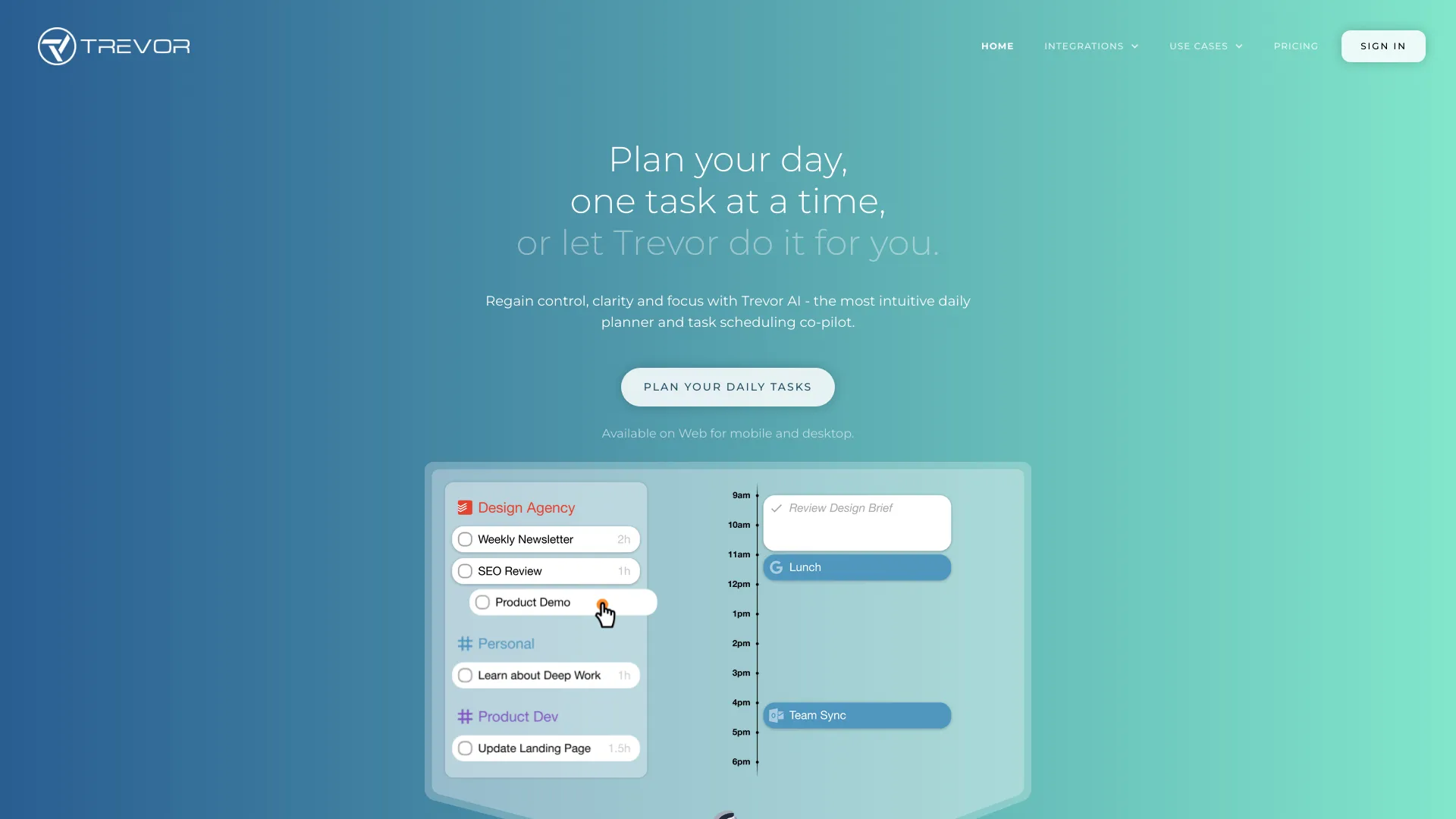
Trevor AI is an AI-powered planner that unifies your tasks and calendars to create a realistic daily schedule. Using AI time blocking technology, it automatically turns to-dos into focused time blocks based on priority, deadlines, and availability. By centralizing task management and calendar planning, Trevor AI helps you reduce context switching, protect focus time, and keep work on track. With smart suggestions, drag-and-drop editing, and real-time sync, it transforms a long task list into a doable plan you can follow. The result is better control, clarity, and consistency in how you spend your day.
Main Features of Trevor AI
- AI Time Blocking: Automatically schedules tasks into time blocks that fit your calendar, priorities, and deadlines.
- Smart Scheduling Suggestions: Recommends optimal times based on workload, duration, and availability to build a balanced day.
- Calendar Integration: Syncs with popular calendars to keep events and tasks in one central, up-to-date view.
- Task Manager Integration: Connects to leading task apps so you can plan from a single, unified workflow.
- Drag-and-Drop Planning: Quickly adjust blocks, durations, and order to reflect changing priorities.
- Focus and Reminders: Timely notifications and session prompts help you start on time and stay focused.
- Recurring Tasks & Deadlines: Supports repeating work and due dates to simplify routine planning.
- Analytics & Insights: Visualizes time allocation to help you improve estimates and capacity planning.
- Cross-Device Sync: Access your schedule from multiple devices with real-time updates.
Who Can Use Trevor AI
Trevor AI suits professionals, freelancers, students, and small teams who need structured scheduling tied to real calendars. it's ideal for knowledge workers managing deep work, consultants balancing client projects, product and marketing teams planning sprints, and students organizing study sessions. Anyone seeking a practical system for task management, time blocking, and daily planning will benefit.
How to Use Trevor AI
- Create an account and connect your primary calendars to sync events and availability.
- Integrate your preferred task manager or add tasks directly with durations and deadlines.
- Set priorities and working hours so the AI understands when and how you like to work.
- Generate AI time blocks to auto-schedule tasks into your calendar.
- Review suggestions, then drag and drop to fine-tune order, duration, or focus windows.
- Start focus sessions and follow reminders to begin tasks on time.
- Reschedule or split tasks as needed; changes sync across devices and integrations.
- Review weekly insights to improve estimates and plan future workload.
Trevor AI Use Cases
Consultants can allocate billable hours across clients while protecting proposal-writing time. Software teams can timebox coding, code reviews, and standups to reduce overruns. Marketers can schedule content production, approvals, and campaign launches without clashes. Students can block study sessions ahead of exams. Sales reps can plan outreach blocks around meetings. Operations and admin roles can carve out uninterrupted time for recurring processes and reporting.
Trevor AI Pricing
Trevor AI typically offers a tiered pricing model with a core set of features and optional premium capabilities for advanced scheduling, integrations, and analytics. Plans may include a free option or a trial to test AI time blocking before upgrading. For the latest details on tiers, limits, and discounts, refer to the official Trevor AI pricing page.
Pros and Cons of Trevor AI
Pros:
- Effective AI time blocking that converts tasks into a realistic schedule.
- Smooth calendar and task integration for a centralized workflow.
- Easy adjustments with drag-and-drop and clear focus prompts.
- Helpful insights for improving estimates and capacity planning.
- Reduces context switching and protects deep work time.
Cons:
- AI suggestions may require manual tweaking for complex workloads.
- Some advanced features or integrations may be limited to paid plans.
- Requires consistent task detail (duration, priority) for best results.
- Offline planning and cross-app compatibility can vary by platform.
FAQs about Trevor AI
-
What is AI time blocking in Trevor AI?
it's the automated process of scheduling your tasks into calendar time slots based on availability, priority, and deadlines, creating a realistic daily plan.
-
Does Trevor AI integrate with my calendar and task apps?
Yes, it connects with popular calendars and task managers so events and to-dos live in one place and stay in sync.
-
Can I override or edit AI-scheduled blocks?
Absolutely. You can drag, resize, split, or reschedule blocks at any time to reflect changing priorities.
-
Is Trevor AI suitable for teams?
Teams and small groups can benefit by aligning individual schedules and reducing conflicts; availability may depend on plan features.
-
Does Trevor AI offer a free plan or trial?
Trevor AI commonly provides a free tier or trial so you can evaluate AI scheduling before upgrading to premium features.
-
How does Trevor AI help with focus?
It allocates protected focus blocks, sends reminders, and reduces context switching by sequencing tasks into a structured plan.