
- Home
- AI Knowledge Base
- Slite
Slite
Open Website-
Tool Introduction:AI knowledge base for teams: instant answers, clean docs, trusted info.
-
Inclusion Date:Oct 21, 2025
-
Social Media & Email:


Tool Information
What is Slite AI
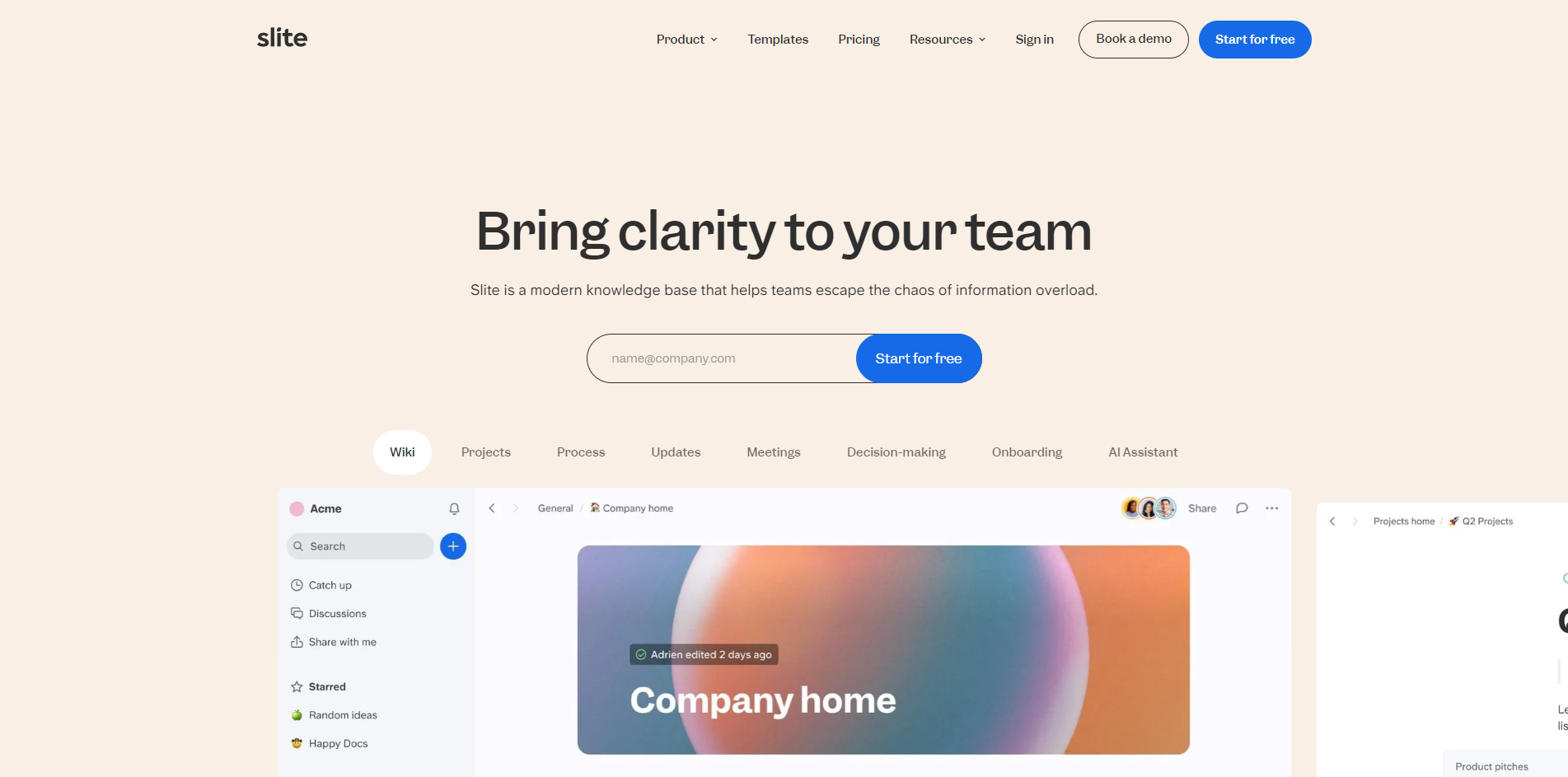
Slite AI is a modern, AI-powered knowledge base that helps teams cut through information overload and find trusted answers fast. It centralizes company documentation, decisions, and processes in an organized workspace, then uses semantic search and natural-language Q&A to surface the right context when you need it. Ask a question, and Slite highlights the most relevant pages so you can act with confidence. With a clean editor, templates, and simple governance, teams adopt it quickly and keep knowledge fresh from day one.
Slite AI Main Features
- AI Q&A and search: Ask in natural language and get context-aware answers drawn from your workspace, reducing time spent hunting across docs.
- Centralized knowledge hub: Organize policies, project docs, and decisions in structured spaces for reliable, company-wide access.
- Beautiful documentation: A clean editor and ready-to-use templates help teams create clear, consistent pages that are easy to read and maintain.
- Trust and governance: Roles and access controls help keep information accurate, up to date, and visible to the right people.
- Collaboration: Comments, mentions, and lightweight workflows support discussion and continuous improvement of shared knowledge.
- Fast adoption: Simple setup and intuitive navigation make it easy for teams to get value from day one.
Who Should Use Slite AI
Slite AI fits product teams, customer support, sales enablement, HR, and operations that need a reliable internal wiki and AI knowledge management. it's ideal for remote or hybrid teams, startups building a source of truth, and growing companies replacing scattered files with an organized, searchable knowledge base.
How to Use Slite AI
- Create your workspace and set up spaces for key topics such as onboarding, policies, projects, and FAQs.
- Import or create documentation using templates, and standardize titles and structure for consistency.
- Invite teammates, assign roles, and set access controls to protect sensitive information.
- Ask Slite questions in natural language; review the surfaced context to confirm relevance.
- Convert recurring answers into canonical pages and keep them updated as policies or processes evolve.
- Use AI-powered search to quickly retrieve docs, and encourage feedback to improve clarity over time.
Industry Use Cases
- Customer support: Build an internal knowledge base to speed up ticket resolution and ensure consistent responses.
- Sales enablement: Centralize playbooks, product facts, and objection handling for faster ramp and aligned messaging.
- Engineering and product: Maintain decision logs, specs, and runbooks so teams can discover context and ship confidently.
- HR and operations: Store policies, onboarding guides, and procedures in one trusted place for easy self-serve access.
Slite AI Pricing
Pricing and plan details may change over time. Plans commonly scale by seats and features, and many teams start with a trial before upgrading. For current options, limits, and availability of a free plan or trial, please refer to the official Slite pricing information.
Slite AI Pros and Cons
Pros:
- Fast, natural-language Q&A that reduces time spent searching across documents.
- Clean, consistent documentation experience with helpful templates.
- Simple setup and adoption for teams of different sizes and functions.
- Access controls support trusted, up-to-date company knowledge.
- Centralizes scattered information into a single source of truth.
Cons:
- Answer quality depends on the completeness and accuracy of uploaded content.
- Requires ongoing curation and ownership to keep pages current.
- May be less suitable for teams needing highly customized or complex workflows.
- Total cost can grow with large seat counts compared to basic wikis.
Slite AI FAQs
-
Does Slite AI replace a traditional internal wiki?
Yes. It acts as an AI-powered knowledge base that centralizes documentation and lets teammates find answers through search and Q&A.
-
How does Slite AI get its answers?
It analyzes content stored in your workspace and surfaces relevant pages and context in response to natural-language questions.
-
Do we need special training to use it?
No. The interface is straightforward, and teams typically get value immediately by organizing key docs and asking questions.
-
Can we control who sees what?
Yes. Workspace roles and access controls help restrict sensitive information while keeping common knowledge widely accessible.
-
What content works best with Slite AI?
Structured, up-to-date documentation—such as policies, how-tos, runbooks, and decision logs—delivers the most accurate, trustworthy answers.