
Pipedream
Open Website-
Tool Introduction:Build and automate: connect APIs, AI, and databases—low to no code.
-
Inclusion Date:Oct 21, 2025
-
Social Media & Email:


Tool Information
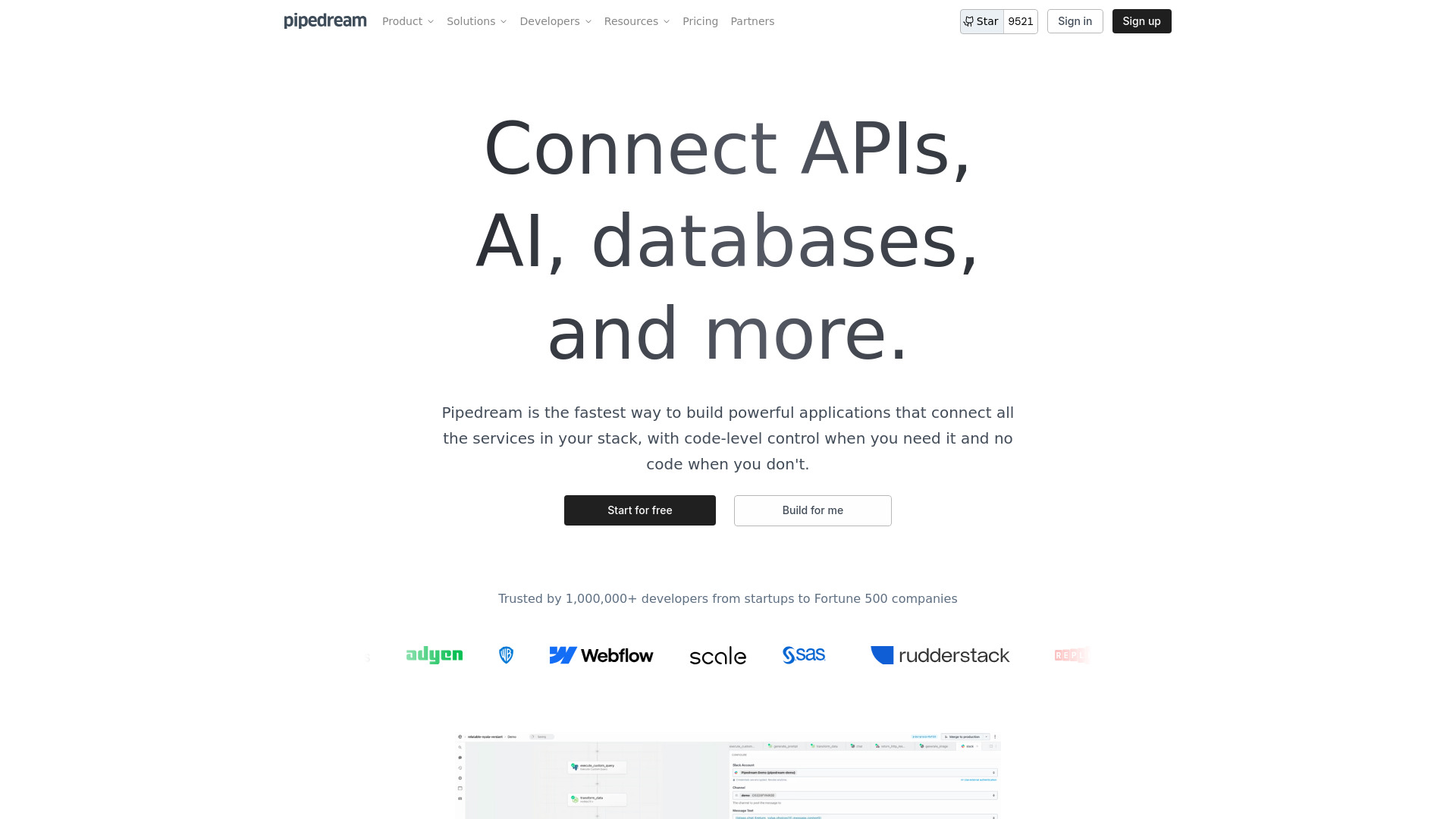
What is Pipedream AI
Pipedream AI is a low-code integration platform for building event-driven workflows that connect APIs, AI models, databases, and cloud services. It blends no-code components with code-level control, so teams can orchestrate LLM prompts, webhooks, and data pipelines in minutes. With prebuilt connectors, scheduled runs, and robust logging, you can automate processes, enrich data, and ship internal tools faster while maintaining flexibility and scalability. Developers keep full control over logic, secrets, and error handling without managing servers.
Pipedream AI Main Features
- Low-code/no-code workflows: Drag-and-drop steps to integrate APIs, AI models, and SaaS apps without heavy setup.
- AI orchestration: Trigger LLM prompts, chain model calls, and enrich data using embeddings and tools in a single workflow.
- API automation: Connect REST/GraphQL services, handle webhooks, schedule jobs, and process events from popular apps.
- Code when needed: Add custom logic with code steps (e.g., JavaScript) alongside prebuilt actions for maximum flexibility.
- Data and storage: Move data between databases, queues, and files; transform payloads for ETL-style pipelines.
- Secrets management: Securely store API keys and environment variables for safe, repeatable deployments.
- Observability and reliability: Built-in logs, retries, alerts, and error handling help keep workflows resilient.
- Versioning and testing: Draft, test, and deploy changes safely with step-by-step validation.
- Scalable execution: Serverless runtime scales workflows based on demand, reducing ops overhead.
- Prebuilt connectors: A large catalog of triggers and actions accelerates integration across common SaaS tools.
Who Should Use Pipedream AI
Pipedream AI suits developers, data engineers, and product teams who need fast API automation and AI workflow orchestration. It also benefits operations, marketing, and support teams building no-code integrations, syncing data between tools, or automating repetitive tasks without maintaining infrastructure.
Pipedream AI How to Use
- Create an account and set up a project or workspace.
- Choose a trigger (webhook, schedule, or app event) to start the workflow.
- Add steps using prebuilt actions or insert code steps for custom logic.
- Connect APIs and AI models by configuring credentials and secrets.
- Map and transform data between steps; test with sample events.
- Enable retries and error handling; add alerts if needed.
- Deploy the workflow and monitor executions, logs, and metrics.
Pipedream AI Industry Use Cases
In e-commerce, route orders from checkout to ERP, sync inventory, and generate AI-driven confirmations. In marketing, enrich leads from forms, score intent with an LLM, and send personalized emails. For customer support, triage tickets via sentiment analysis and update CRM cases. In data operations, collect webhook events, transform payloads, and load them into a data warehouse on a schedule.
Pipedream AI Pricing
Pipedream AI commonly follows a freemium model with a free tier to build and run basic workflows. Paid plans are available for higher usage limits, premium connectors, and team features such as collaboration and role-based access. Details vary by plan; check the official pricing page for current tiers and inclusions.
Pipedream AI Pros and Cons
Pros:
- Fast low-code integration with optional code for advanced logic.
- Strong AI workflow automation and LLM orchestration capabilities.
- Rich catalog of connectors, triggers, and prebuilt actions.
- Built-in logging, retries, and alerts for reliable operations.
- Serverless scalability without managing infrastructure.
Cons:
- Complex, large-scale workflows may introduce platform lock-in.
- Runtime and rate limits can require architectural planning.
- Learning curve for advanced branching, concurrency, and error patterns.
- Costs can increase with high event volumes or heavy AI usage.
Pipedream AI FAQs
-
Does Pipedream AI support both no-code and code steps?
Yes. You can combine visual actions with custom code steps to handle complex logic.
-
Can I orchestrate different AI models in one workflow?
Yes. You can call multiple AI services, chain prompts, and pass outputs between steps.
-
How do I secure API keys and credentials?
Use built-in secrets management to store keys and reference them in workflow steps.
-
Can workflows run on a schedule and via webhooks?
Yes. You can trigger workflows on cron schedules, incoming webhooks, or third-party events.
-
What monitoring is available?
Pipedream provides execution logs, error traces, metrics, and alerts to track workflow health.