
Picture to text
Open Website-
Tool Introduction:[Free AI OCR to extract text from images, scans, and handwriting.]
-
Inclusion Date:Oct 28, 2025
-
Social Media & Email:


Tool Information
What is Picture to text AI
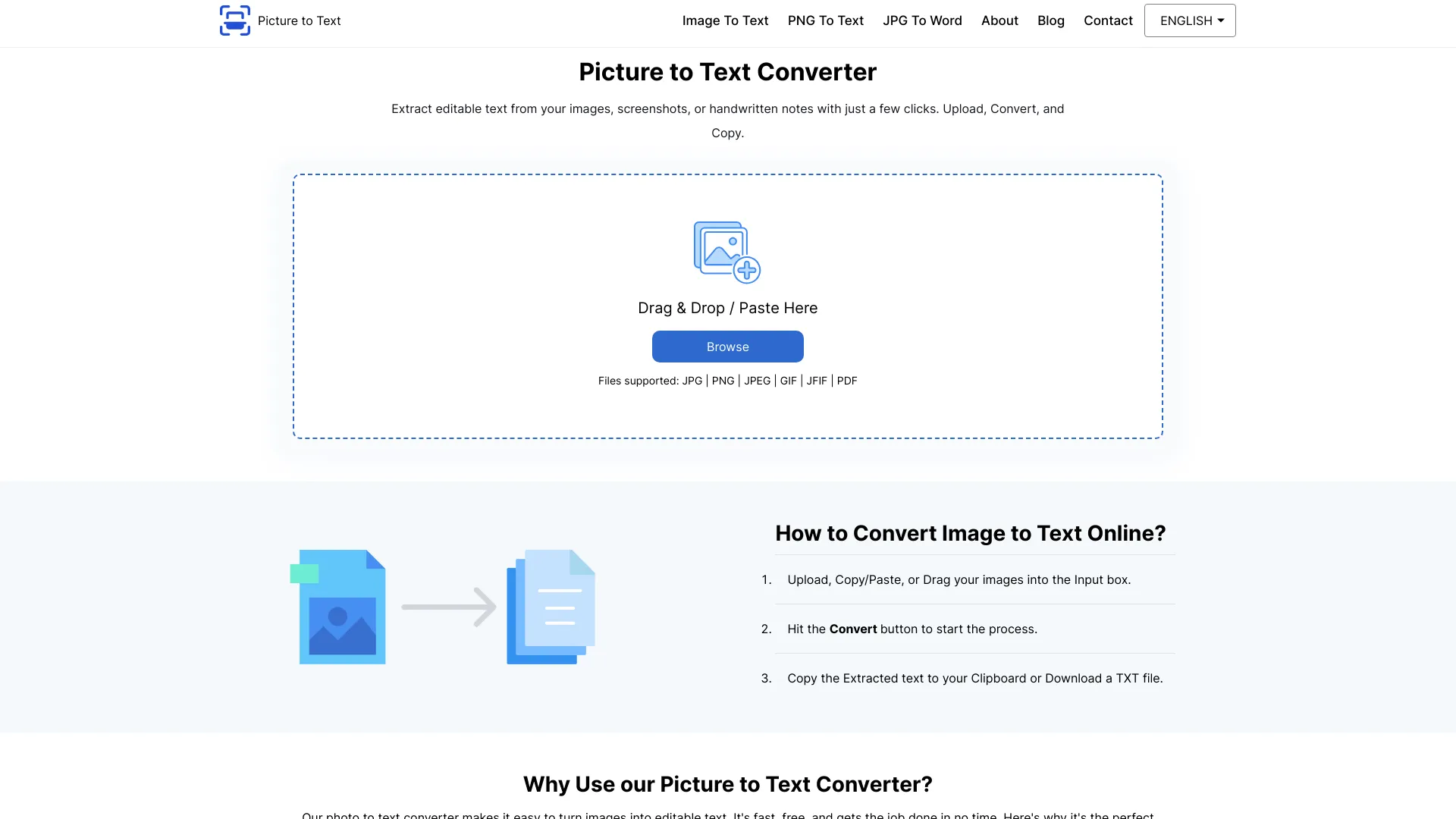
Picture to text AI is a free online OCR tool from PicturetoText.info that extracts text from images, photos, handwriting, screenshots, and scanned documents. Powered by AI-driven optical character recognition, it turns visual content into editable, searchable text within seconds. The tool reduces manual retyping, helps repurpose printed or handwritten content, and accelerates everyday tasks like capturing notes or digitizing paperwork. Its straightforward, browser-based interface makes it easy for students, professionals, and anyone who needs fast, accurate text extraction.
Picture to text AI Main Features
- AI-powered OCR: Converts images, scans, and screenshots into editable, searchable text with high accuracy.
- Handwriting recognition: Extracts readable text from handwritten notes when image quality is sufficient.
- Simple, web-based workflow: No downloads or installation; works in modern desktop and mobile browsers.
- Fast processing: Get results in seconds to speed up document capture and content reuse.
- Clean output: Copy and reuse extracted text in documents, emails, or research notes.
- Free to use: Accessible OCR without upfront costs, ideal for frequent, lightweight tasks.
Who Should Use Picture to text AI
Picture to text AI suits students capturing lecture notes, writers and researchers collecting quotes from books or screenshots, office staff digitizing paperwork, customer support and operations teams extracting details from photos or scans, and anyone who needs quick, reliable text extraction from images and handwriting in a web browser.
How to Use Picture to text AI
- Open the PicturetoText.info website in your browser.
- Upload an image or screenshot of the content you want to extract, or take a photo if using mobile.
- Start the OCR process by selecting the extract or convert option.
- Review the recognized text and make quick corrections if needed.
- Copy the output text to your clipboard and paste it into your document, email, or notes.
Picture to text AI Industry Use Cases
In education, students convert whiteboard photos and printed handouts into study notes. In administration, teams digitize invoices, receipts, and forms for faster data entry. Journalists and researchers extract quotes from book photos or archived scans. Customer service teams quickly capture order numbers and addresses from screenshots to streamline support workflows.
Picture to text AI Pricing
Picture to text AI is offered as a free online OCR tool, allowing users to extract text from images at no cost directly in the browser.
Picture to text AI Pros and Cons
Pros:
- Free, browser-based OCR with no installation required.
- Handles images, scans, screenshots, and handwriting.
- Fast conversion for everyday personal and professional tasks.
- Simple interface suitable for all skill levels.
- Outputs editable, searchable text for easy reuse.
Cons:
- Accuracy depends on image clarity, lighting, and handwriting legibility.
- Complex layouts, tables, or multi-column documents may not be preserved.
- Requires an internet connection to use.
- Users should avoid uploading sensitive data and review the site’s privacy policy for handling of uploads.
Picture to text AI FAQs
-
Does it recognize handwriting?
Yes. It can extract text from handwriting, with best results when the writing is clear and the image is well lit and in focus.
-
Is Picture to text AI free to use?
Yes. It is a free online OCR tool you can use directly in your web browser.
-
What image formats are supported?
It works with common image types such as photos and screenshots (e.g., JPG and PNG). For best results, upload high-resolution images.
-
Does it keep the original layout and fonts?
The tool focuses on extracting plain, editable text. Complex layouts, fonts, and tables may not be retained.
-
How can I improve OCR accuracy?
Use sharp, high-resolution images, good lighting, minimal skew, and crop out background noise to help the AI read text more accurately.