
- Home
- AI Story Generator
- Novi AI
Novi AI
Open Website-
Tool Introduction:Turn scripts into videos fast—one-click, 60+ languages, 50+ voices.
-
Inclusion Date:Oct 21, 2025
-
Social Media & Email:


Tool Information
What is Novi AI
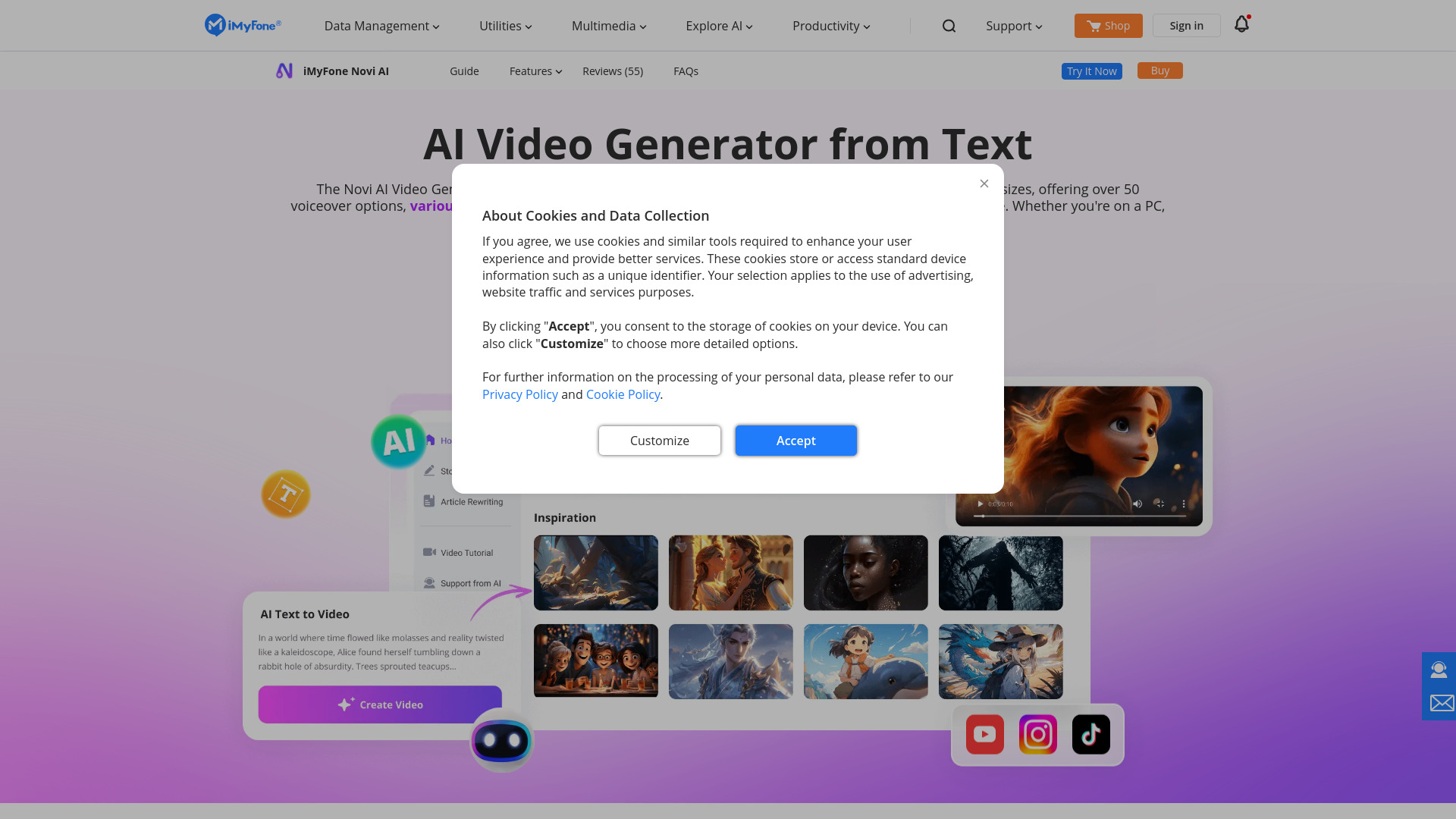
iMyFone Novi AI is a cross‑platform AI video generator that turns plain text into polished videos in minutes. Designed for speed and simplicity, it analyzes scripts of any length and automatically assembles short or long videos with your chosen style, size, voice, and sound effects. With 50+ voiceover options and support for 60+ languages, it’s ideal for creating multilingual content at scale. Available on PC, Android, and iOS, Novi AI delivers one‑click, no‑skills‑required production—helping teams reduce costs and accelerate content workflows.
Novi AI Main Features
- Text‑to‑video automation: Paste scripts of any length and generate coherent videos without manual editing.
- Fast rendering: Create a 5‑minute video in about 1–2 minutes, accelerating production cycles.
- Multiple styles and sizes: Choose video styles and dimensions suited for web, mobile, and social platforms.
- 50+ voiceover options: Select from a variety of voices to match tone, character, or brand personality.
- 60+ languages supported: Produce multilingual videos to reach global audiences with localized narration.
- Built‑in sound effects: Add SFX to enhance pacing, transitions, and viewer engagement.
- One‑click workflow: Fully automated generation requires no technical skills or prior editing experience.
- Cross‑platform access: Use Novi AI on PC, Android, and iOS for flexible, on‑the‑go production.
Who Is Novi AI For
Novi AI suits marketers, social media creators, educators, trainers, and small businesses that need rapid, consistent video output. it's useful for product explainers, course modules, event promos, app demos, onboarding clips, and multilingual campaigns where text‑to‑video speed and voiceover variety are essential.
How to Use Novi AI
- Install or open Novi AI on PC, Android, or iOS.
- Create a new project and paste or write your text script (any length).
- Pick a video style and size suited to your channel or platform.
- Select the narration language and choose from 50+ voiceover options.
- Add sound effects as needed to enhance key moments.
- Click Generate to produce your AI video with one automated workflow.
- Preview the result; refine settings or the script and regenerate if desired.
- Export the final video and save or share it to your target channels.
Novi AI Industry Use Cases
Brands use Novi AI to convert product sheets into short promos for social media. Educators transform lesson outlines into narrated video modules in multiple languages. E‑commerce sellers turn long descriptions into vertical product reels with voiceovers and SFX. HR teams produce onboarding content from policy text, while app developers generate quick feature explainers to support updates and release notes.
Novi AI Pros and Cons
Pros:
- Rapid text‑to‑video generation with one‑click automation.
- 50+ voiceover options and 60+ languages for global reach.
- Cross‑platform availability on PC, Android, and iOS.
- No technical skills required, lowering production barriers and costs.
- Consistent output for scalable content workflows.
Cons:
- Creative control may be more limited than manual, timeline‑based editing.
- Video quality is closely tied to the clarity and structure of the input script.
- Styling options may not cover highly bespoke or complex brand treatments.
Novi AI FAQs
-
Q1: How fast can Novi AI generate a video?
A 5‑minute video typically takes about 1–2 minutes to generate.
-
Q2: Does Novi AI support long scripts?
Yes. Novi AI analyzes scripts of any length and produces short or long videos automatically.
-
Q3: Which platforms does Novi AI run on?
It is available on PC, Android, and iOS devices.
-
Q4: Can I choose different voices and languages?
Yes. You can select from 50+ voiceover options and more than 60 languages for multilingual content.
-
Q5: Do I need video editing experience to use Novi AI?
No. The process is fully automated with one click, requiring no technical skills.