
- Home
- AI Summarizer
- Mapify
Mapify
Open Website-
Tool Introduction:Pollo AI: all‑in‑one video/image creator with fast renders+flagship models.
-
Inclusion Date:Oct 21, 2025
-
Social Media & Email:


Tool Information
What is Mapify AI
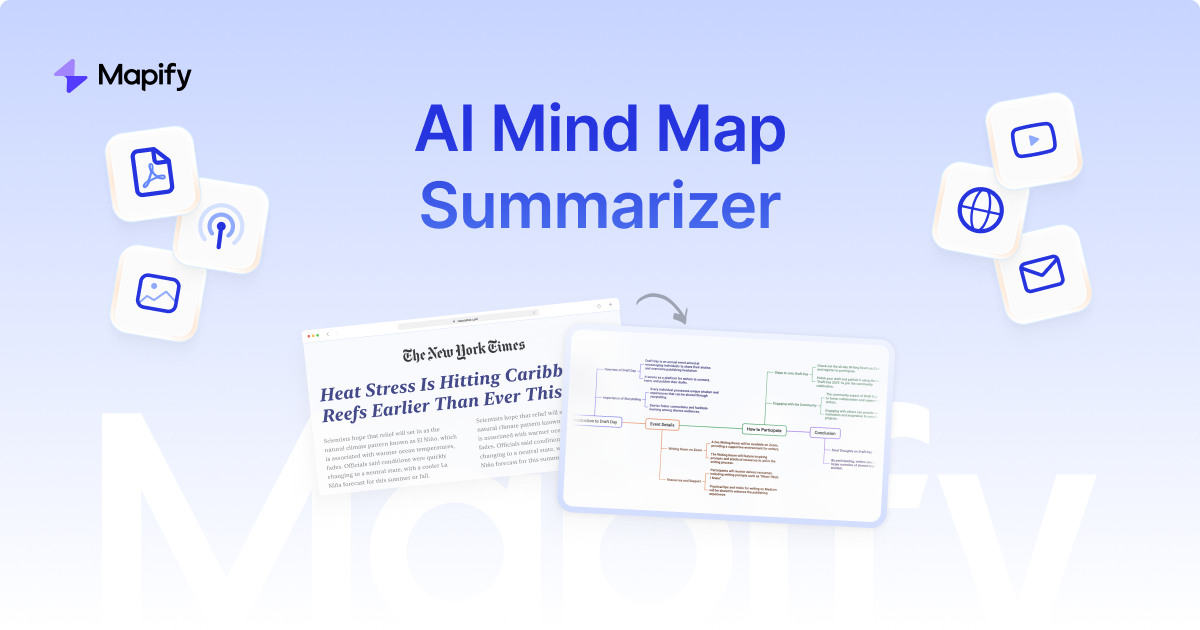
Mapify AI is an AI mind map generator that turns complex content into clear, visual mind maps in seconds. It supports diverse inputs—YouTube videos, PDF documents, images, audio files, articles, and web pages—then summarizes key ideas into structured nodes. Powered by advanced large language models, Mapify also enables step-by-step AI chat to refine structure and multilingual translation for global use. Designed to boost productivity in learning, research, and content creation, it helps users grasp concepts faster, see relationships, and share insights efficiently.
Mapify AI Main Features
- Instant mind map generation: Summarizes long-form content into concise, visual maps within seconds.
- Multi-format input support: Works with YouTube, PDFs, images, audio files, articles, and web pages for flexible workflows.
- AI chat for step-by-step refinement: Interactively expand, reorganize, or clarify nodes through guided conversations.
- Multilingual translation: Translate content and maps across multiple languages to support global teams and learners.
- Productivity-focused design: Streamlines note-taking, outlining, and knowledge synthesis for faster understanding.
Who Should Use Mapify AI
Mapify AI suits students, educators, researchers, content creators, knowledge workers, and teams who need to summarize complex sources, prepare lessons or reports, plan content, or quickly understand videos and documents. It is ideal for study notes, literature reviews, brainstorming, and turning multimedia inputs into structured takeaways.
How to Use Mapify AI
- Upload or link your source (YouTube URL, PDF, image, audio, article, or web page).
- Choose summarization preferences such as depth, structure, and language.
- Generate the initial mind map and review key nodes and branches.
- Use AI chat to refine: ask for more detail, merge nodes, or reorganize the hierarchy.
- Translate if needed and finalize your map for study, sharing, or further editing.
Mapify AI Industry Use Cases
In education, teachers convert lectures and readings into visual lesson maps. Researchers turn literature and PDFs into comparable frameworks for faster synthesis. Marketing teams outline campaign ideas from articles and competitor pages. Product teams summarize user interviews or recordings into themes. Content creators distill long videos into structured outlines for scripts or posts.
Mapify AI Pricing
Mapify AI offers a free version designed to deliver core mind mapping and summarization features. Availability of additional premium options may vary; check the official site for the latest details on features and limits.
Mapify AI Pros and Cons
Pros:
- Fast, accurate summaries converted into clear visual structures.
- Broad input support across video, document, image, audio, and web content.
- Interactive AI chat enables step-by-step refinement and customization.
- Multilingual translation broadens collaboration and learning.
- Free access lowers the barrier for students and individual creators.
Cons:
- Summaries may miss nuance; complex topics often need manual edits.
- Output quality depends on source clarity and transcription accuracy.
- Handling sensitive content may require careful privacy considerations.
- Requires internet connectivity and may be limited by file size or length.
Mapify AI FAQs
-
Does Mapify AI support YouTube, PDFs, images, and audio?
Yes. It can generate mind maps from YouTube videos, PDF documents, images, audio files, articles, and web pages.
-
Can I refine the map through AI chat?
Yes. You can ask the AI to expand sections, merge nodes, adjust hierarchy, and add context step by step.
-
Is multilingual translation available?
Yes. Mapify supports multiple languages for both content understanding and mind map outputs.
-
Is there a free plan?
Yes. Mapify provides a free version with core capabilities. Visit the official website for feature limits and any premium options.
-
How accurate are the summaries?
Accuracy is generally strong for clear sources, but highly technical or ambiguous content may require manual review and adjustments.