
- Home
- AI Summarizer
- Heuristica
Heuristica
Open Website-
Tool Introduction:AI mind maps on an infinite canvas, linked to sources, auto flashcards.
-
Inclusion Date:Nov 07, 2025
-
Social Media & Email:
Tool Information
What is Heuristica AI
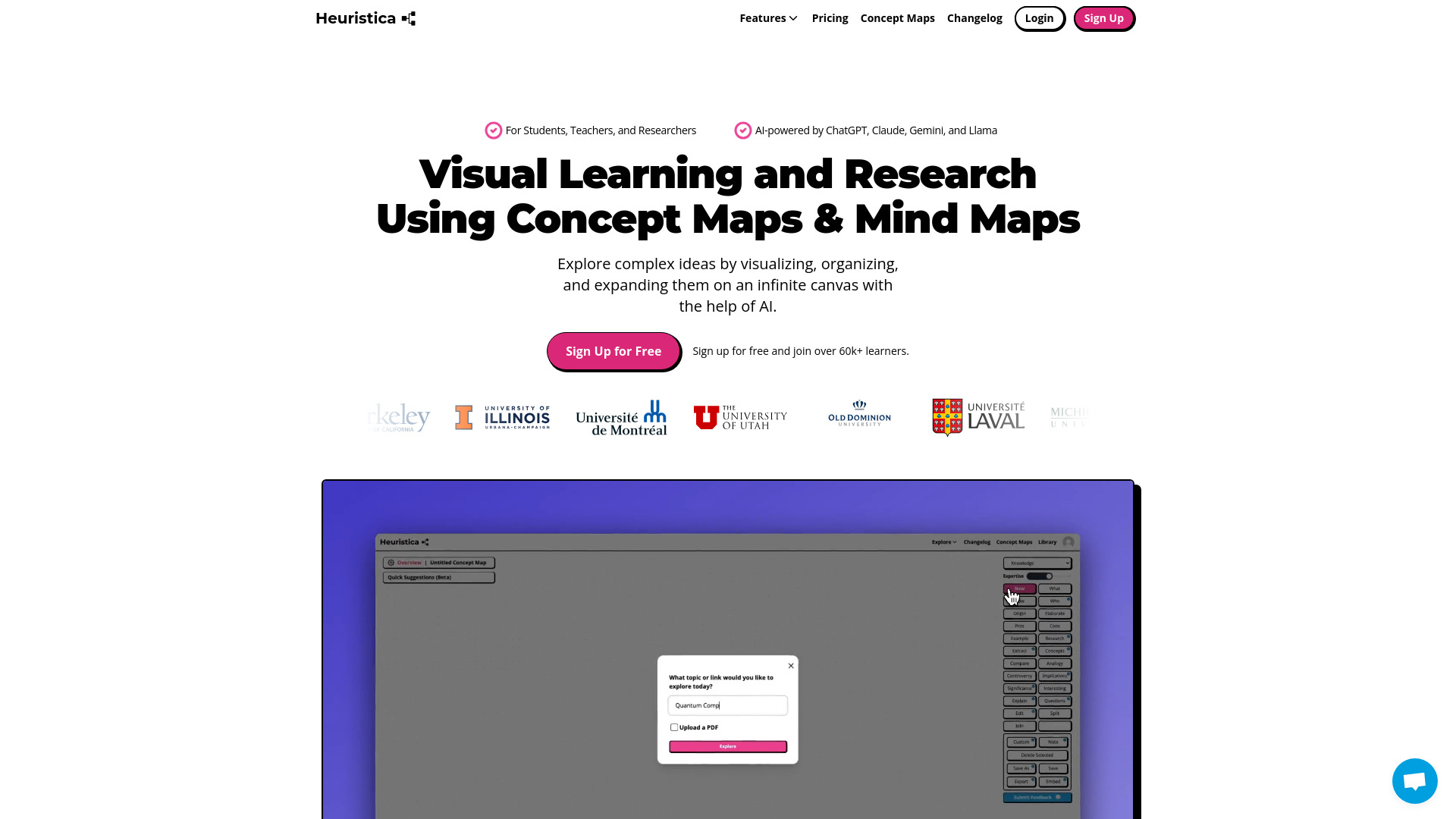
Heuristica AI is a visual learning and research assistant that turns complex topics into clear mind maps and concept maps. On an infinite canvas, it helps you brainstorm, organize, and expand ideas while the built-in AI discovers connections, summarizes sources, and proposes next steps. With integrations to Wikipedia, arXiv, PubMed, Semantic Scholar, YouTube, news, and podcasts, Heuristica gathers reliable context and citations directly into your map. You can convert nodes into study materials—flashcards, quizzes, and essay outlines—to move from exploration to retention and writing faster.
Main Features of Heuristica AI
- Infinite canvas mind maps: Visualize concepts, subtopics, and relationships on a boundless workspace for deep exploration.
- AI-assisted expansion: Auto-suggests branches, key questions, definitions, and related themes to accelerate research.
- Academic and media integrations: Pull context from Wikipedia, arXiv, PubMed, Semantic Scholar, YouTube, news, and podcasts to ground ideas in sources.
- Summaries with citations: Generate concise summaries and attach source references to nodes for traceability.
- Study material generator: Turn selected nodes into flashcards, quizzes, and essay outlines for active recall and writing.
- Concept linking: Connect related nodes, highlight relationships, and form a lightweight knowledge graph.
- Organize at scale: Use tags, colors, and clustering to keep large maps readable and structured.
Who Can Use Heuristica AI
Heuristica AI suits students preparing for exams, teachers planning lessons, and researchers mapping literature reviews. It also helps lecturers, graduate students, instructional designers, journalists, analysts, and lifelong learners who need to visualize complex topics, synthesize reliable sources, and produce study aids or structured outlines quickly.
How to Use Heuristica AI
- Enter a topic, question, or paste a relevant link (e.g., a paper or article) to start a central node.
- Let the AI suggest branches and related concepts; expand or edit to fit your goals.
- Integrate sources from Wikipedia, arXiv, PubMed, Semantic Scholar, YouTube, news, or podcasts to add evidence and context.
- Ask the AI to summarize passages, extract key points, and attach citations to specific nodes.
- Organize the map with links, tags, and colors; cluster ideas into themes or sections.
- Select nodes to generate flashcards, quizzes, or an essay outline; refine the wording and structure.
- Review your study materials and use the map as a guide for learning, writing, or presenting.
Heuristica AI Use Cases
In education, instructors design lesson plans or unit overviews while students build revision maps and practice with flashcards. In academia, researchers conduct literature reviews by mapping hypotheses, methods, and citations from PubMed, arXiv, and Semantic Scholar. Media professionals and analysts synthesize news and podcasts to brief teams. Writers and creators outline essays or scripts by turning concept maps into structured drafts.
Pros and Cons of Heuristica AI
Pros:
- Clarifies complex subjects with visual mind and concept mapping.
- Direct integrations with reputable academic and media sources.
- AI-driven summaries, link discovery, and topic expansion.
- Built-in flashcard, quiz, and essay outline generation for learning and writing.
- Citations remain connected to ideas for verifiable research.
Cons:
- Requires internet access to fetch sources and update context.
- Large maps may become cluttered without careful organization.
- AI suggestions can need verification or editing for accuracy and tone.
- New users may face a learning curve when modeling complex domains.
FAQs about Heuristica AI
-
What sources does Heuristica AI connect to?
It integrates with Wikipedia, arXiv, PubMed, Semantic Scholar, YouTube, news, and podcasts to enrich maps with context and citations.
-
Can it generate study materials?
Yes. You can convert selected nodes into flashcards, quizzes, and essay outlines for active learning and drafting.
-
Is it useful for literature reviews?
Yes. It helps organize papers, summarize findings, and track citations while visualizing relationships between studies.
-
Do I need mapping experience to start?
No. AI suggestions and guided expansions help you build meaningful maps step by step.
-
Should I fact-check AI outputs?
Yes. Use integrated sources and your own review to validate claims, data, and interpretations.