
- Home
- AI Writing Assistants
- Magai
Magai
Open Website-
Tool Introduction:All‑in‑one AI workspace: ChatGPT, Claude, Gemini, images, files, teams.
-
Inclusion Date:Oct 21, 2025
-
Social Media & Email:


Tool Information
What is Magai
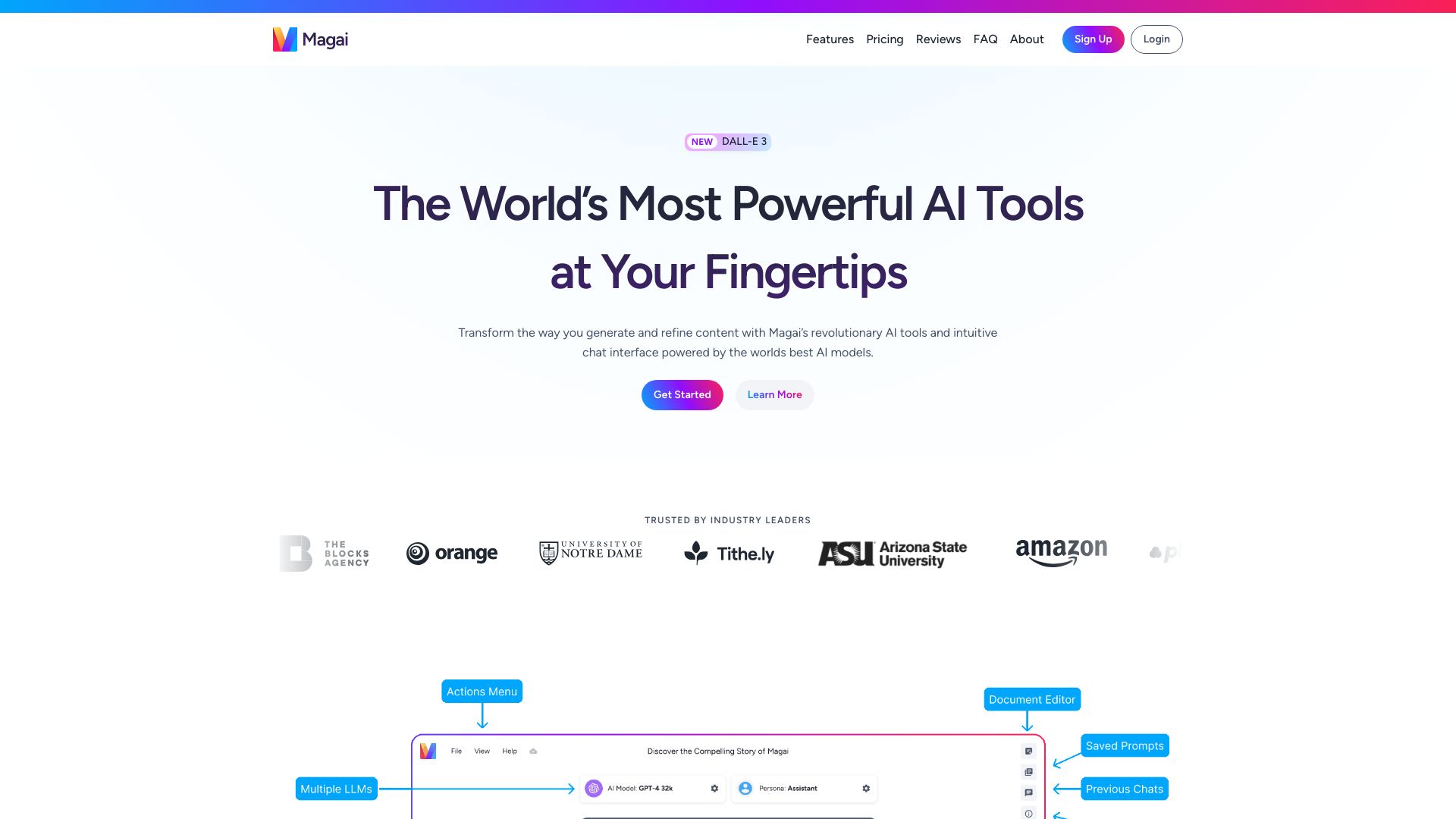
Magai is an all-in-one AI platform that unifies leading chat and image generation models in a single, streamlined workspace. Instead of switching tools and accounts, teams can access ChatGPT, Claude, Gemini, Meta, Grok, DALL·E 3, Stable Diffusion XL, and Leonardo.ai from one interface. With AI Personas, file uploads, webpage reading, saved prompts, folders, search and filter, and shared workspaces, Magai helps users standardize prompts, organize outputs, and collaborate efficiently across research, content, and design tasks.
Magai Features
- Multi-model access: Run chats and image tasks across ChatGPT, Claude, Gemini, Meta, Grok, DALL·E 3, SDXL, and Leonardo.ai in one place.
- Unified workspace: Avoid multiple logins and interfaces with a single, consistent environment for all AI workflows.
- AI Personas: Create reusable personas to enforce tone, style, and domain expertise for more consistent outputs.
- File uploads: Upload documents to analyze, summarize, or extract insights directly within conversations.
- Webpage reading: Provide URLs for the AI to read and discuss online content without manual copying.
- Saved prompts: Build a prompt library to standardize best practices and speed up repeated tasks.
- Search and filter: Quickly find past chats, prompts, or assets across projects.
- Folders and workspaces: Organize work by client, campaign, or team, and keep projects structured at scale.
- Team collaboration: Share conversations and resources with teammates for coordinated, transparent workflows.
Who Should Use Magai
Magai suits marketers, content creators, product teams, researchers, designers, agencies, and educators who need reliable access to multiple AI chat and image models. It is ideal for organizations standardizing prompts, collaborating across workstreams, and consolidating AI tasks—ideation, drafting, analysis, and visual creation—into a single, manageable platform.
How to Use Magai
- Sign up and create or join a workspace to centralize your projects.
- Start a new chat or image generation session from the dashboard.
- Select the desired model (e.g., ChatGPT, Claude, Gemini, DALL·E 3, SDXL) or choose a prebuilt AI Persona.
- Optionally upload files or paste a webpage URL for the system to read and analyze.
- Use saved prompts to maintain consistency, then iterate with follow-up instructions.
- Organize outputs into folders and apply search and filter to retrieve prior work.
- Share sessions or folders with your team to gather feedback and continue collaboration.
Magai Industry Use Cases
Marketing teams draft campaign concepts, social posts, and ad variants while generating on-brand images in SDXL or DALL·E 3. Product and UX teams brainstorm features, write release notes, and create visual mood boards using Leonardo.ai. Research groups summarize long PDFs, compare sources, and extract insights by uploading documents and reading web pages. Agencies standardize delivery with AI Personas and saved prompts across clients for consistent, scalable outputs.
Magai Pros and Cons
Pros:
- Consolidates leading AI chat and image models in one platform.
- AI Personas and saved prompts improve consistency and speed.
- File uploads and webpage reading support deep analysis and research.
- Folders, workspaces, and team sharing streamline collaboration.
- Powerful search and filter to find prior work quickly.
Cons:
- Access and behavior depend on each model’s capabilities and policies.
- Switching among multiple models may require process guidance for new users.
- Image quality and style can vary across providers and prompts.
- Feature availability may differ based on model or regional access.
Magai FAQs
-
Which AI models does Magai support?
Magai provides access to leading chat and image models, including ChatGPT, Claude, Gemini, Meta, Grok, DALL·E 3, Stable Diffusion XL, and Leonardo.ai.
-
Can I upload files for the AI to analyze?
Yes. You can upload documents for summarization, extraction, or Q&A directly within your chat sessions.
-
What are AI Personas?
AI Personas are reusable instruction sets that define tone, role, and domain knowledge, helping teams produce consistent outputs.
-
Does Magai support image generation?
Yes. You can create images using models such as DALL·E 3, Stable Diffusion XL, and Leonardo.ai.
-
How does Magai help teams collaborate?
Workspaces, folders, and sharing features allow teammates to access chats, prompts, and assets, keeping projects organized and transparent.
-
Can I reuse my best prompts?
Yes. Save prompts to a shared library to standardize workflows and accelerate repeated tasks.