
- Home
- AI Face Analyzer
- RealEye
RealEye
Open Website-
Tool Introduction:Webcam eye-tracking for remote studies with attention and emotion analytics.
-
Inclusion Date:Nov 10, 2025
-
Social Media & Email:


Tool Information
What is RealEye AI
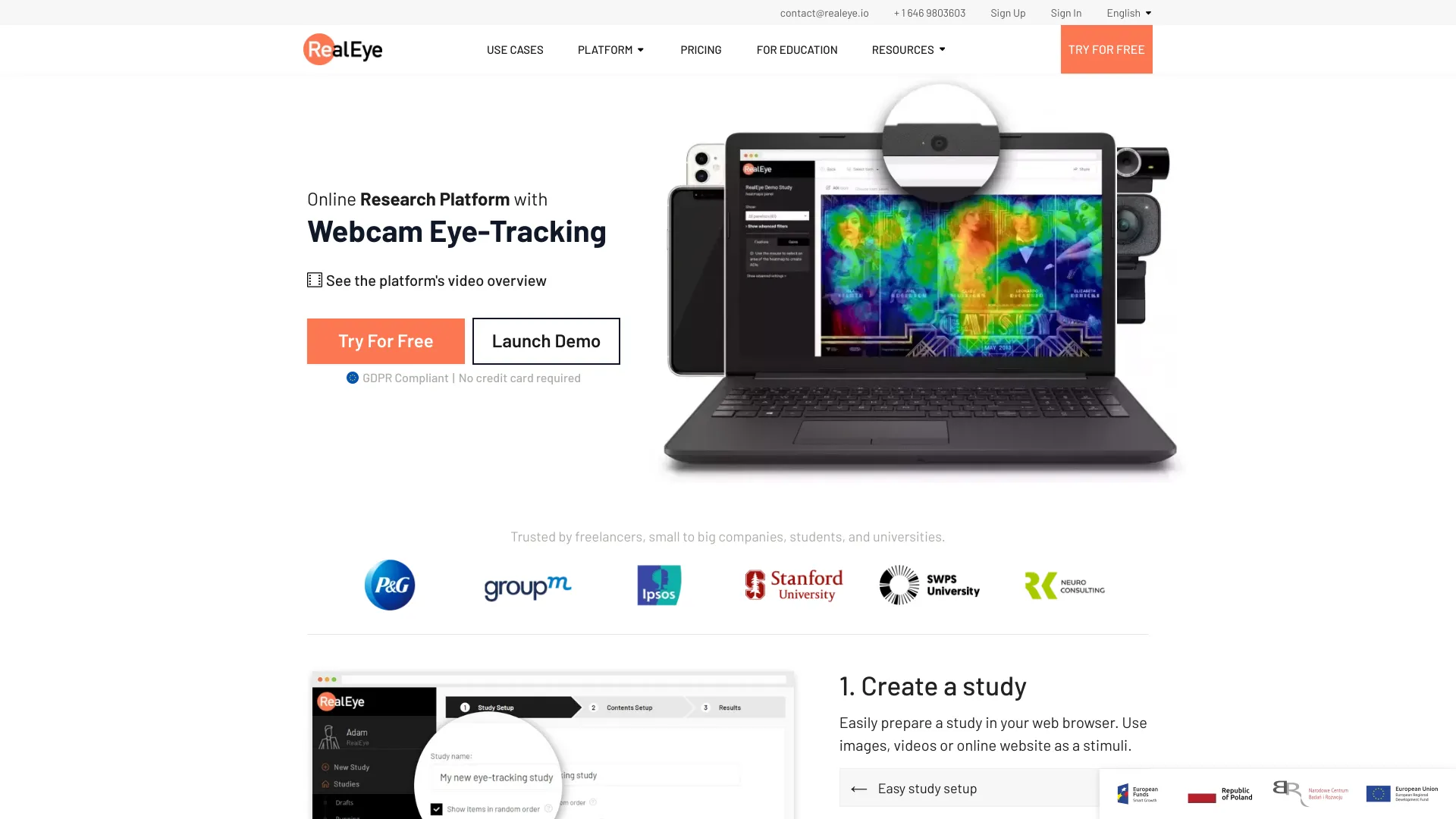
RealEye AI is a browser-based research platform that uses webcam eye-tracking to measure visual attention and user behavior without special hardware. Teams can create studies, invite remote participants, and analyze results instantly. The platform combines online eye tracking with mouse and keystroke capture, built-in surveys, attention and emotion analysis, and clear dashboards to reveal where people look and how they respond. Heatmaps, gaze plots, and flexible data export make it practical for UX research, ad testing, and academic experiments at scale.
Main Features of RealEye AI
- Webcam eye-tracking: Collect gaze data in a web browser to see what attracts attention and how users scan content.
- Attention visualizations: Generate heatmaps, gaze plots, and fixation metrics to quantify visual engagement.
- Emotion analysis: Gauge facial expressions to complement attention data with affective signals.
- Study dashboards: Monitor progress, manage participants, and review metrics in real time.
- Mouse and key tracking: Capture cursor paths, clicks, and keystrokes alongside eye movements for richer context.
- Online surveys and tasks: Add questions, instructions, and tasks directly into the study flow.
- Flexible stimuli support: Test images, videos, webpages, prototypes, and creative assets.
- Areas of Interest (AOIs): Define regions to measure dwell time, fixations, and visibility.
- Remote participation: Run studies with participants anywhere via webcam permissions.
- Data export: Export raw data, summaries, and visual reports for further analysis.
Who Can Use RealEye AI
RealEye AI is designed for UX researchers, product teams, marketers, and conversion specialists who need fast, remote attention insights. It suits agencies testing ads and creative, e-commerce teams optimizing product pages, and designers validating layouts. Researchers and educators in HCI, psychology, and neuroscience can run controlled experiments without lab hardware. Startups can quickly validate prototypes, while enterprises can scale continuous usability testing across markets.
How to Use RealEye AI
- Create a study: Set objectives, choose a template, and define tasks or questions.
- Add stimuli: Upload images, videos, or URLs to test and arrange their order.
- Configure tracking: Enable webcam eye-tracking, mouse/key logging, and emotion analysis as needed.
- Mark AOIs: Define key regions to measure visibility, dwell time, and fixations.
- Recruit participants: Invite your audience or share a study link for remote testing.
- Run the session: Participants grant webcam access and complete tasks in their browser.
- Analyze results: Review heatmaps, gaze plots, metrics, and dashboards in real time.
- Export and share: Download data and visual reports, iterate on designs, and rerun tests.
RealEye AI Use Cases
Common applications include website and app usability testing, A/B testing of page layouts, advertising and creative pretesting, packaging and shelf-simulation studies, e-learning content evaluation, and market research concept checks. Academic and lab teams use it for visual attention experiments, reading studies, and HCI research, while gaming and media teams assess interface clarity and content engagement.
Pros and Cons of RealEye AI
Pros:
- No specialized hardware required; runs in a standard web browser.
- Remote participation enables fast, scalable data collection.
- Rich visualizations (heatmaps, gaze plots) and real-time dashboards.
- Combines eye-tracking with mouse, keys, surveys, and emotion signals.
- Supports diverse stimuli and clear AOI-based metrics.
- Convenient data export for further statistical analysis.
Cons:
- Webcam-based tracking is generally less precise than dedicated lab hardware.
- Lighting, webcam quality, and participant posture can affect data quality.
- Requires participant consent and careful handling of privacy-sensitive data.
- Browser or device variability may impact calibration and performance.
FAQs about RealEye AI
-
Does RealEye AI require special hardware?
No. It uses standard webcams and runs in a web browser, so participants can join remotely without eye-tracking devices.
-
How accurate is webcam eye-tracking?
Accuracy is sufficient for comparative research and UX testing but typically lower than dedicated lab hardware; proper lighting and calibration help improve results.
-
What kinds of stimuli can I test?
You can test images, videos, live webpages, prototypes, and other visual assets, then review heatmaps and gaze plots for each.
-
Can I combine surveys with eye-tracking?
Yes. You can insert questions and tasks into the study to capture both behavioral and self-reported feedback.
-
Is data export available?
Yes. You can export raw metrics and visual reports for deeper analysis and reporting.