
- Home
- AI Message Generator
- Bardeen
Bardeen
Open Website-
Tool Introduction:Bardeen AI is your GTM copilot, automating sales‑to‑CS workflows.
-
Inclusion Date:Oct 21, 2025
-
Social Media & Email:


Tool Information
What is Bardeen AI
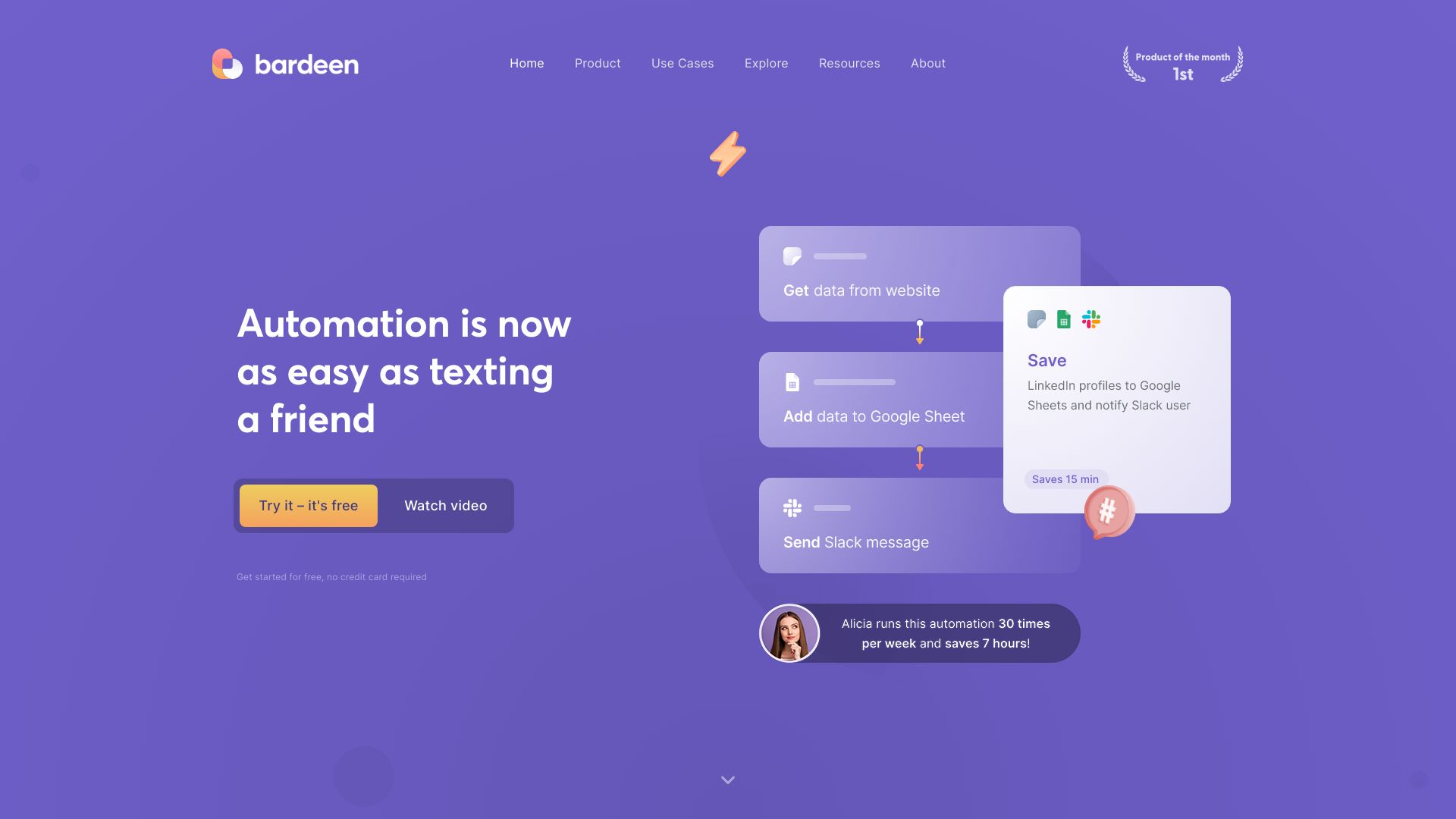
Bardeen AI is an automation app that replaces repetitive tasks with a single shortcut and lets you control your web apps from anywhere. Acting as an AI copilot for GTM teams, it orchestrates end-to-end workflows across sales, account management, customer experience, marketing, recruiting, and operations. By connecting your favorite tools, Bardeen streamlines data capture, enrichment, and syncing, reduces manual copy-paste, and improves collaboration. Use it to automate browser actions, standardize processes, and scale productivity without heavy engineering work.
Bardeen AI Main Features
- AI-powered workflow builder: Describe a task in natural language and let Bardeen draft an automated flow you can refine and run.
- Cross-app integrations: Connect popular CRMs, spreadsheets, docs, chat apps, ticketing tools, and data platforms to move information seamlessly.
- Browser automation: Automate clicks, form fills, navigation, and data extraction from web apps to eliminate repetitive browser work.
- Prebuilt playbooks: Start fast with ready-to-use automations for prospecting, lead enrichment, account updates, reporting, and more.
- Triggers and scheduling: Run workflows on demand, on a schedule, or when specific in-app or data conditions are met.
- Data normalization: Clean, enrich, and map fields across systems to keep CRMs, sheets, and workspaces consistent.
- Collaboration and sharing: Share automations with teammates, templatize best practices, and standardize GTM processes.
- Error handling and logs: Monitor runs, review logs, and adjust steps to make workflows reliable at scale.
Who Should Use Bardeen AI
Bardeen AI suits GTM teams and operations leaders who need to automate repetitive, browser-based work. It is ideal for sales reps and SDRs handling prospecting and CRM updates, account managers maintaining account health, customer success and support teams syncing tickets and notes, marketers pulling reports and content data, recruiters sourcing candidates, and analysts consolidating data across tools—all without heavy coding.
How to Use Bardeen AI
- Sign up and complete basic setup, including workspace preferences.
- Connect the web apps and data sources you want to automate (e.g., CRM, spreadsheets, docs, chat).
- Choose a prebuilt playbook or describe your task in natural language to generate a draft workflow.
- Customize steps: select pages, fields, and actions (click, extract, create, update, send).
- Add triggers or schedules, and define conditions and error handling.
- Test the automation on sample data and review logs for accuracy.
- Deploy, share with your team, and iterate as processes evolve.
Bardeen AI Industry Use Cases
- Sales and SDR: Capture leads from websites, enrich with company data, and push to CRM with deduplication.
- Account management: Monitor account activity, sync notes to records, and create renewal or risk tasks automatically.
- Customer experience: Pull support metrics, update health scores, and notify stakeholders in chat.
- Marketing: Aggregate campaign performance from multiple platforms into a single report.
- Recruiting: Source candidate profiles, standardize resumes, and track pipeline status.
Bardeen AI Pricing
Bardeen AI typically offers a free tier for getting started and paid plans for higher usage, advanced features, and team collaboration. Trials or usage-based limits may apply. Check the current pricing page within the product for the latest plan details and allowances.
Bardeen AI Pros and Cons
Pros:
- Strong browser automation that removes manual web tasks.
- AI-assisted workflow creation reduces setup time.
- Rich integrations that keep data synced across tools.
- Scales from individual productivity to team-wide standardization.
- Logging and error handling improve reliability and trust.
Cons:
- Complex, multi-step flows may require iterative tuning and testing.
- Web UI changes in third-party apps can break steps and need maintenance.
- Advanced features or higher run volumes may require paid plans.
Bardeen AI FAQs
-
Does Bardeen AI require coding?
No. Most workflows are built with natural language and visual steps, though technical users can add logic for complex scenarios.
-
What apps can Bardeen AI integrate with?
It connects with common GTM, productivity, and data tools, enabling actions like create, update, fetch, and notify across systems.
-
Can it run automations on a schedule?
Yes. You can trigger flows on demand, on a recurring schedule, or based on conditions and events.
-
Is my data secure?
Bardeen follows standard security practices for authentication and permissions. Review in-product security documentation for specifics.
-
What types of tasks see the most impact?
High-volume, repetitive browser tasks—like data entry, enrichment, syncing, and reporting—typically yield the largest time savings.