
- Home
- AI Message Generator
- Gloo
Gloo
Open Website-
Tool Introduction:Gloo AI equips churches and ministries with AI to connect and grow.
-
Inclusion Date:Nov 08, 2025
-
Social Media & Email:


Tool Information
What is Gloo AI
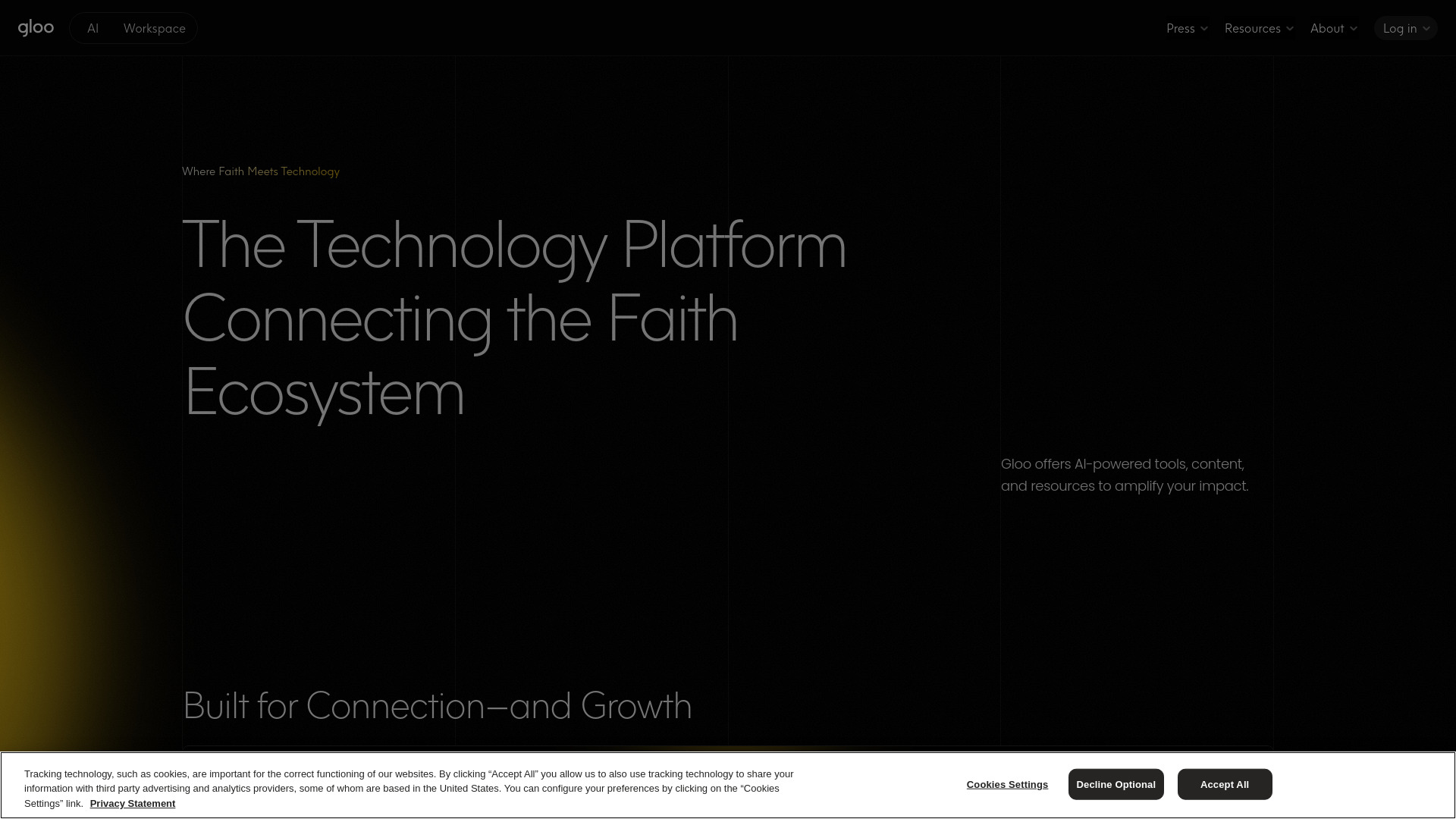
Gloo AI is a faith-focused technology platform that connects churches, ministries, and faith-based organizations with AI-powered tools, curated content, and connection workflows. It helps teams accelerate outreach, discipleship, and care by generating relevant communications, surfacing resources, and organizing next steps. Built for collaboration and community impact, Gloo AI streamlines repetitive tasks, supports consistent messaging across channels, and equips leaders to respond quickly and thoughtfully, so they can spend more time on meaningful relationships and growth.
Main Features of Gloo AI
- Faith-aware AI writing assistant: Drafts announcements, devotionals, study guides, follow-up messages, and outreach campaigns with tone and context suited to faith communities.
- Curated resource library: Access templates, prompts, and conversation guides to support discipleship, care, events, and community engagement.
- Connection workflows: Structure next steps for inquiries, prayer or care requests, event follow-ups, and newcomer pathways.
- Personalization tools: Tailor content for specific audiences, ministries, and seasons to improve relevance and engagement.
- Insights and dashboards: Monitor engagement and content performance to refine messaging and allocate effort where it matters.
- Collaboration and permissions: Enable team roles, reviews, and approvals to keep communications consistent and on-brand.
- Responsible AI and safety features: Support for content quality, accuracy checks, and organizational guidelines to align with values.
- Multi-channel readiness: Prepare content for email, SMS, social media, web, and print so teams can publish across the channels they use.
Who Can Use Gloo AI
Gloo AI is designed for pastors, communications directors, ministry leaders, care and counseling teams, small group leaders, faith-based nonprofits, chaplains, campus ministries, and education or youth programs. It fits organizations seeking to streamline church communications, nurture newcomers, support care pathways, mobilize volunteers, and coordinate community outreach while keeping a consistent, faith-aligned voice.
How to Use Gloo AI
- Create an account and set up your organization profile, goals, and preferred tone or guidelines.
- Select a workflow or template (e.g., outreach campaign, event promotion, care follow-up) or start from scratch.
- Use the AI assistant to draft content; provide prompts, audience details, and stylistic preferences.
- Review, edit, and align content with your doctrine and policies; attach relevant resources or next steps.
- Define audiences and channels, then prepare assets for email, SMS, social posts, web pages, or print materials.
- Schedule or publish, and track engagement in dashboards to iterate and improve over time.
- Collaborate with teammates using roles, comments, and approvals to maintain quality and consistency.
Gloo AI Use Cases
Churches use Gloo AI to produce weekly newsletters, sermon-series communications, newcomer follow-ups, and small group guides. Care ministries create response guides and resource referrals for people seeking help. Nonprofits craft event invitations, volunteer onboarding flows, and impact updates. Youth and education teams outline lessons and parent communications. Community partnerships coordinate city-wide outreach, prayer initiatives, and seasonal campaigns with clear, consistent messaging.
Gloo AI Pricing
Gloo AI is typically offered in tiered plans that scale with features, seats, and organizational needs. Pricing and available packages may vary by use case and size of the ministry or nonprofit. For the most current details, including plan options, contact the provider or visit the official website.
Pros and Cons of Gloo AI
Pros:
- Faith-aware content generation that accelerates outreach and discipleship work.
- Curated templates and resources to reduce setup time and improve consistency.
- Workflow support for care pathways, newcomer follow-ups, and events.
- Collaboration, approvals, and guidelines to safeguard voice and values.
- Insights that help teams learn what resonates and refine strategy.
Cons:
- Requires thoughtful review for theological alignment and local context.
- New users may face a learning curve when adopting workflows and prompts.
- Effectiveness depends on quality of inputs and team processes.
- Data governance and content policies must be clearly defined by each organization.
FAQs about Gloo AI
-
Is Gloo AI only for churches?
No. It is also useful for ministries, faith-based nonprofits, schools, chaplaincy, and community outreach teams.
-
Does Gloo AI replace human ministry?
No. It is a support tool that streamlines tasks so leaders can focus on relationships, care, and discipleship.
-
Can we keep our denominational voice and guidelines?
Yes. You can set tone preferences, provide guidance, and review drafts to align with your doctrine and policies.
-
What content types can it create?
Announcements, emails, social posts, study or discussion guides, event promos, newcomer follow-ups, and care responses.
-
Does it support teams?
Gloo AI includes collaboration features such as roles, comments, and approvals to help teams work together effectively.