
- Home
- AI Speech-to-Text
- VideoSDK
VideoSDK
Open Website-
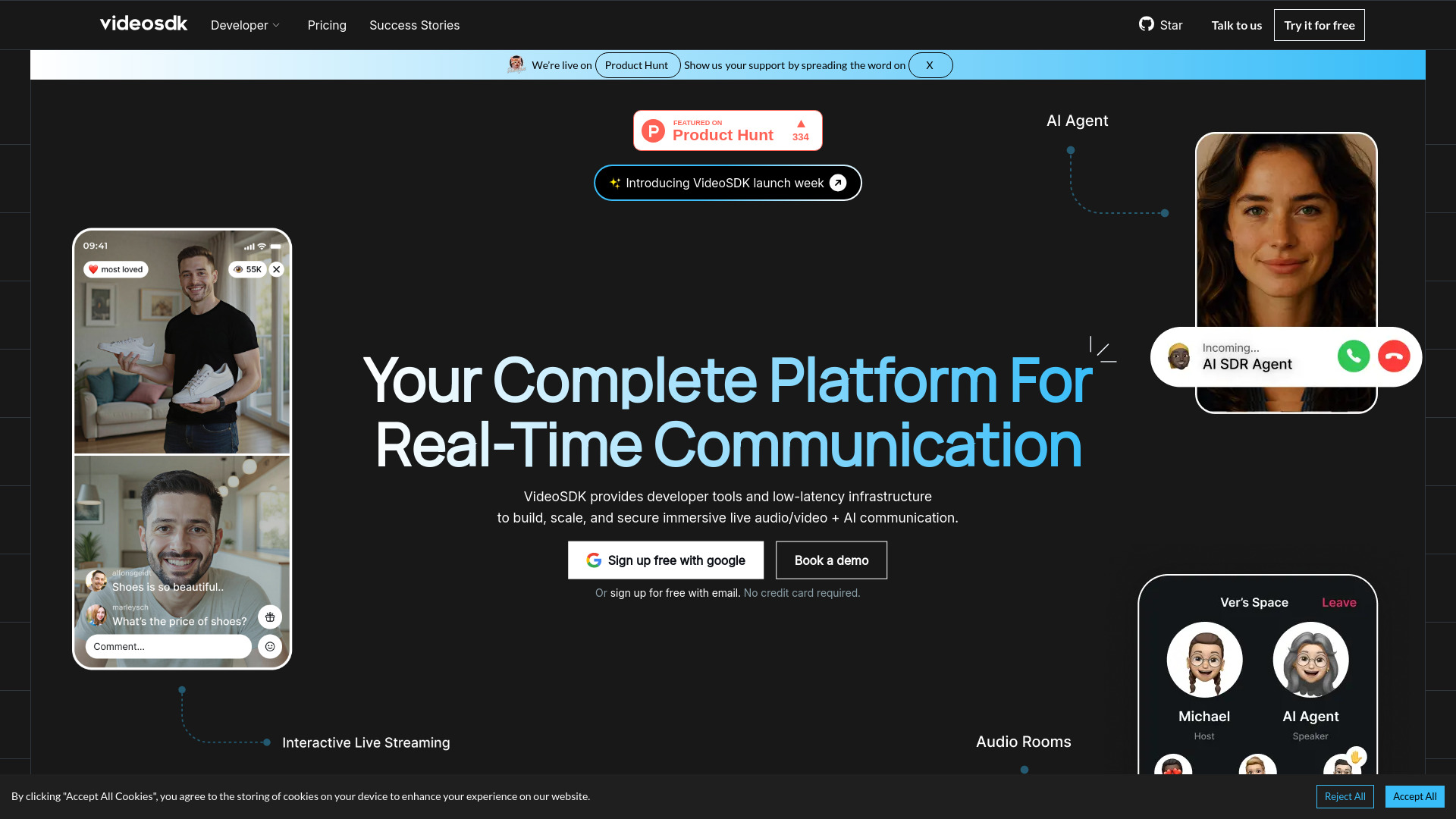
Tool Introduction:Low-latency WebRTC SDKs for live video/audio, AI agents, and tracing.
-
Inclusion Date:Oct 21, 2025
-
Social Media & Email:


Tool Information
What is VideoSDK AI
VideoSDK AI is a real-time communication platform that equips developers with low-latency infrastructure and native SDKs to embed live video, audio, and AI agents into applications with minimal code. Designed for scale and security, it powers interactive calls, webinars, and live streams while maintaining consistently low latency across regions. Teams gain end-to-end observability via session-level logs, metrics, and event traces, simplifying real-time troubleshooting across thousands of parallel calls and helping deliver reliable, immersive user experiences.
VideoSDK AI Key Features
- Low-latency WebRTC infrastructure: Optimized media routing for smooth, real-time video and audio at global scale.
- Native SDKs for multiple platforms: Build on web and mobile with consistent APIs and rapid integration.
- AI agent deployment: Embed voice or video AI agents for automation, co-hosting, or real-time assistance.
- Interactive live streaming: Enable audience participation, Q&A, and reactions within live broadcasts.
- Session-level logs and tracing: Granular observability to diagnose issues across thousands of concurrent sessions.
- Security-first design: Tools to protect media sessions, users, and data in production environments.
- Scalability: Handle spikes and large events without re-architecting your app.
- Developer-friendly APIs: Minimal boilerplate, event-driven callbacks, and clear state management.
- Global reliability: Consistent performance for distributed teams and audiences.
Who Should Use VideoSDK AI
VideoSDK AI suits product teams and developers building real-time communications into apps, including video calls, audio rooms, AI co-hosts, and interactive streaming. it's a fit for startups validating features quickly, enterprises standardizing on a secure RTC stack, edtech and telehealth platforms needing low latency, customer support and sales teams deploying AI agents, and SRE/platform teams that require deep observability for live media.
VideoSDK AI Usage Steps
- Plan your use case: 1:1 calls, group rooms, webinars, or live streams with AI agent participation.
- Create a project and obtain credentials (API key/secret) from the console.
- Install the appropriate SDK for your target platform(s) and import the client.
- Initialize the SDK with auth and configure media permissions (camera, mic, screen).
- Create or join a session/room; attach local tracks and render remote participants.
- Integrate an AI agent: connect the agent endpoint, subscribe to events, and handle prompts/responses.
- Implement UI/UX for controls (mute, screenshare, chat, reactions) and session lifecycle.
- Use session-level logs and traces to monitor quality, debug events, and optimize performance.
VideoSDK AI Industry Use Cases
In customer support, brands deploy AI voice/video agents to greet users, triage issues, and escalate to humans with full session context. Edtech platforms host low-latency virtual classrooms where AI tutors summarize lessons and answer questions. Telehealth apps run secure consultations while AI assists with intake and documentation. Live commerce integrates interactive streams where AI co-hosts demo products, handle FAQs, and capture conversions—all monitored via session-level logs for rapid troubleshooting.
VideoSDK AI Pros and Cons
Pros:
- Consistently low latency for real-time video and audio experiences.
- Multi-platform SDKs and concise APIs accelerate integration.
- Built-in AI agent support for automation and co-hosting.
- Deep observability with session-level logs and event tracing.
- Scales to thousands of parallel calls and large live streams.
- Security-focused tooling for production workloads.
Cons:
- Requires engineering effort to design and maintain RTC UX.
- Network conditions can still impact quality despite optimizations.
- Operational costs may grow with high concurrency and long sessions.
- AI agent behavior can add complexity to testing and monitoring.
VideoSDK AI FAQs
-
Does VideoSDK AI support both group calls and live streams?
Yes. It supports 1:1 and group calls as well as interactive live streams with audience participation.
-
Can I integrate my own AI model or agent?
You can connect custom AI agents or services and orchestrate them alongside human participants via the SDK.
-
How do I debug quality issues in production?
Use session-level logs, metrics, and event traces to pinpoint network, device, or media pipeline problems.
-
Is it suitable for mobile apps?
Yes. Native SDKs enable low-latency audio/video and AI experiences on mobile platforms.
-
Can I start with a small pilot and scale later?
The platform is designed to scale from small pilots to large, concurrent deployments with minimal rework.