
- Home
- AI Subtitle Generator
- Transkriptor
Transkriptor
Open Website-
Tool Introduction:AI IDE for teams: agents, context-aware code, local-first privacy.
-
Inclusion Date:Oct 21, 2025
-
Social Media & Email:


Tool Information
What is Transkriptor AI
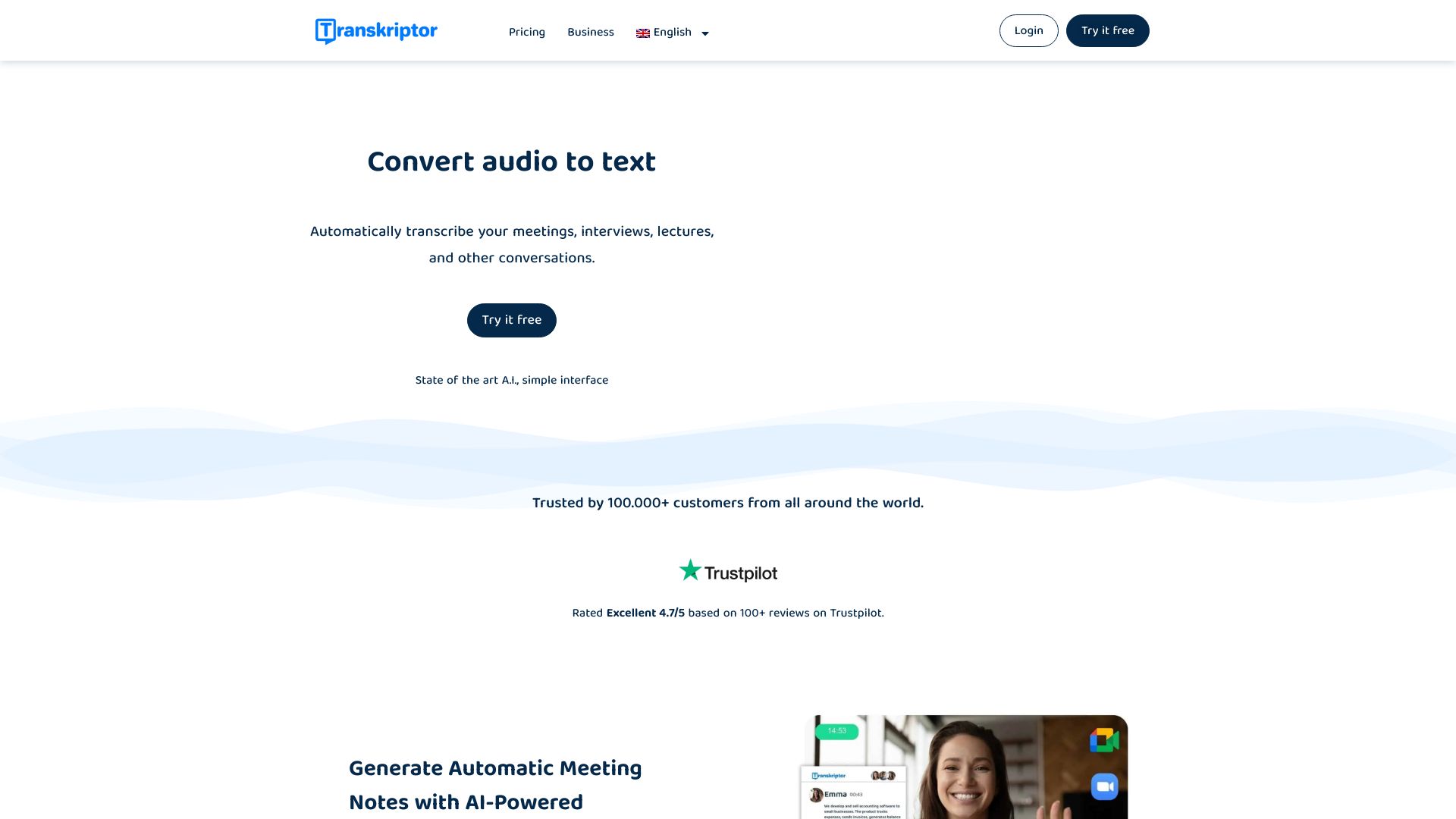
Transkriptor AI is an AI-powered transcription platform that converts audio and video into accurate, searchable text. It supports meeting recording and uploads from common formats, then enriches transcripts with translation, subtitle generation, and AI-driven summarization. Teams and individuals use it to capture discussions, extract action items, and repurpose content across channels. With time-stamped outputs and exportable files, it streamlines note-taking, research, and content production while reducing manual effort and turnaround time for speech-to-text workflows.
Transkriptor AI Key Features
- AI transcription for audio and video: Turn recordings into precise text for faster audio to text and video to text workflows.
- Meeting recording: Record business meetings and calls, then generate transcripts, highlights, and action items.
- Translation: Translate transcripts to multiple languages to expand reach and accessibility.
- Subtitle generation: Create captions and subtitle files to support video publishing and compliance.
- AI summarization: Produce concise summaries, key points, and takeaways to save review time.
- Editing and review: Refine transcripts in a browser-based editor, search text, and correct terms as needed.
- Export options: Download text and subtitle outputs for sharing, archiving, or content repurposing.
Who Should Use Transkriptor AI
Transkriptor AI suits professionals and teams who need reliable AI transcription, including business operations, sales, and customer success teams capturing meetings; researchers and students transcribing interviews and lectures; journalists, podcasters, and content creators producing articles, captions, and show notes; and educators or training teams localizing and captioning learning materials.
How to Use Transkriptor AI
- Sign up and log in to the Transkriptor AI web app.
- Choose to record a meeting or upload an audio/video file from your device or cloud storage.
- Select source language and optional features such as translation, subtitles, or AI summarization.
- Start processing and let the AI transcribe your file; monitor progress in the dashboard.
- Review and edit the transcript in the editor to fix terminology or names.
- Generate summaries, export text or subtitle files, and share or publish as needed.
Transkriptor AI Industry Use Cases
In business, teams record client calls and produce searchable notes and summaries for CRM updates. In academia, researchers transcribe field interviews and lectures, then translate findings for international collaboration. In media and content production, creators turn podcasts and webinars into articles, captions, and subtitles for multi-channel distribution. Training teams caption internal videos to improve accessibility and learning outcomes.
Transkriptor AI Pricing
Pricing and plan details are provided on the official Transkriptor website. Offerings commonly vary by included features and the amount of transcription minutes. Check the pricing page for current options and any available trials or discounts.
Transkriptor AI Pros and Cons
Pros:
- Accurate speech-to-text for both audio and video recordings.
- All-in-one workflow: meeting recording, translation, subtitles, and AI summaries.
- Speeds up note-taking, research, and content repurposing.
- Exportable text and subtitle files for easy publishing and sharing.
- Web-based setup with a straightforward editing experience.
Cons:
- Accuracy can drop with noisy environments, overlapping speakers, or heavy accents.
- Uploading sensitive audio may require compliance review and clear data policies.
- Very long files can take time to process and may count heavily toward usage limits.
- Specialized jargon or rare languages might need manual corrections.
Transkriptor AI FAQs
-
Does Transkriptor AI handle both audio and video?
Yes. It converts audio and video recordings into text, enabling fast review and search.
-
Can it translate transcripts into other languages?
Yes. You can translate transcripts to support global audiences and localization workflows.
-
Does it generate subtitles for videos?
Yes. It produces captions and subtitle files to make videos accessible and ready for publishing.
-
How accurate is the transcription?
Accuracy is high in clear recordings but depends on audio quality, background noise, and speaker clarity. Reviewing the transcript helps ensure the best results.
-
Can it summarize long meetings?
Yes. AI-driven summarization creates concise highlights and action items from lengthy sessions.