
TabSquare
Open Website-
Tool Introduction:AI for restaurants: QR, kiosks, ordering, analytics, retention.
-
Inclusion Date:Oct 21, 2025
-
Social Media & Email:


Tool Information
What is TabSquare AI
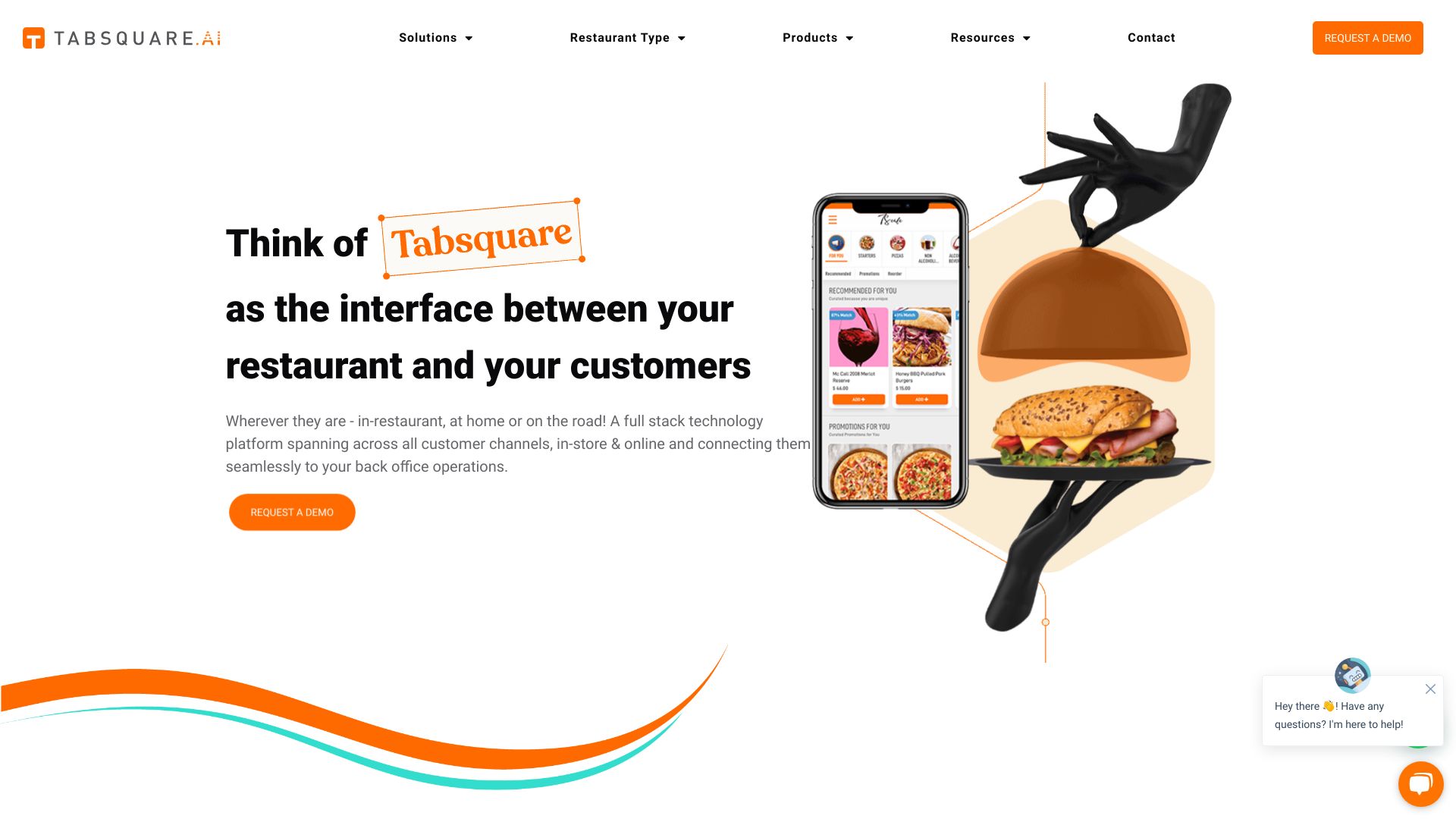
TabSquare AI is a restaurant technology platform that unifies in‑store dining, online ordering, customer retention, and data analytics in one AI‑driven suite. Through products such as SmartQR, SmartKiosk, and SmartTab, it delivers dynamic digital menus, seamless self‑service ordering, and data‑backed recommendations that elevate order accuracy and guest satisfaction. Operators use TabSquare to streamline front‑of‑house flows, personalize upsell suggestions, and monitor performance across channels to improve margins and repeat visits.
TabSquare AI Key Features
- SmartQR contactless ordering: Scan, browse visual menus, customize items, and place orders from the table with real‑time menu updates and AI‑guided upsell prompts.
- SmartKiosk self‑service: Touchscreen kiosks for fast, accurate ordering; clear modifiers; cross‑sell suggestions; and support for dine‑in, pickup, or takeaway flows.
- SmartTab for staff: Tablet‑based assisted ordering that speeds tableside service, reduces errors, and surfaces smart recommendations for add‑ons and combos.
- Online ordering: Consistent, branded web ordering for pickup or delivery using the same centralized menu and pricing logic.
- Customer retention tools: Profiles, preferences, and targeted offers to encourage repeat visits and higher lifetime value.
- Menu and performance analytics: Item‑level insights, conversion and upsell impact, and channel performance dashboards to guide decisions.
- Centralized menu management: Manage items, photos, modifiers, availability, and store hours once and publish across channels.
- Payments and order flow: Support for multiple payment methods and streamlined routing of orders to the appropriate prep stations.
Who Should Use TabSquare AI
TabSquare AI suits quick‑service, fast‑casual, and full‑service restaurants, cafes, bars, food courts, and multi‑brand groups seeking to modernize ordering, raise average check value, and increase throughput. It is useful for single‑site operators looking for contactless ordering as well as multi‑location brands that need centralized control, consistent menus, and data‑driven decision‑making.
How to Use TabSquare AI
- Choose the modules you need (e.g., SmartQR, SmartKiosk, SmartTab) based on dine‑in and online workflows.
- Import or create your menu, organize categories, set photos, prices, and modifiers.
- Configure channels: map tables for SmartQR, define kiosk flows, and set up staff tablets.
- Set taxes, service charges, fulfillment options, and payment methods.
- Enable recommendation rules to surface relevant add‑ons, combos, or limited‑time offers.
- Publish the menu, train staff on device usage and service handoffs, and go live.
- Monitor analytics to refine menu layout, pricing, and promotions for continuous improvement.
Industry Use Cases for TabSquare AI
In casual dining, QR code menus can remove queue congestion and speed table turns while promoting high‑margin add‑ons. Quick‑service formats use kiosks to handle peak traffic and standardize modifiers for accuracy. Cafes and bakeries streamline counter service with guided upsells on pastries and beverages. Multi‑brand food courts unify menus and reporting across outlets, while cloud kitchens centralize online ordering and optimize item performance based on data insights.
TabSquare AI Pricing
Pricing typically depends on the selected products (SmartQR, SmartKiosk, SmartTab), the number of outlets, and required configurations. For detailed plans, quotes, and any available demos, contact the TabSquare team directly.
TabSquare AI Pros and Cons
Pros:
- Unified platform for dine‑in, pickup, and delivery with consistent menus.
- AI‑driven recommendations that support upselling and personalization.
- Faster service, reduced queues, and improved order accuracy.
- Centralized menu and content management across locations and channels.
- Actionable analytics for item performance and channel optimization.
- Modular deployment to fit different restaurant formats and sizes.
Cons:
- Requires device setup and potential hardware investment for kiosks or tablets.
- Change management and staff training are needed to adapt workflows.
- Stable network connectivity is essential for smooth operations.
- Integration work with existing systems may be necessary.
- Costs can exceed those of basic QR menu tools without analytics.
TabSquare AI FAQs
-
What’s the difference between SmartQR, SmartKiosk, and SmartTab?
SmartQR enables contactless table ordering via QR codes, SmartKiosk powers self‑service terminals for high‑throughput ordering, and SmartTab equips staff with guided tablets for faster, assisted service.
-
Does TabSquare AI support both dine‑in and online ordering?
Yes. It provides digital menus for in‑store dining and a branded online ordering experience for pickup or delivery using the same centralized menu.
-
How does the AI improve upselling?
It analyzes menu structure and customer behavior to surface relevant add‑ons, combos, and recommendations at the right moment, increasing conversion without interrupting the ordering flow.
-
Is TabSquare AI suitable for small restaurants?
It is modular, so smaller venues can start with SmartQR for contactless ordering and add kiosks or staff tablets later as needs grow.