
Pinecone
Open Website-
Tool Introduction:Production-ready vector database for millisecond semantic search.
-
Inclusion Date:Oct 21, 2025
-
Social Media & Email:
Tool Information
What is Pinecone AI
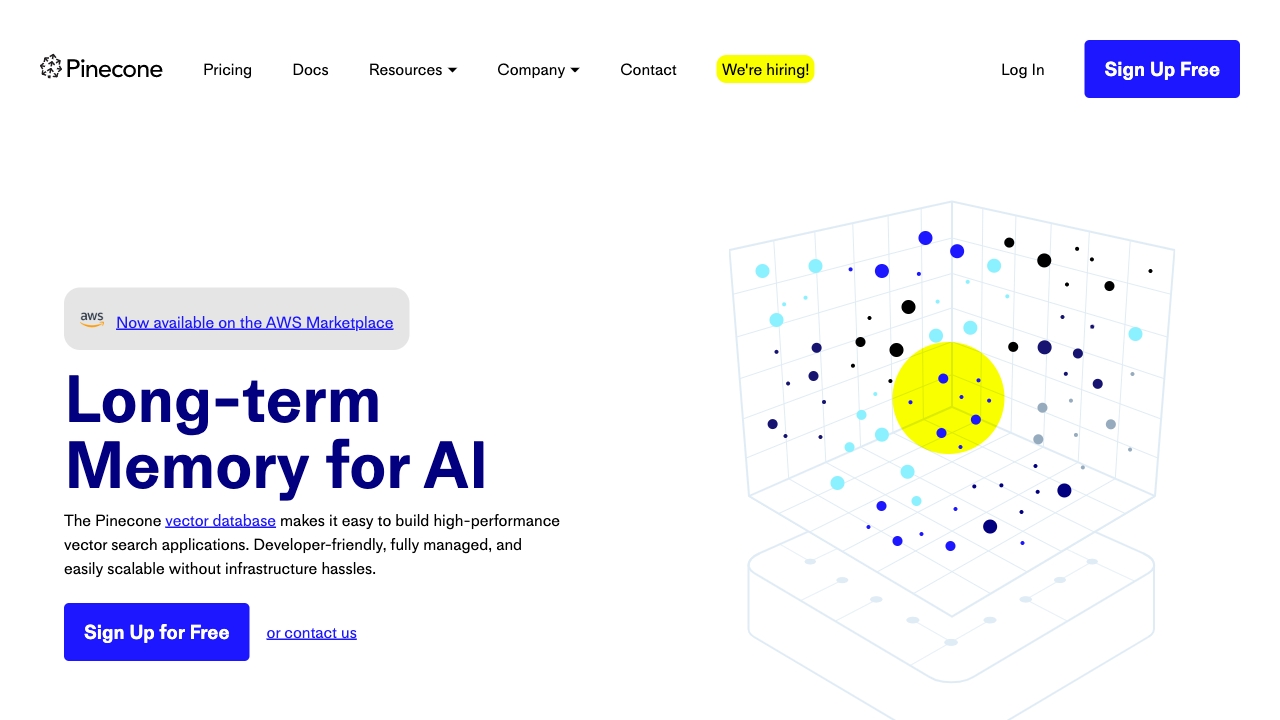
Pinecone AI is a fully managed vector database built for production-grade vector search and similarity-based retrieval. It stores and indexes embeddings from text, images, and other data to power semantic search, recommendations, and retrieval-augmented generation (RAG). With low-latency approximate nearest neighbor (ANN) search, metadata filtering, and horizontal scalability, Pinecone lets teams query billions of vectors in milliseconds without managing infrastructure. Simple APIs, automatic indexing, and reliable performance help move prototypes to production quickly and safely.
Pinecone AI Main Features
- Managed vector database: Fully hosted service that eliminates cluster tuning, sharding, and DevOps overhead.
- Low-latency ANN search: Millisecond similarity search across billions of embeddings using cosine, dot product, or Euclidean metrics.
- Scalable and reliable: Built to scale horizontally with high availability for production workloads.
- Metadata filtering: Filter search results using structured attributes to improve precision and control.
- Simple data operations: Upsert, update, query, and delete vectors with stable IDs and namespaces.
- RAG-ready: Optimized for retrieval-augmented generation pipelines to ground LLM outputs in your data.
- Hybrid search support: Combine dense embeddings with sparse signals for improved relevance when needed.
- Developer-friendly APIs: Python, JavaScript, and REST SDKs, plus integrations with LangChain, LlamaIndex, and popular model providers.
- Observability: Metrics and monitoring to track latency, throughput, and index health.
- Enterprise security: Access controls and encryption to protect sensitive data and meet compliance needs.
Who Should Use Pinecone AI
Pinecone AI suits product engineers and ML teams building semantic search, recommendation systems, intelligent assistants, and RAG chatbots. it's also useful for enterprises centralizing embeddings from multiple applications, data scientists experimenting with similarity-driven features, and researchers needing fast, scalable retrieval over large embedding collections.
How to Use Pinecone AI
- Sign up and create a project, then create an index with the vector dimension and distance metric that match your embedding model.
- Generate embeddings using your preferred model (e.g., from OpenAI, Cohere, or open-source encoders).
- Upsert vectors with unique IDs and optional metadata to organize and filter results.
- Run queries for the top-k nearest neighbors, applying metadata filters to refine relevance.
- Use matches to power semantic search, recommendations, or to retrieve context for LLMs in a RAG pipeline.
- Monitor latency and recall, iterate on embeddings and index settings, and scale capacity as traffic or data grows.
Pinecone AI Industry Use Cases
In e-commerce, teams deliver semantic product discovery and personalized recommendations. Customer support organizations build RAG assistants that retrieve accurate answers from knowledge bases. Media platforms detect near-duplicate or similar content. Financial services surface related filings and research. Security teams correlate similar incidents or indicators to speed investigation and response.
Pinecone AI Pricing
Pinecone typically offers usage-based, pay-as-you-go pricing that reflects stored vectors and query throughput, with options to scale as needs grow. A free tier or trial credits may be available for evaluation, and enterprise plans often include advanced security features and support. Refer to the official pricing page for current details.
Pinecone AI Pros and Cons
Pros:
- Purpose-built vector search with low latency at large scale.
- Fully managed service reduces operational complexity and time-to-production.
- Strong metadata filtering and namespaces for precise retrieval.
- Seamless fit for RAG and semantic search workflows.
- Developer-friendly APIs and broad ecosystem integrations.
- Scales to billions of embeddings with consistent performance.
Cons:
- Vendor lock-in compared to self-hosted alternatives.
- Costs can grow with very high query volumes or massive datasets.
- Not a general-purpose database; requires external embedding generation.
- Best paired with full-text search for keyword-heavy use cases.
- Cloud-managed model may not meet strict on-prem requirements.
Pinecone AI FAQs
-
What is a vector database and why use Pinecone?
A vector database stores embeddings and provides fast similarity search. Pinecone focuses on low-latency ANN retrieval and scalability, making semantic search and RAG reliable in production.
-
Does Pinecone generate embeddings?
No. You bring embeddings from your chosen model, then store and query them in Pinecone.
-
Which distance metrics are supported?
Common metrics include cosine similarity, dot product, and Euclidean distance. Choose one that aligns with your embedding model.
-
Can I filter results by attributes?
Yes. Attach metadata to vectors and apply filters at query time to improve relevance and control access.
-
How does Pinecone help with RAG?
It retrieves the most relevant context snippets based on embeddings, which you can pass to an LLM to ground responses in your data.
-
Is there a self-hosted version?
Pinecone is primarily a managed cloud service. Teams needing self-managed deployments should evaluate alternatives or private networking options within Pinecone’s offerings.