
- Home
- AI Code Assistant
- Pieces for Developers
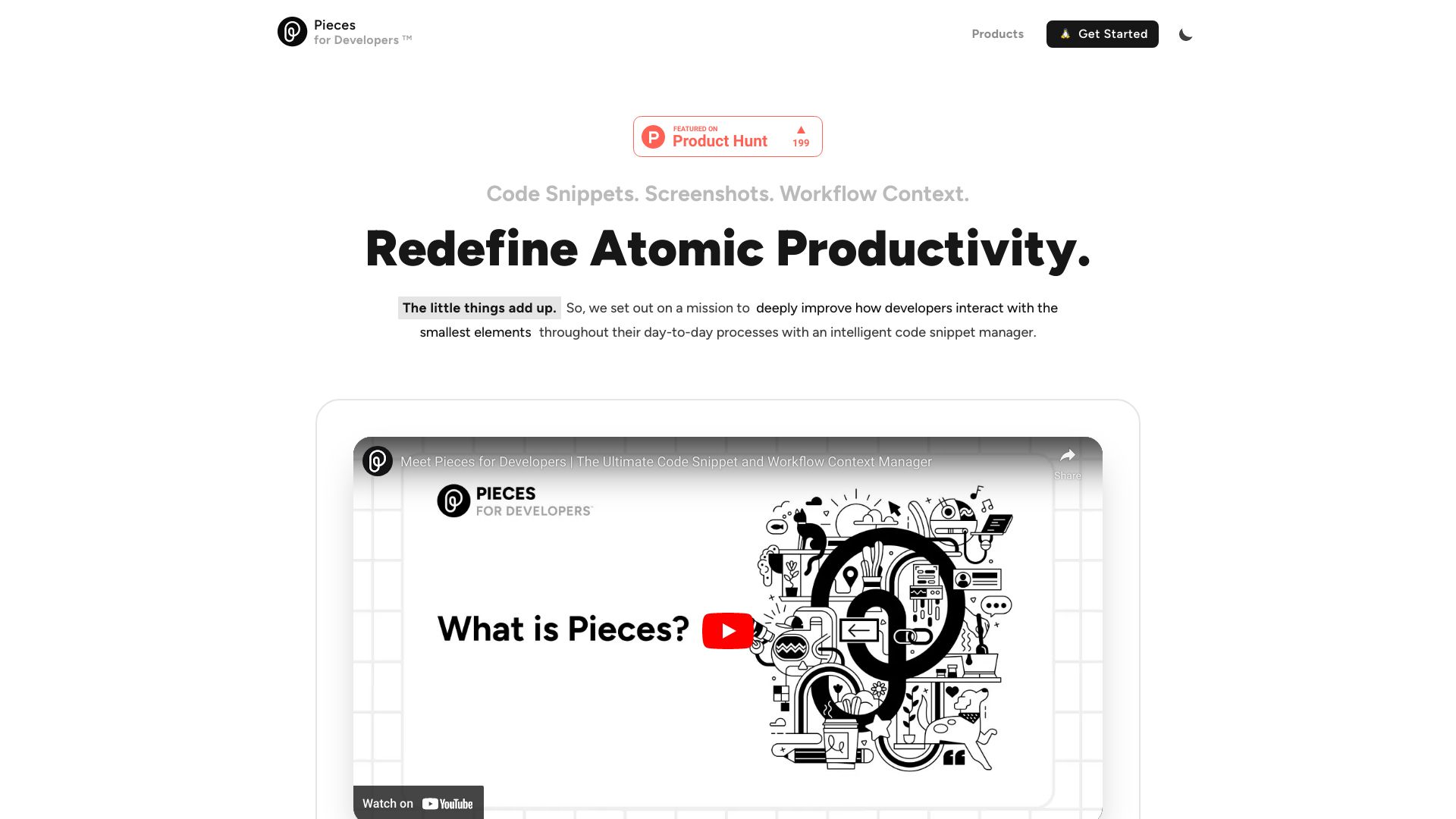
Pieces for Developers
Open Website-
Tool Introduction:AI snippet manager for IDEs and browsers—save, enrich, reuse.
-
Inclusion Date:Oct 21, 2025
-
Social Media & Email:


Tool Information
What is Pieces for Developers AI
Pieces for Developers AI is an AI-infused code snippet manager that connects to your browser, IDE, and collaboration stack to streamline everyday coding. It lets you save, generate, enrich, reuse, and share snippets alongside screenshots and workflow context, creating a living, searchable repository of practical solutions. By capturing rich metadata and providing context-aware assistance where you work, it reduces switching costs, surfaces the right example at the right time, and helps teams standardize patterns and accelerate delivery.
Pieces for Developers AI Main Features
- AI-powered snippet enrichment: Auto-add titles, tags, and descriptions to saved code, making snippets easier to discover and reuse.
- Cross-tool integrations: Works inside popular IDEs and browsers and connects with collaboration tools to keep code and context in one flow.
- Context-aware assistance: Leverages recent activity and annotations to surface relevant snippets and suggestions as you code.
- Unified workspace: Save code, screenshots, and notes together so each snippet carries the “why,” not just the “what.”
- Fast search and retrieval: Find snippets by language, tags, description, or captured context for instant reuse.
- Share and collaborate: Share curated snippets or collections with teammates to align on standards and best practices.
- Organization at scale: Group snippets into collections, apply tags, and maintain lightweight documentation.
Who Should Use Pieces for Developers AI
Pieces for Developers AI is ideal for individual engineers, product teams, and engineering managers who need a dependable, AI-assisted way to store and retrieve working examples. It fits scenarios like prototyping, code review, onboarding, test automation, and documenting reusable patterns. Educators, technical writers, and support engineers can also benefit from organizing code-centric knowledge for repeated use.
How to Use Pieces for Developers AI
- Install the Pieces extension or plugin for your preferred IDE and browser.
- Capture content as you work—save code snippets, screenshots, and brief notes or tags.
- Use AI enrichment to generate titles, tags, explanations, or alternative implementations.
- Organize your repository with tags and collections so related snippets stay together.
- Retrieve snippets via search or in-context suggestions directly in your IDE or browser.
- Share selected snippets or collections with teammates to support reviews and onboarding.
Pieces for Developers AI Industry Use Cases
Software teams use it to maintain a living catalog of language idioms, API examples, and secure coding patterns. QA and SDET roles store reusable test utilities and assertion snippets. Data scientists keep common preprocessing steps and visualization templates. DevOps engineers catalog deployment commands and incident runbooks. Customer support and solutions engineers collect troubleshooting scripts and configuration examples for faster resolutions.
Pieces for Developers AI Pros and Cons
Pros:
- Accelerates reuse with AI-driven enrichment and in-context retrieval.
- Reduces context switching by working inside IDEs, browsers, and collaboration tools.
- Preserves workflow context by pairing code with screenshots and notes.
- Improves team alignment through shared, curated collections and standards.
Cons:
- AI relevance depends on the quality and consistency of saved context and tags.
- Team-wide value requires agreed naming, tagging, and curation practices.
- May overlap with existing snippet managers, wikis, or knowledge bases.
- Initial setup and integration choices can introduce a short learning curve.
Pieces for Developers AI FAQs
-
Does it work with my IDE and browser?
Pieces for Developers AI supports popular IDEs and modern browsers through plugins or extensions. Check your marketplace for the latest compatibility.
-
Can it generate code or only store it?
It can both store existing snippets and use AI to generate or improve code examples, with contextual descriptions to aid reuse.
-
How do sharing and collaboration work?
You can share individual snippets or collections with teammates, helping standardize patterns and speed up onboarding or reviews.
-
How are snippets organized for quick retrieval?
Use titles, tags, descriptions, and collections. Combined with AI enrichment, this makes search and in-context suggestions more accurate.
-
Can I include screenshots and notes with code?
Yes. Save screenshots and brief notes alongside code so each snippet carries the surrounding context and rationale.