
- Home
- AI Bypasser
- Interview Solver
Interview Solver
Open Website-
Tool Introduction:AI copilot for coding & system interviews: LeetCode help, discreet overlay
-
Inclusion Date:Nov 07, 2025
-
Social Media & Email:

Tool Information
What is Interview Solver AI
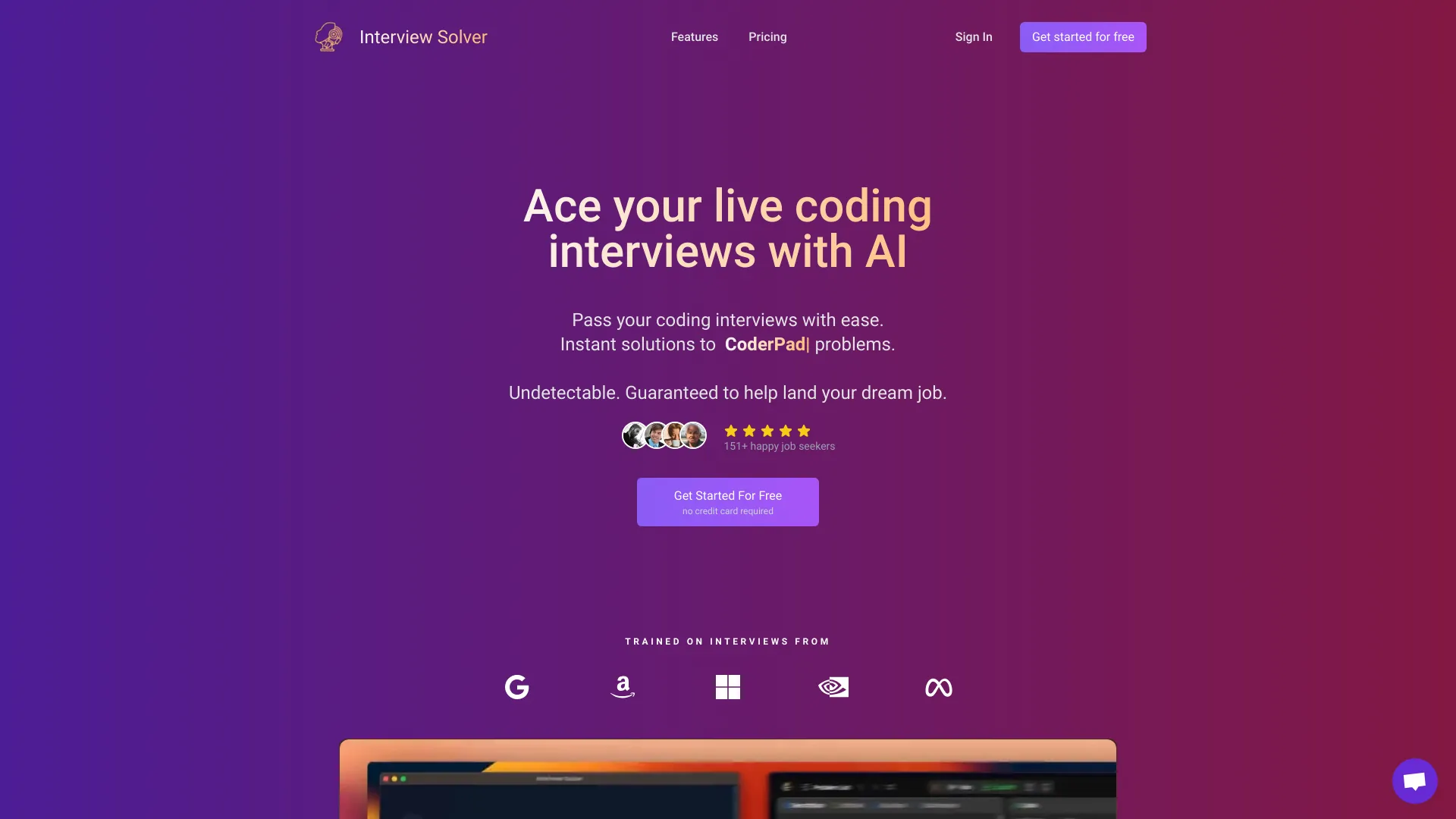
Interview Solver AI is an AI interview copilot built to support candidates during live coding and system design interviews. It reads on-screen context from screen sharing, highlighted text, or quick screengrabs and returns instant answers, hints, and step-by-step reasoning for LeetCode-style problems and architecture prompts. Running as a discreet, screen-sharing–invisible overlay, it offers transparency mode, undetectable hotkeys, companion mode, and voice transcription so you can stay focused while explaining algorithms, complexity trade-offs, and design decisions in real time.
Main Features of Interview Solver AI
- Instant LeetCode and DSA help: Get step-by-step reasoning, hints, and sample solutions for coding interview questions.
- System design guidance: Receive architecture suggestions, trade-off analysis, and talking points for design interviews.
- Screen-aware input: Use highlighting or screengrabs to capture the question text and trigger context-aware answers.
- Invisible overlay: Transparency mode and a discreet UI designed to remain unseen on screen sharing.
- Undetectable hotkeys: Trigger assistance, toggle views, and paste snippets without disrupting your flow.
- Voice transcription: Transcribe interviewer prompts and follow-up questions to refine responses.
- Companion mode: Use a secondary device to review suggestions without touching your primary screen.
Who Can Use Interview Solver AI
Interview Solver AI is ideal for software engineering candidates preparing for live coding interviews, students and bootcamp graduates practicing data structures and algorithms, and professionals reviewing system design patterns. It also suits mock interview partners and coaches who want real-time hints and structured feedback. Use responsibly and in line with company or platform policies.
How to Use Interview Solver AI
- Install and launch the app, then open your coding environment or whiteboard tool.
- Capture the prompt by highlighting text on screen or taking a quick screengrab.
- Use hotkeys to request hints, step-by-step reasoning, complexity analysis, or sample solutions.
- Toggle transparency mode to keep the overlay unobtrusive during screen sharing.
- Enable voice transcription to capture follow-up questions and refine your response.
- Switch to companion mode on a second device if you prefer off-screen guidance.
- Review suggestions, adapt them to your approach, and communicate your reasoning clearly.
Interview Solver AI Use Cases
Common scenarios include live coding rounds with LeetCode-style problems, system design interviews requiring quick trade-off discussions, remote interviews where a discreet overlay helps manage prompts, mock interviews for structured practice, and solo preparation sessions focused on algorithms, complexity analysis, and architecture frameworks across tech, fintech, e-commerce, and startup roles.
Pros and Cons of Interview Solver AI
Pros:
- Real-time guidance for coding and system design interviews.
- Screen-aware context via highlighting, screengrabs, and transcription.
- Discreet overlay with transparency and hotkey controls.
- Companion mode supports a second-device workflow.
- Helps structure explanations and complexity analysis.
Cons:
- Overreliance may hinder long-term skill development if used improperly.
- Accuracy of suggestions can vary based on question clarity and context.
- Live use may conflict with certain interview policies; verify rules before using.
- Requires clean captures of prompts for best results.
FAQs about Interview Solver AI
-
Is Interview Solver AI visible on screen sharing?
The app is designed with a discreet, screen-sharing–invisible overlay and transparency mode to minimize visibility during shared sessions.
-
Can it help with both coding and system design interviews?
Yes. It provides hints, step-by-step reasoning, and talking points for LeetCode-style coding and system design discussions.
-
How does it understand the interview question?
You can highlight on-screen text, paste content, or use screengrabs and voice transcription to supply context.
-
Is it appropriate to use during a real interview?
Always follow the interviewer’s policies and local rules. Consider using it primarily for practice and mock interviews if live assistance is restricted.
-
Does it support a second-device workflow?
Yes. Companion mode lets you view guidance on another device to keep your main screen clear.