
- Home
- AI Background Remover
- Icons8
Icons8
Open Website-
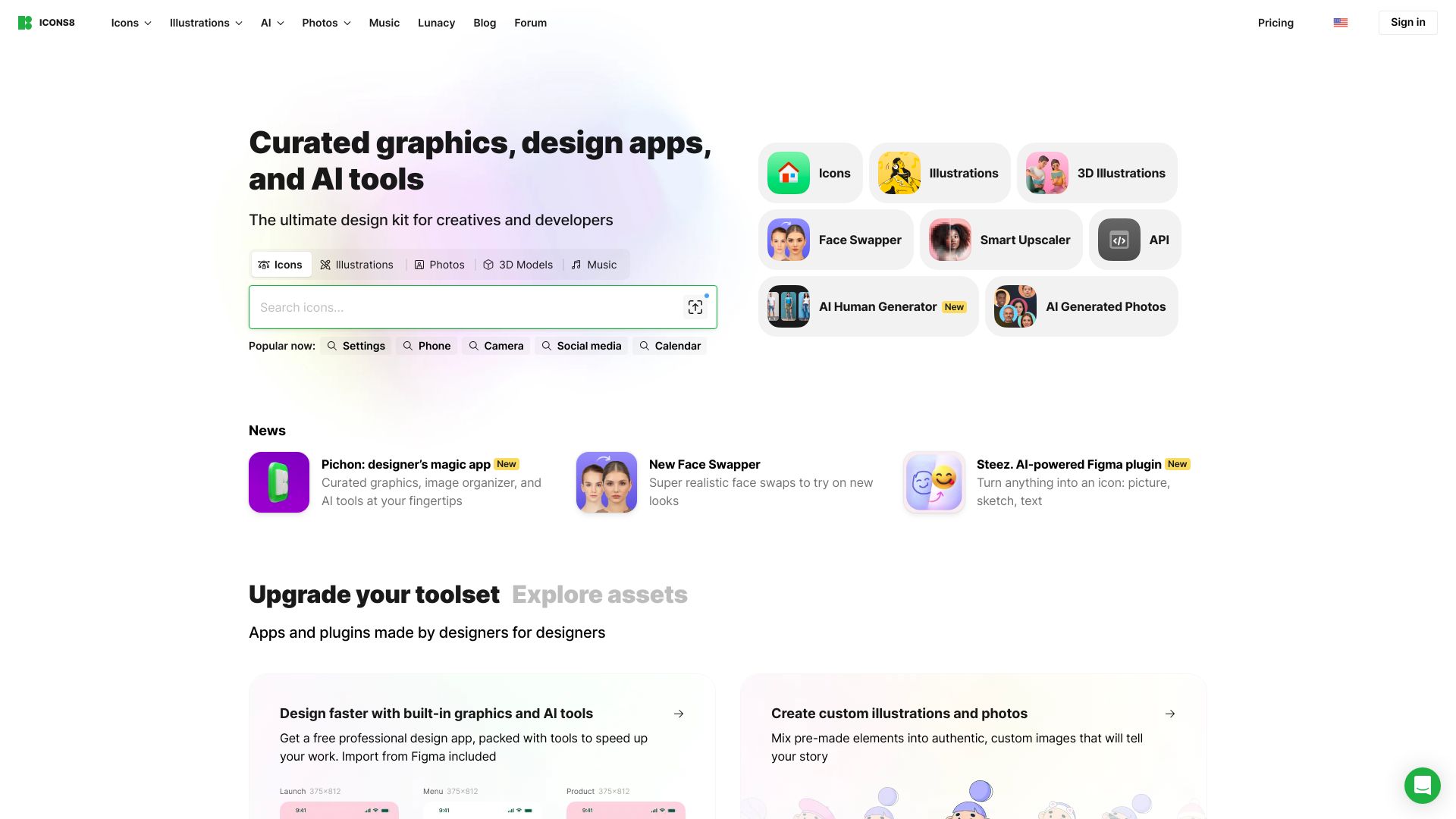
Tool Introduction:Designer-made icons, illustrations, photos, music—plus AI apps.
-
Inclusion Date:Oct 21, 2025
-
Social Media & Email:


Tool Information
What is Icons8 AI
Icons8 AI is a collection of web-based creative tools that complements Icons8’s vast library of icons, illustrations, photos, and royalty-free music. It streamlines image editing and production with features like AI background removal, image upscaling, face swap, uncropping, and cleanup, helping teams deliver consistent, on-brand visuals quickly. By pairing high-quality design assets with practical automation, Icons8 AI reduces repetitive work, shortens turnaround times, and supports a smooth creative workflow from concept to publish-ready content.
Icons8 AI Main Features
- AI Background Remover: Instantly cut subjects from backgrounds for product shots, social posts, and compositing, preserving edges and fine details.
- AI Image Upscaler: Enlarge images while enhancing sharpness and texture, ideal for web banners, presentations, and print assets.
- Face Swap: Safely create variations for concept art, mockups, or placeholders while keeping lighting and proportions realistic.
- Uncrop / Generative Fill: Extend canvas or fix framing without reshoots, useful for adapting creatives to multiple aspect ratios.
- Image Cleanup: Remove small objects, blemishes, or artifacts to refine visuals without manual retouching.
- Integrated Asset Library: Seamlessly combine AI edits with Icons8 icons, clipart illustrations, stock photos, and royalty-free music for cohesive outcomes.
- Style Consistency: Access assets in multiple styles and use AI edits to maintain a uniform look across campaigns and products.
Who Should Use Icons8 AI
Icons8 AI suits designers, marketers, content creators, ecommerce teams, and no-code builders who need fast, consistent visuals. It helps agencies scale production, startups prototype quickly, and social media managers adapt assets to different channels. Educators and product teams can rely on ready-to-use icons and illustrations while using AI tools to polish images without heavy design software.
How to Use Icons8 AI
- Open Icons8 and choose the AI tool you need (e.g., background remover, upscaler, uncrop, cleanup, or face swap).
- Upload an image or start with an asset from the Icons8 library to edit.
- Adjust settings such as output size, background options, or fill area, then preview the result.
- Apply edits, compare before/after, and fine-tune if necessary.
- Download the final file in your preferred format and integrate it into your design or marketing workflow.
Icons8 AI Industry Use Cases
Ecommerce teams remove backgrounds and upscale product images to improve marketplace listings. Marketing teams uncrop and refit visuals for ads, emails, and social feeds without re-shoots. App and web designers combine consistent icon sets with AI cleanup for polished UI mockups. Content creators and educators repurpose stock photos and illustrations, using AI edits to match brand styles and aspect ratios across platforms.
Icons8 AI Pricing
Icons8 offers a freemium model for many assets and tools. You can typically try AI edits with basic limits, while paid plans unlock higher resolutions, more downloads, commercial usage options, and expanded libraries. Exact features and limits vary by tool and subscription, so check the current pricing page for details.
Icons8 AI Pros and Cons
Pros:
- Combines AI editors with a robust library of icons, illustrations, photos, and music.
- Browser-based tools that fit easily into existing creative workflows.
- Speeds up repetitive edits like background removal, upscaling, and cleanup.
- Supports consistent visual style across multi-channel campaigns.
Cons:
- Output quality can vary with complex scenes or low-quality inputs.
- Some advanced features and higher resolutions require a paid plan.
- Face swap and generative features may need careful use to meet brand and ethical guidelines.
Icons8 AI FAQs
-
Does Icons8 AI work entirely in the browser?
Yes, the tools are web-based, so you can upload, edit, and download without installing heavy software.
-
Can I combine AI edits with Icons8 assets?
You can start from Icons8 icons, illustrations, or photos, apply AI edits, and export for your project to keep a cohesive style.
-
Is attribution required?
Free usage may require attribution, while paid plans generally provide broader rights without attribution. Review the license terms before publishing.
-
What file formats can I download?
Downloads typically include common formats suited to web and design tools. Check each tool’s export options for available formats and sizes.