
- Home
- AI Web Scraping
- Gumloop
Gumloop
Open Website-
Tool Introduction:No-code AI automation: build secure, scalable workflows fast.
-
Inclusion Date:Oct 21, 2025
-
Social Media & Email:


Tool Information
What is Gumloop AI
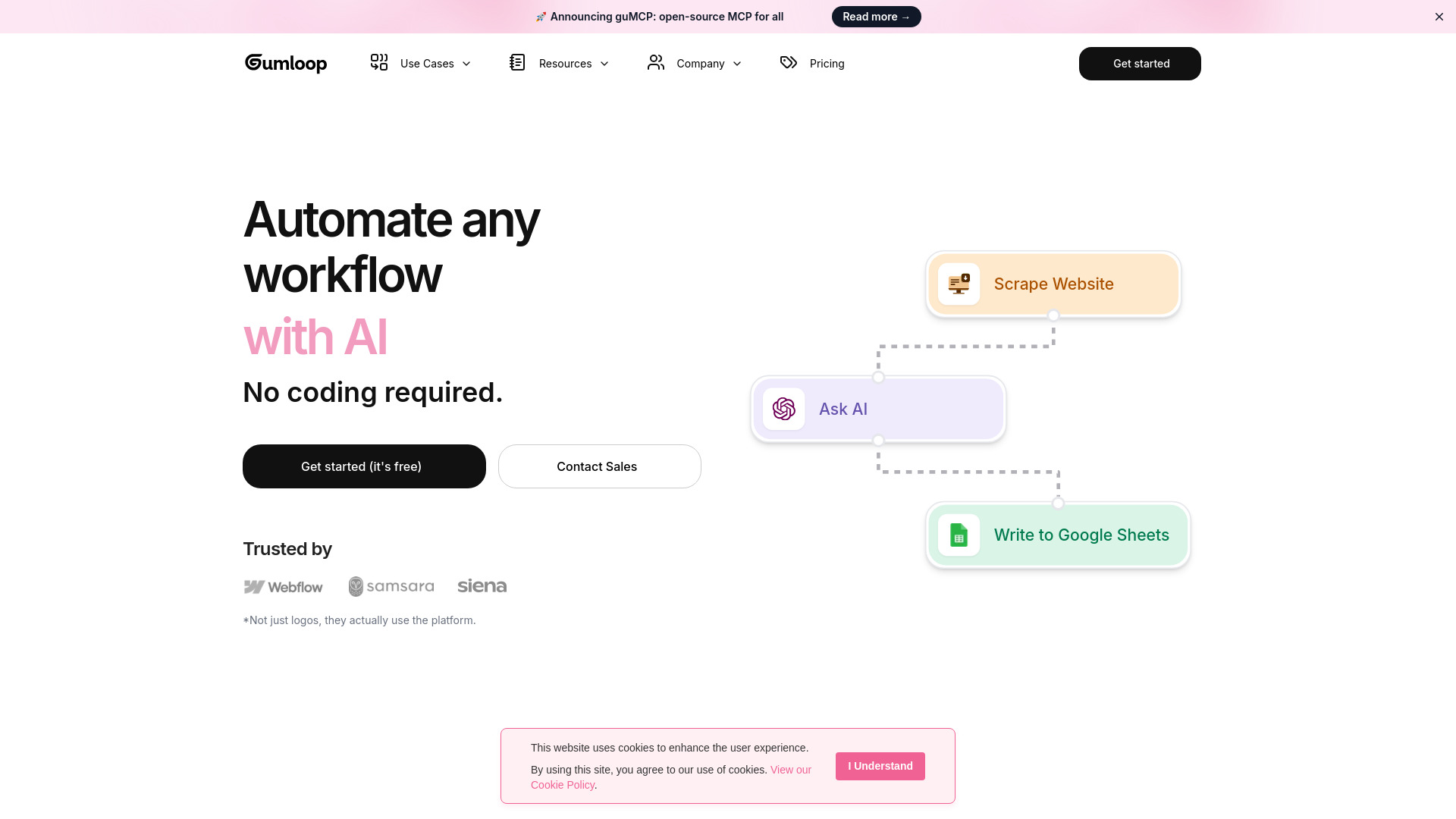
Gumloop AI is a no-code platform for building, running, and hosting AI-powered business automations. Teams connect databases, spreadsheets, CRMs, and internal tools, then orchestrate language models and other AI services to automate repetitive work. Flows can be triggered by email, Slack, schedules, or webhooks and deployed to production without DevOps. With pre-built workflows, reusable nodes, and support for custom node creation, Gumloop emphasizes ease of use, scalability, and security so organizations can move from prototype to enterprise-grade automation quickly.
Gumloop AI Features
- No-code flow builder: Drag-and-drop nodes, branching, and conditions to design AI-powered workflows without writing code.
- Data connectivity: Connect common data sources such as spreadsheets, databases, CRMs, cloud storage, and internal APIs to read and write operational data.
- AI orchestration: Integrate LLM prompts, document parsing, summarization, extraction, and classification to automate text-heavy processes.
- Flexible triggers: Start flows via email, Slack commands, scheduled runs, or incoming webhooks; send outputs back to Slack, email, or downstream systems.
- Pre-built workflows: Use templates for common business tasks to accelerate setup and standardize best practices.
- Custom node creation: Extend capabilities with reusable custom nodes to call proprietary services or tailor logic to your stack.
- Scalable runtime: Managed hosting with concurrency controls, retries, and error handling to support production workloads.
- Monitoring and control: Run history, logs, and alerts to troubleshoot and optimize throughput and accuracy.
- Security and compliance: Enterprise-ready controls and deployment practices designed for governance and data protection.
Who Is Gumloop AI For
Gumloop AI suits business operations, customer support, sales, marketing, and data teams that need to automate repeatable, text-centric tasks. It helps startups build fast without engineering lift, empowers SMBs to streamline processes across tools, and gives enterprises a governed way to scale AI workflows across departments with reliability and security.
How to Use Gumloop AI
- Sign up and create a new project from a template or start with a blank workflow.
- Connect your data sources (e.g., spreadsheets, databases, CRMs) and set authentication.
- Design the flow in the visual builder by adding steps for AI tasks, data transforms, and routing.
- Configure AI components (prompts, context, parameters) and map inputs/outputs between nodes.
- Add triggers such as Slack, email, schedules, or webhooks to launch the automation.
- Test with sample data, review logs, and refine prompts or rules for accuracy.
- Set permissions and guardrails, then publish the workflow to the managed runtime.
- Monitor runs, track metrics, and iterate using versioned updates and alerts.
Gumloop AI Industry Use Cases
E-commerce teams automate product content enrichment, order triage, and return approvals triggered from email or helpdesk events. SaaS companies route and qualify leads from webhooks, summarize calls, and push insights to Slack. Finance teams extract fields from invoices and reconcile records to a database. HR and recruiting standardize resume parsing and candidate summaries, while support teams auto-draft ticket replies for agent review.
Gumloop AI Pricing
For current plan details, usage limits, and any trial availability, please refer to the official Gumloop AI website or contact the team. Options typically vary by features, usage, and organizational needs, with enterprise plans available for larger deployments.
Gumloop AI Pros and Cons
Pros:
- No-code builder accelerates automation without dedicated engineering.
- Flexible triggers and connectors unify tools across the tech stack.
- Pre-built workflows reduce setup time and promote best practices.
- Custom nodes enable deep integration with proprietary systems.
- Managed, scalable runtime with monitoring supports production use.
Cons:
- Complex, multi-step logic may still require careful design and testing.
- AI outputs can vary and may need human review for high-stakes tasks.
- Throughput and model/API limits can affect latency and cost at scale.
- Data governance requirements may necessitate additional controls and reviews.
- Migrating legacy scripts or niche systems can require custom work.
Gumloop AI FAQs
-
Does Gumloop AI require coding?
No. Most workflows are built with a visual, no-code designer, while advanced teams can extend functionality with custom nodes.
-
What triggers can start a Gumloop AI flow?
Common triggers include email, Slack commands, scheduled runs, and inbound webhooks. Outputs can be sent back to those channels or other systems.
-
How does Gumloop AI handle security?
The platform emphasizes enterprise-ready security and compliance, with controls designed to protect data and support governance needs.
-
Can I integrate proprietary systems?
Yes. Use connectors for popular tools and create custom nodes to call internal services or APIs as part of your workflow.
-
Is Gumloop AI suitable for production workloads?
Yes. It provides a managed runtime with scaling, retries, and monitoring to support reliable production automations.