
- Home
- AI Email Writer
- ChatGPT Writer
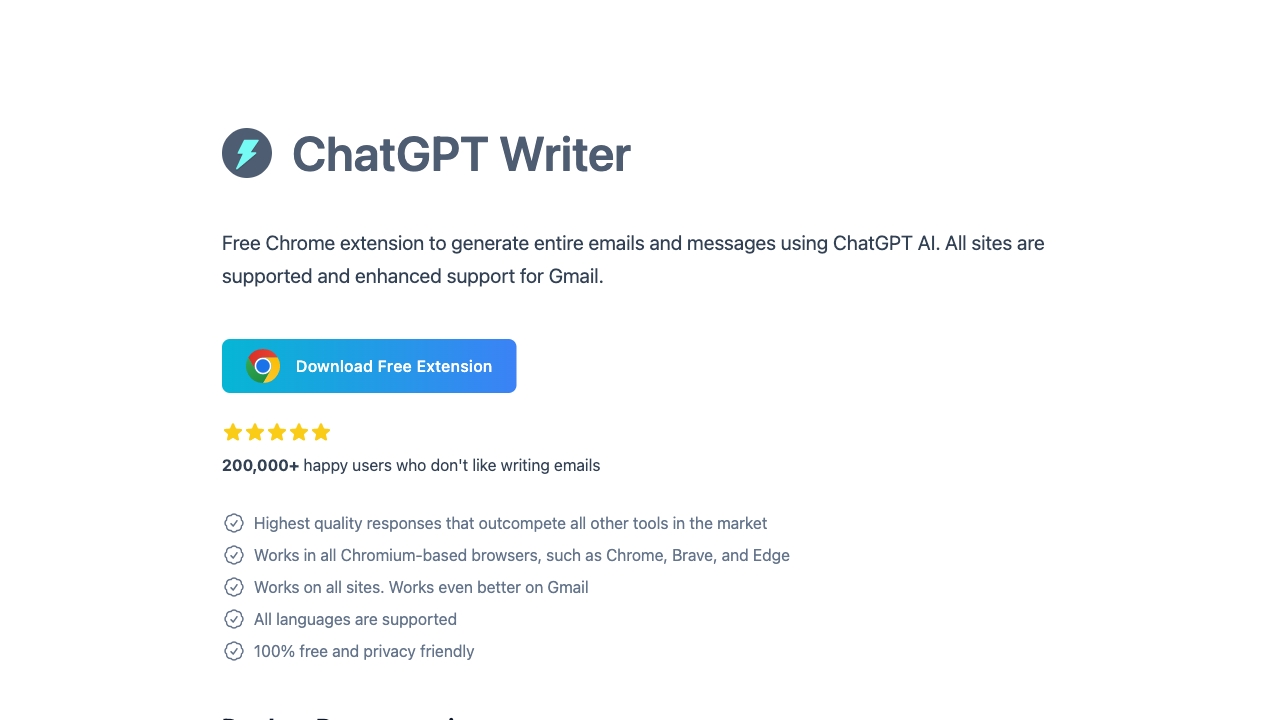
ChatGPT Writer
Open Website-
Tool Introduction:AI writes emails from keywords—Gmail & LinkedIn, tone and model control.
-
Inclusion Date:Oct 30, 2025
-
Social Media & Email:


Tool Information
What is ChatGPT Writer AI
ChatGPT Writer AI is a free Chrome extension that turns brief keywords into polished emails and replies across Gmail and the web. Powered by leading models like GPT‑4.1, Claude, and Gemini, it helps you compose, rewrite, translate, and proofread with natural tone control and adjustable length. With advanced Gmail and LinkedIn integration, prompt templates, and model switching, it speeds up outreach, support, and research while keeping your writing clear, consistent, and multilingual. Use it anywhere you write to generate drafts, fix grammar, and tailor responses in seconds.
Main Features of ChatGPT Writer AI
- AI email generator: Create complete emails and replies from a few keywords or bullet points.
- Advanced Gmail integration: Compose, reply, and insert drafts directly into Gmail threads with context awareness.
- LinkedIn integration: Craft connection requests, InMail, and comment replies with tone presets.
- Switchable AI models: Choose between GPT‑4.1, Claude, and Gemini to match speed, style, or cost preferences.
- Tone and length control: Set formal, friendly, persuasive, or custom tone and select response length.
- Prompt templates: Save reusable templates for outreach, follow‑ups, support replies, and more.
- Grammar and style correction: Instantly refine clarity, correctness, and conciseness.
- Translation and localization: Write and translate in multiple languages for global communication.
- Research assistance: Summarize pages, extract key points, and draft responses on any site.
- Works across the web: Use the extension in text boxes on most websites and web apps.
Who Can Use ChatGPT Writer AI
Sales reps, marketers, recruiters, customer support agents, founders, and freelancers can accelerate outreach and follow‑ups. HR teams and operations staff can standardize internal communications. Students and educators can refine drafts and translations. Non‑native speakers can improve grammar and tone. Anyone who writes frequent emails or LinkedIn messages benefits from faster, clearer, and more consistent communication.
How to Use ChatGPT Writer AI
- Install the free Chrome extension and pin it to your toolbar.
- Open Gmail, LinkedIn, or any site with a text editor and click the extension icon.
- Select your preferred AI model (e.g., GPT‑4.1, Claude, Gemini) and choose tone and length.
- Enter a few keywords or paste context; optionally pick a prompt template.
- Generate a draft, then refine with rewrite, expand, shorten, or translate options.
- Insert the result into the editor, make final edits, and personalize as needed.
- Send, save, or schedule your message directly from Gmail or the target platform.
ChatGPT Writer AI Use Cases
Sales teams craft personalized outreach, follow‑ups, and objection‑handling replies; recruiters write LinkedIn messages and candidate updates; support teams generate clear, multilingual responses; marketers draft newsletters, announcements, and social replies; founders prepare investor emails; HR teams standardize policy communications; educators and students improve clarity and translate drafts; product managers summarize research and write stakeholder updates.
ChatGPT Writer AI Pricing
ChatGPT Writer AI is offered as a free Chrome extension with core email writing, reply generation, and integration features. Model availability and usage may depend on service access or account requirements for providers like GPT‑4.1, Claude, or Gemini. No trial is needed to get started; simply install and begin composing.
Pros and Cons of ChatGPT Writer AI
Pros:
- Fast, high‑quality email and reply generation from minimal input.
- Deep Gmail and LinkedIn integration for seamless workflows.
- Switchable AI models to balance quality, speed, and style.
- Tone presets, length control, and prompt templates for consistency.
- Multilingual writing, translation, and grammar correction.
Cons:
- Output quality depends on prompt clarity and available context.
- Potential rate limits or model restrictions based on provider access.
- Requires internet connectivity and may be affected by service uptime.
- Users should avoid sharing sensitive data; review privacy settings.
- May need manual edits to ensure brand voice and accuracy.
FAQs about ChatGPT Writer AI
-
Is ChatGPT Writer AI free?
Yes. it's a free Chrome extension; model availability may depend on provider access.
-
Does it work outside Gmail?
Yes. You can generate and insert content on most websites, including LinkedIn.
-
Which AI models are supported?
It supports switching between models such as GPT‑4.1, Claude, and Gemini when available.
-
Can I control tone and length?
Yes. Choose from tone presets or set a custom style and adjust response length.
-
Is my data secure?
Avoid sharing sensitive information and review the extension’s privacy policy and settings.