
- Home
- AI Grammar Checker
- Essay Grader
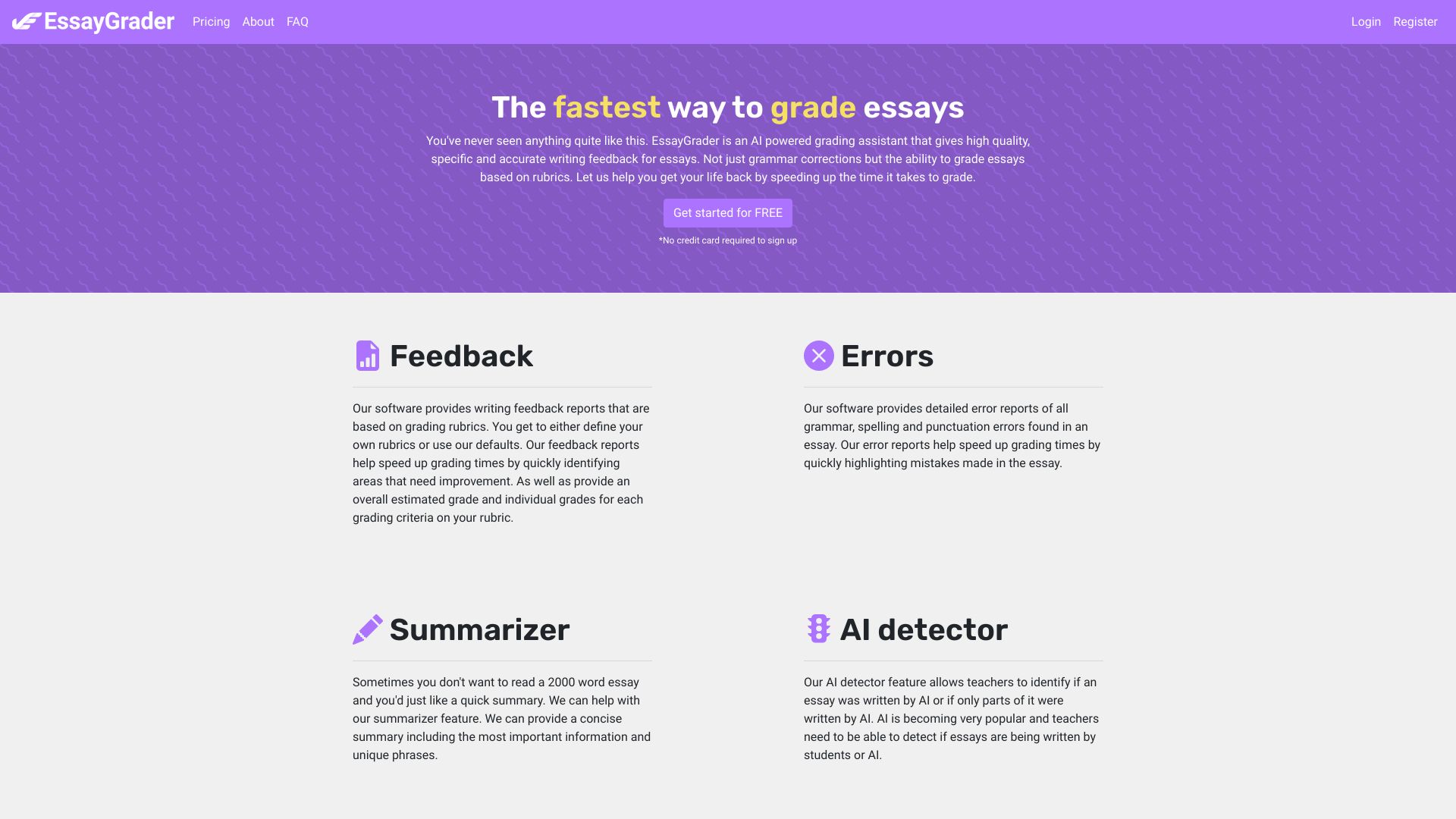
Essay Grader
Open Website-
Tool Introduction:Essay Grader AI automates rubric grading, feedback reports, LMS sync.
-
Inclusion Date:Nov 08, 2025
-
Social Media & Email:

Tool Information
What is Essay Grader AI
Essay Grader AI is an AI-powered grading assistant that helps teachers evaluate essays and research papers faster without sacrificing fairness. It analyzes student writing against custom or standard grading rubrics, highlights grammar and style errors, and generates clear feedback reports and concise essay summaries. With bulk upload, plagiarism detection, and integrations with Google Classroom and Canvas LMS, it streamlines assignment collection, scoring, and feedback return, reducing turnaround time and supporting consistent, rubric-based assessment at scale.
Main Features of Essay Grader AI
- Rubric-based scoring: Apply custom or preset rubrics with weighted criteria for consistent, standards-aligned assessment.
- Detailed feedback reports: Produce actionable comments and strengths/areas for improvement for each criterion.
- Error reports: Flag grammar, mechanics, and style issues to guide targeted revisions.
- Essay summaries: Generate concise overviews to quickly grasp thesis, structure, and key points.
- Plagiarism detection: Check originality with similarity insights to support academic integrity.
- Bulk upload and batch grading: Process entire classes or multiple assignments in one workflow.
- LMS integrations: Connect with Google Classroom and Canvas LMS to simplify assignment intake and feedback return.
- Customizable settings: Control rubric criteria, feedback tone, and report depth to match your grading style.
Who Can Use Essay Grader AI
Essay Grader AI is designed for K–12 teachers, higher education instructors, writing center staff, and tutors who need faster, consistent, rubric-aligned grading. It also supports department heads standardizing assessments across courses, ELL and special education educators delivering scaffolded feedback, and test-prep programs handling high volumes of practice essays.
How to Use Essay Grader AI
- Create an account and connect your class, or integrate with Google Classroom or Canvas.
- Set up an assignment and choose or import a custom rubric with your criteria and weights.
- Upload essays individually or via bulk upload, or import submissions from your LMS.
- Select options such as plagiarism detection and feedback detail level, then start the analysis.
- Review AI-generated scores, feedback reports, error highlights, and essay summaries; edit or override as needed.
- Publish grades and return feedback to students, or sync results back to your LMS.
Essay Grader AI Use Cases
Teachers use Essay Grader AI to grade argumentative essays in English classes, research papers in social studies, and lab reports in science with consistent rubric criteria. Writing centers employ it for formative feedback before conferences. Universities use it to triage large cohorts in composition courses. Districts standardize common assessments, while tutors and test-prep programs accelerate practice essay review with quick, targeted comments.
Pros and Cons of Essay Grader AI
Pros:
- Speeds up grading with rubric-aligned, consistent scoring.
- Generates clear feedback reports and error highlights to guide revisions.
- Supports bulk grading and large class workflows.
- Integrates with Google Classroom and Canvas for smoother assignment management.
- Includes plagiarism checks and concise essay summaries.
- Custom rubrics align with course or district standards.
Cons:
- Automated scoring can miss nuanced arguments or creative styles without teacher review.
- Initial rubric setup and customization require upfront time.
- Plagiarism similarity matches may need manual verification to avoid false positives.
- Requires reliable internet access and adherence to student data privacy policies.
- LMS features may vary by integration and institution settings.
FAQs about Essay Grader AI
-
Does Essay Grader AI replace teachers?
No. It assists with scoring and feedback, but teachers retain control to review, edit, and finalize grades.
-
Can I use my own grading rubric?
Yes. You can create custom rubrics or import existing ones to align with your course outcomes.
-
How does plagiarism detection work?
The tool runs a similarity check to flag potential matches so you can review sources and context before deciding.
-
Is it compatible with Google Classroom and Canvas?
Yes. It integrates to simplify assignment intake and feedback return within your LMS workflow.
-
Can students see detailed feedback?
Instructors can choose to share feedback reports and error highlights, including rubric-level comments.