
- Home
- AI Developer Tools
- Weights & Biases
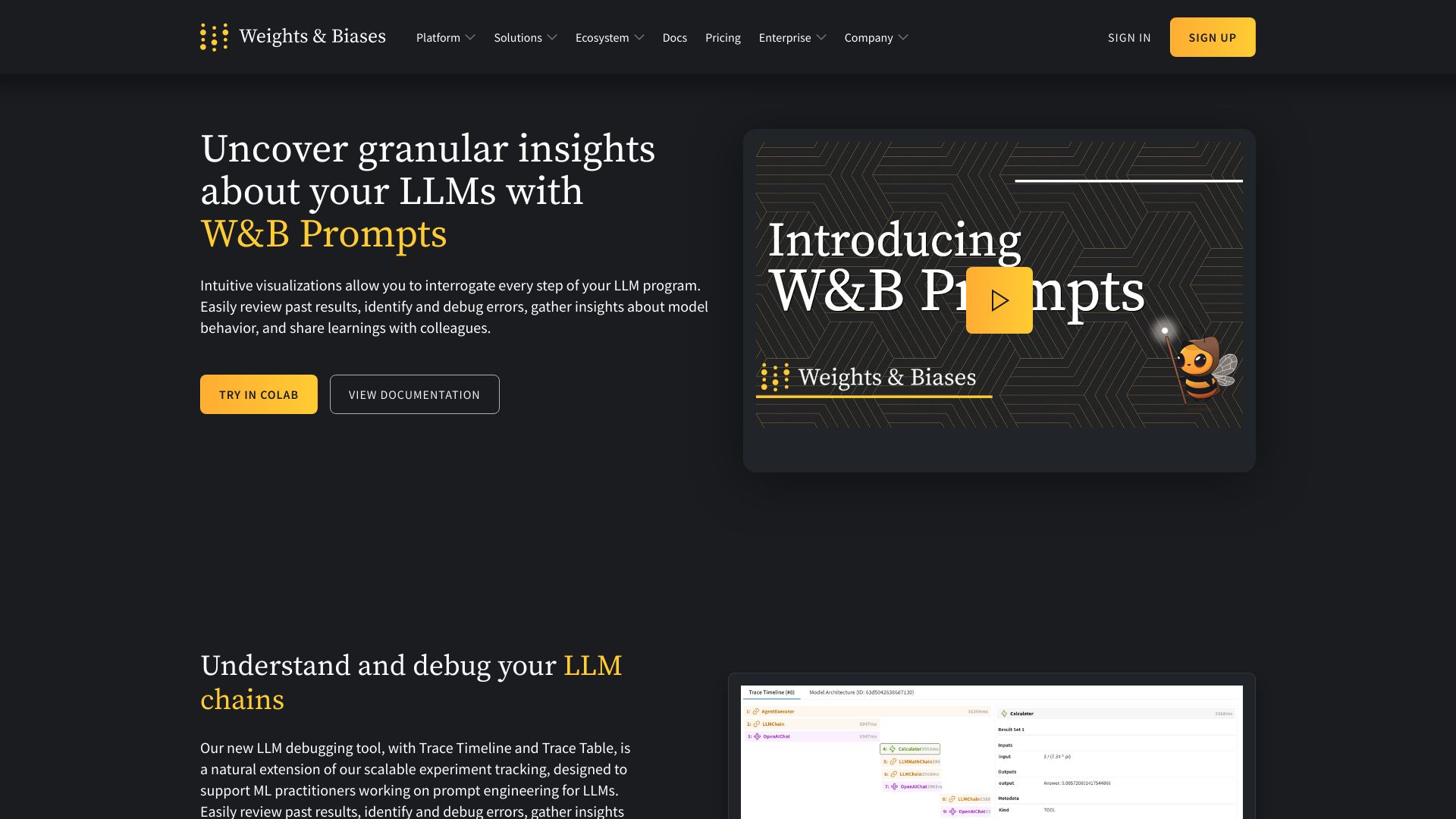
Weights & Biases
Open Website-
Tool Introduction:Track experiments, fine-tune LLMs, manage models from lab to prod.
-
Inclusion Date:Oct 21, 2025
-
Social Media & Email:
Tool Information
What is Weights & Biases AI
Weights & Biases AI is a developer platform for building reliable machine learning and generative AI systems. It unifies experiment tracking, dataset and model versioning, hyperparameter tuning, evaluation, and a model registry into one workflow from research to production. For LLMOps, W&B Prompts streamlines prompt engineering, testing, and evaluation, while W&B Weave provides tools to build, observe, and debug agentic AI applications. Teams gain reproducibility, visibility, and collaboration across training, fine-tuning, and deployment.
Weights & Biases AI Main Features
- Experiment tracking: Log metrics, parameters, artifacts, and system stats with rich dashboards for comparison and reproducibility.
- Dataset and model versioning: Manage inputs and outputs end to end, keep provenance, and promote models through a registry.
- Hyperparameter tuning: Orchestrate and compare sweeps to find optimal configurations efficiently.
- LLMOps with W&B Prompts: Centralize prompt versions, run structured prompt tests, and evaluate quality, latency, and cost.
- GenAI evaluation and observability: Compare generations using automated and human-in-the-loop evaluations; monitor live app behavior.
- W&B Weave for agents: Build and inspect agent workflows with tracing, telemetry, and debugging to improve reliability.
- Collaboration and governance: Share reports, annotate runs, control access, and standardize workflows across teams.
- Flexible integrations: Use Python SDKs and APIs to integrate with popular ML frameworks, data pipelines, and inference providers.
Who Should Use Weights & Biases AI
Ideal for data scientists, ML engineers, and LLM/GenAI teams who need reliable experiment tracking, fine-tuning, and LLMOps. It suits research groups validating models, product teams shipping GenAI features, and platform/MLOps teams standardizing evaluation, registry, and monitoring across the ML lifecycle.
How to Use Weights & Biases AI
- Create an account and workspace; configure project settings and access controls.
- Install the SDK and authenticate; initialize runs in your training or inference scripts.
- Log metrics, parameters, datasets, and model artifacts for full reproducibility.
- Run sweeps for hyperparameter tuning and compare performance across runs.
- Use W&B Prompts to version prompts, define evaluation sets, and A/B test prompt strategies.
- Build agentic workflows with W&B Weave; add tracing and inspect steps, tool calls, and outcomes.
- Register best models, manage stages (staging/production), and track lineage and approvals.
- Set up dashboards and alerts; share reports and insights with collaborators and stakeholders.
Weights & Biases AI Industry Use Cases
E-commerce teams fine-tune ranking and search models, version datasets, and evaluate chat assistants with prompt tests. Customer support groups assess LLM responses for accuracy and safety, tracking deflection rate and latency. Healthcare NLP projects manage de-identification experiments with strict lineage. Robotics and autonomy teams run large-scale sweeps for control policies. SaaS products build onboarding or retrieval-augmented agents in Weave and observe real-time behavior and costs.
Weights & Biases AI Pricing
Weights & Biases AI typically offers a free plan suitable for individuals and small projects, plus paid Team and Enterprise tiers with higher usage limits, advanced security, governance features, and support. For detailed pricing, feature limits, or private deployment options, contact the vendor.
Weights & Biases AI Pros and Cons
Pros:
- End-to-end coverage of MLOps and LLMOps in a single platform.
- Robust experiment tracking, visualization, and comparison tools.
- Streamlined prompt engineering and GenAI evaluation workflows.
- Agent development and debugging with Weave’s tracing and telemetry.
- Strong collaboration, governance, and model registry capabilities.
- Scales from notebooks to production environments with flexible APIs.
Cons:
- Initial learning curve for new users and teams standardizing processes.
- Requires code instrumentation to realize full value.
- Costs can grow with team size, usage, and retention needs.
- Cloud-centric workflows may require careful data residency planning.
- Overhead may be high for very small or short-lived projects.
Weights & Biases AI FAQs
-
What’s the difference between W&B Prompts and Weave?
Prompts focuses on prompt versioning, testing, and evaluation for LLM apps, while Weave provides tooling to build, trace, and debug agentic workflows.
-
Can I use Weights & Biases AI with my existing ML stack?
Yes. It integrates via Python SDKs and APIs with widely used ML frameworks, data pipelines, and LLM providers.
-
Does it support private or on-premise deployments?
Enterprise customers can opt for private deployment options to meet security and compliance requirements.
-
How does it help evaluate GenAI quality?
It enables structured evaluations using test sets, automated metrics, and human reviews, with dashboards to compare quality, cost, and latency.