
- Home
- AI Video Editor
- Promo
Promo
Open Website-
Tool Introduction:Privacy-first AI search with GPT-4 answers, writing and image tools.
-
Inclusion Date:Oct 21, 2025
-
Social Media & Email:


Tool Information
What is Promo AI
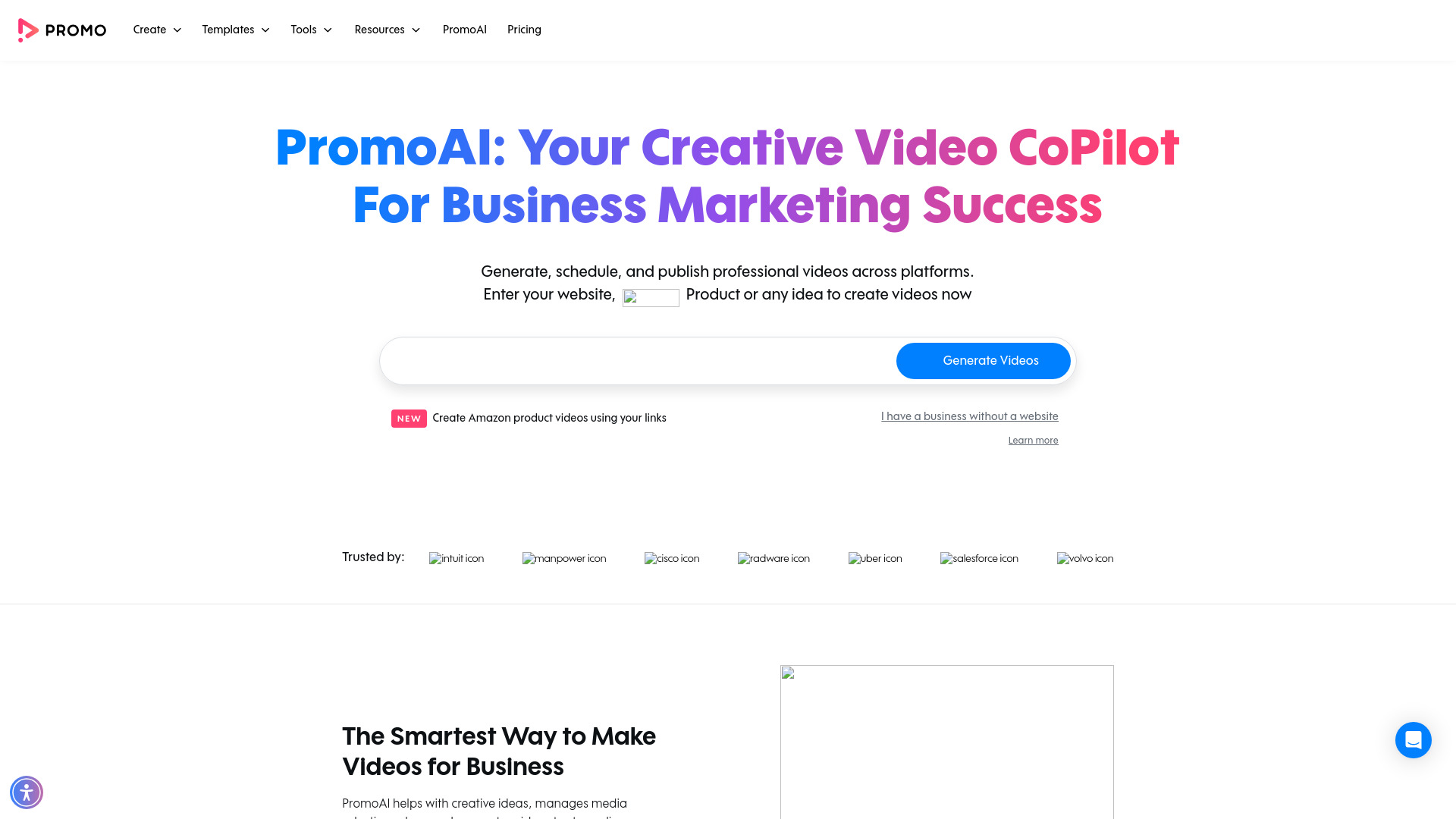
Promo AI is the AI-powered video creation tool from Promo.com that helps marketers, small businesses, and agencies turn ideas into publish-ready promotional videos. It combines text-to-video generation with an online video maker, slideshow and GIF tools, and streamlined editing to produce ads, social posts, explainers, and announcements fast. With a large library of stock footage, music, and templates, Promo AI suggests scripts, assembles scenes, applies branding, and lets you schedule or publish across channels with consistent quality and speed.
Promo AI Main Features
- AI text-to-video generation: Turn a brief or prompt into scripts, scenes, and on-brand layouts within minutes.
- Template matching: Recommended templates tailored to industry, platform, and campaign objective.
- Stock library access: Browse a vast collection of licensed stock footage, images, and music to enrich any video.
- Brand kit support: Apply logos, colors, and fonts for consistent branding across all outputs.
- Platform-ready formats: Quick resizing and aspect ratios tuned for Instagram, Facebook, YouTube, and more.
- Built-in captions and text: Add subtitles, titles, and motion text for clarity and accessibility.
- Online video, slideshow, and GIF tools: Create short promos, slideshows, and looping visuals without heavy software.
- Scheduling and publishing: Generate, schedule, and publish content to multiple channels from one workspace.
- Streamlined editing: Trim, crop, reorder scenes, adjust timing, and fine-tune music to match your message.
- Team-friendly workflow: Facilitate faster approvals and consistent output across teams and clients.
Who Should Use Promo AI
Promo AI suits marketers, social media managers, small business owners, agencies, and content creators who need fast, on-brand videos for ads, product launches, promotions, events, and social updates. It also helps ecommerce sellers, real estate professionals, non-profits, and local services produce professional visuals without deep video-editing expertise.
How to Use Promo AI
- Sign in to Promo.com and open Promo AI from the video creation dashboard.
- Enter a goal or prompt (e.g., product promo, event teaser), choose an industry and target platform, or start from a template.
- Review the AI-generated script and storyboard; refine tone, length, and calls to action.
- Replace or augment scenes with stock clips or your own uploads; adjust text overlays and timing.
- Apply your brand kit (logo, colors, fonts) and switch aspect ratios for different channels.
- Add music, edit captions, and preview to ensure pacing and messaging are on point.
- Export the video or schedule/publish directly to selected social platforms.
Promo AI Industry Use Cases
An ecommerce brand can generate a product spotlight for Instagram, complete with lifestyle stock footage and upbeat music. A restaurant can build a seasonal promotion video for Facebook using templates and captions. Real estate agents can create quick property highlights for listings and stories. Agencies can scale multi-variant ad creatives for A/B testing across platforms, while non-profits can assemble concise fundraising appeals with clear CTAs.
Promo AI Pricing Model
Promo AI is available through Promo.com’s subscription plans, with options suited to individuals, small teams, and agencies. Plans typically vary by features such as access to stock libraries, export options, and branding tools. For current tiers, inclusions, and any available trials, refer to the official pricing page on Promo.com.
Promo AI Pros and Cons
Pros:
- Rapid text-to-video creation for ads and social content.
- Extensive stock footage, music, and template library.
- Consistent branding via reusable brand kits.
- Easy resizing for platform-specific formats.
- Scheduling and publishing streamline distribution.
- Beginner-friendly editing with professional results.
Cons:
- Less granular control than full-featured desktop NLEs.
- AI-generated scenes may require manual fine-tuning.
- Heavy reliance on stock assets can reduce uniqueness if overused.
- Some premium libraries and exports may require higher-tier plans.
Promo AI FAQs
-
What can I create with Promo AI?
Use it to produce short promotional videos, ads, product explainers, event teasers, slideshows, and GIFs tailored for social and marketing channels.
-
Can I use my own footage and images?
Yes. You can upload your assets and mix them with Promo.com’s stock footage, templates, and music.
-
Does it support different aspect ratios?
Promo AI enables quick resizing for common formats such as square, vertical, and widescreen to fit platform requirements.
-
Can I publish directly to social platforms?
You can generate, schedule, and publish videos across supported channels from within the Promo.com workspace.
-
Do I need advanced editing skills?
No. The interface is designed for non-editors, with AI assistance, templates, and simple controls to achieve professional results.